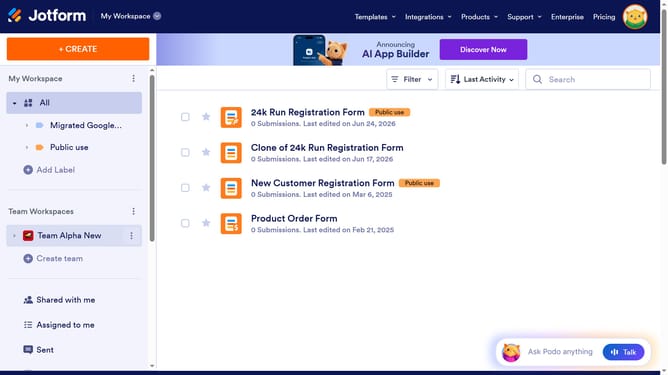
How to include a number field for country code in a registration form in Jotform
Here is how to include a number field for country code in a registration form in jotform
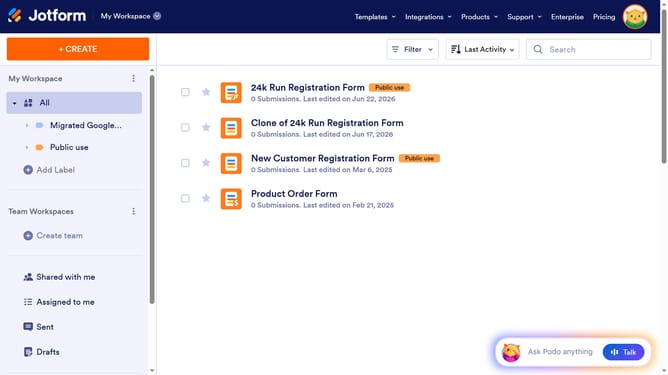
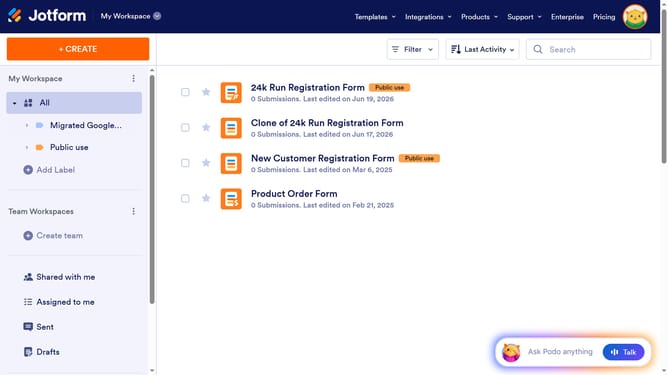
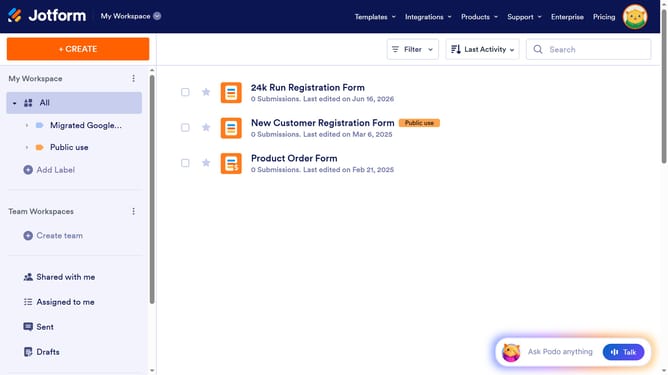
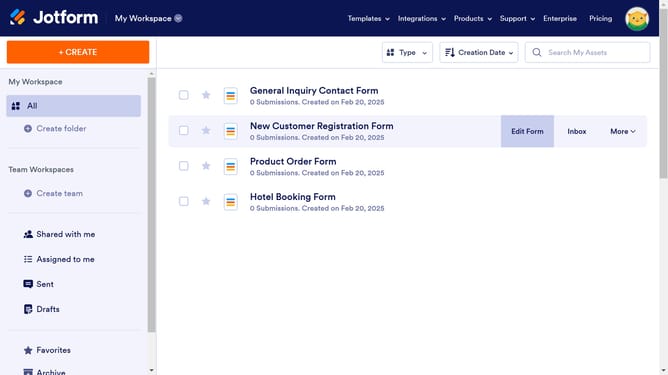
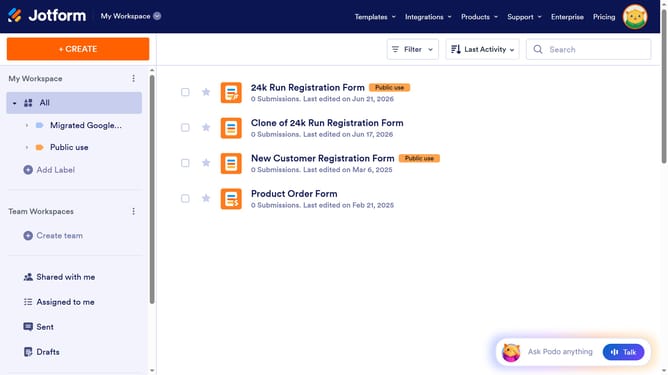
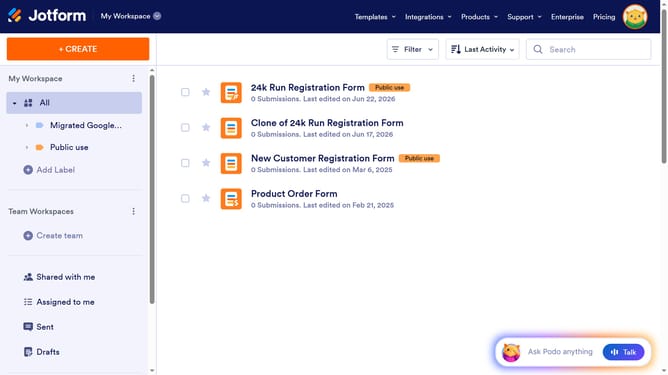
- First click on "All" item in the left sidebar
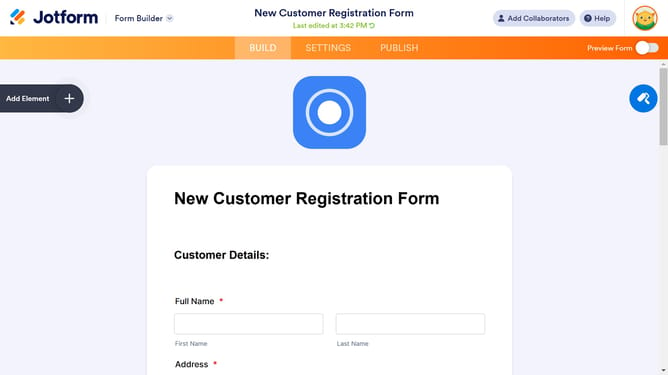
- Next click on "Edit Form" button at the right side of the form name that you want to edit
- Next click on the "Phone Number" field
- Then click on "Properties" button
- Next select "OPTIONS" tab
- Finally slide on the "Country Code" slider to enable it
Why should you include a number field for country code in a registration form in Jotform
Jotform is an intuitive platform designed to streamline the creation of customizable forms for diverse needs.
Efficiently adding a number field for country codes in a registration form ensures users can enter accurate and standardized contact information. This feature simplifies international communication by accommodating global phone number formats.
Integrating such fields enhances user experience, fosters a professional environment, and leaves a positive impression, reflecting Jotform's adaptability and focus on user-centric solutions.
Last update