How to hide signature style picker in a registration form in Jotform
Here is how to hide signature style picker in a registration form in jotform
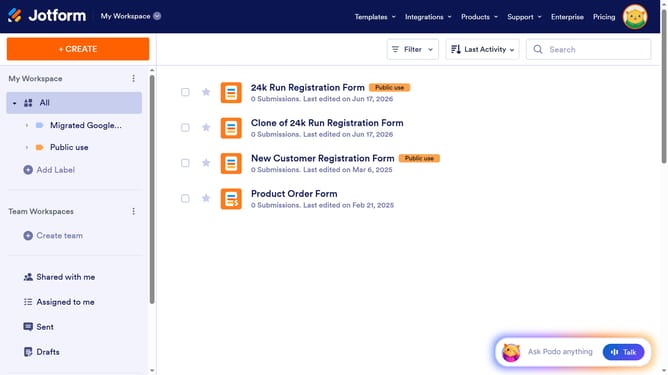
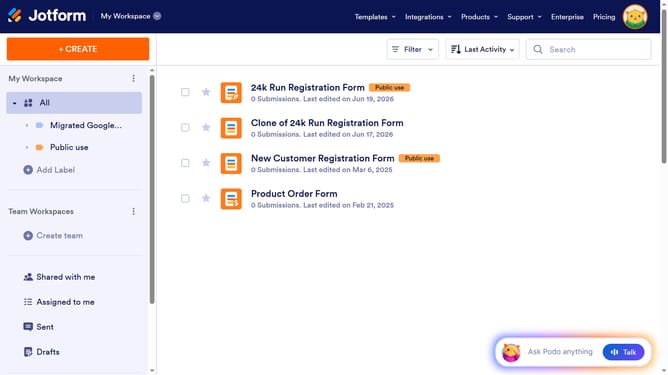
- First click on "All" in the left sidebar
- Then click on "Edit Form" button
- Then click on the signature drawing area
- Then click on the "Properties" button
- Then click on "OPTIONS" tab in the right sidebar
- Finally click on the "Show Signature Style Picker" toggle switch
Why should you hide signature style picker in a registration form in Jotform
Jotform is an intuitive online platform designed for creating and managing versatile forms.
To enhance user experience and streamline data collection, Jotform allows you to hide the signature style picker in registration forms.
This feature is particularly beneficial for maintaining consistency across collected data and simplifying the signing process for users.
By eliminating unnecessary options, it ensures a straightforward, efficient, and professional form completion experience.
Last update