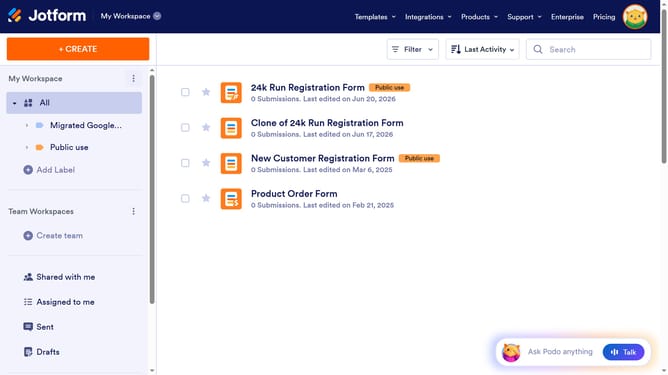
How to enable a lite mode date format in a registration form in Jotform
Here is how to enable a lite mode date format in a registration form in jotform
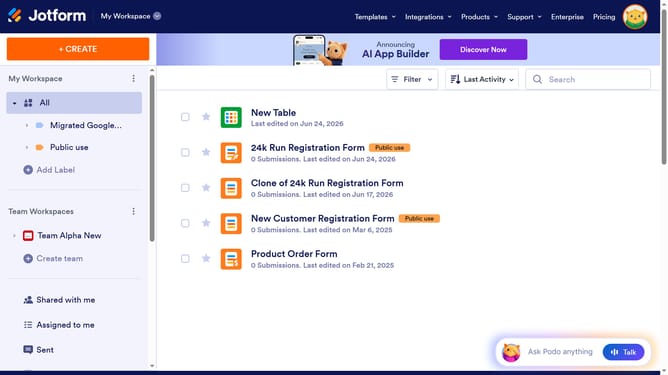
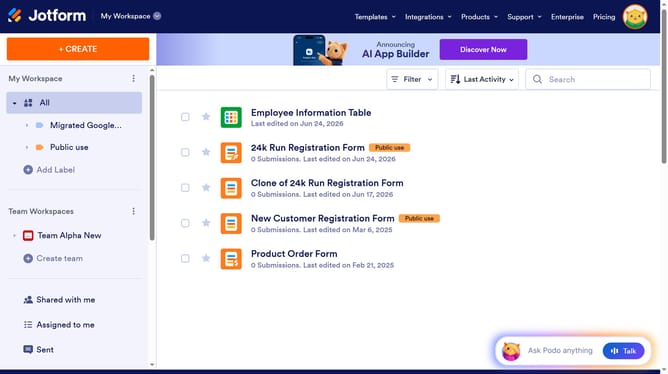
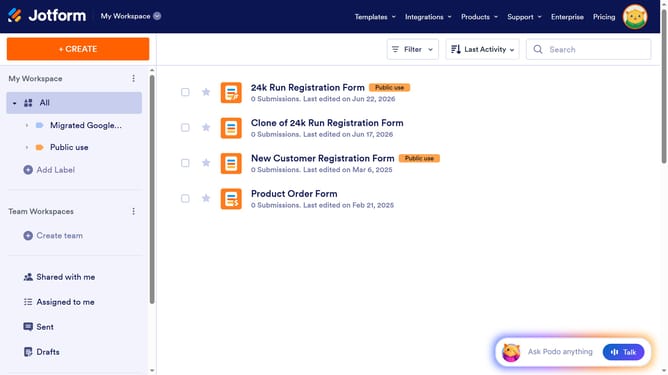
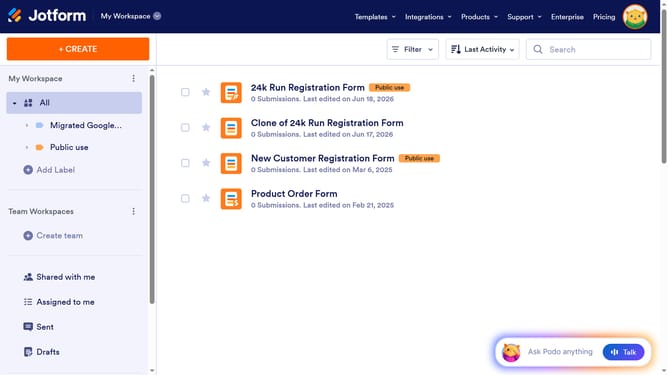
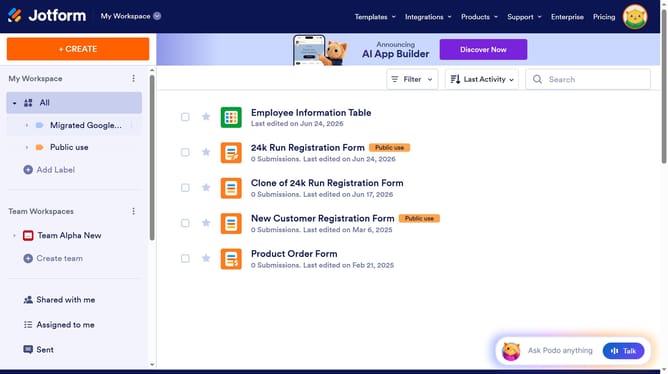
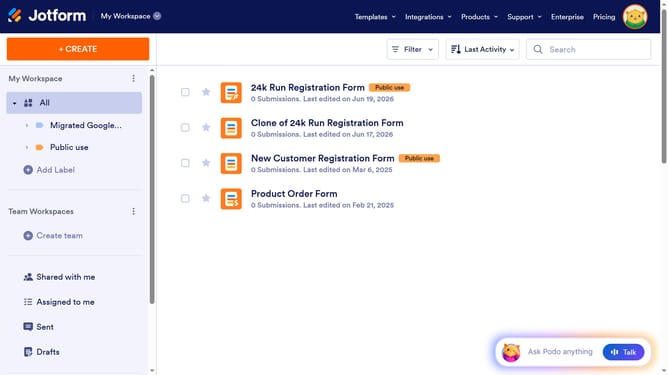
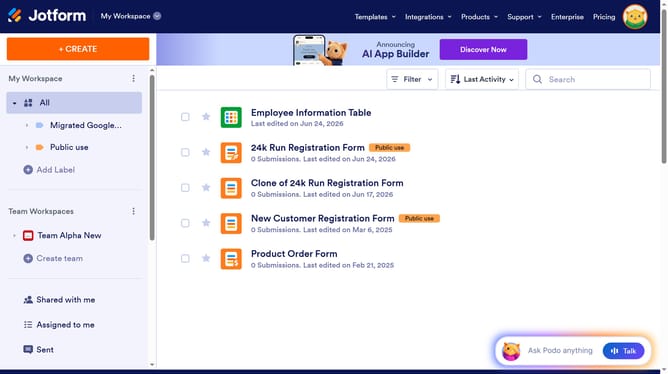
- First click on "All" item in the left sidebar
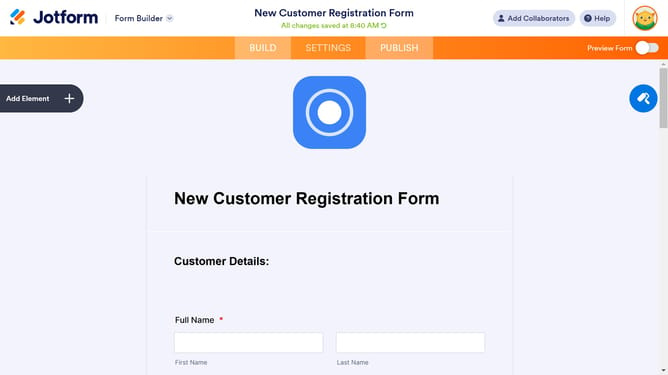
- Next click on "Edit Form" button at the right side of the form name that you want to edit
- Next click on the "Date" field in the form builder
- Then select the "Options" tab in the date picker properties panel
- Finally click on the "Lite Mode" toggle in the Options tab to enable it
Why should you enable a lite mode date format in a registration form in Jotform
Jotform is an intuitive platform designed to simplify form creation and management for users of all levels.
Enabling a lite mode date format in Jotform registration forms focuses on enhancing user experience by simplifying date input fields. This feature is specifically crafted to streamline the form-filling process, making it more visually appealing and easier to navigate.
By providing a cleaner, minimalist interface, users are less likely to encounter errors, ensuring higher completion rates and ultimately speeding up data collection for businesses.
Last update