How to duplicate a column with values in a data table in Jotform
Here is how to duplicate a column with values in a data table in jotform
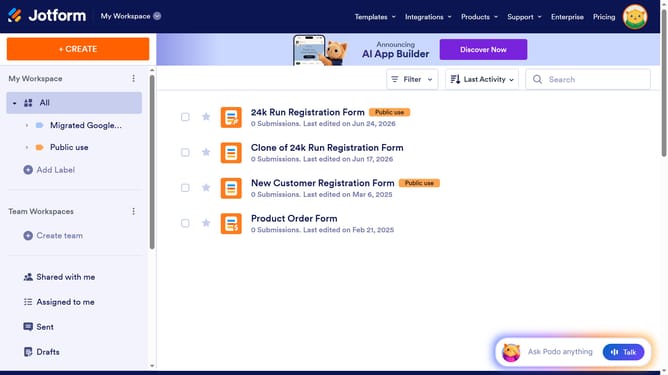
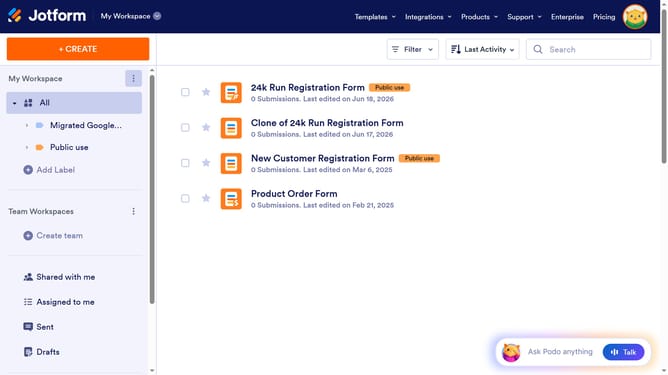
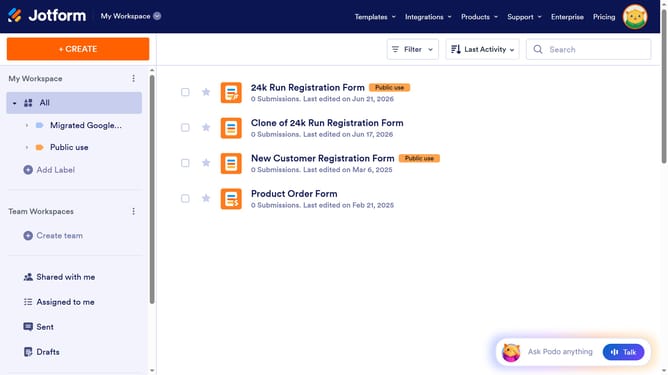
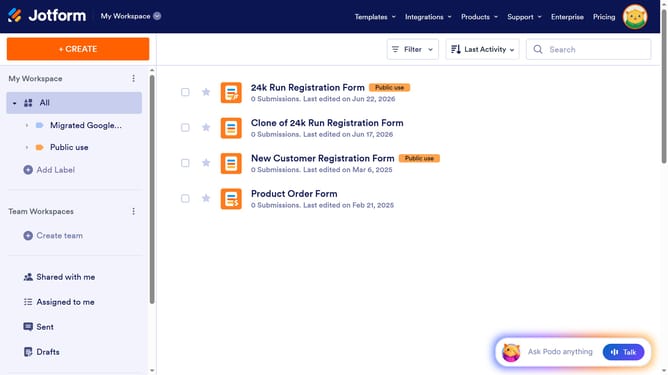
- First click on "All" in the left sidebar
- Next click on "View Table" button at the right side of the table name that you want to manage
- Then click on the three dots icon next to the column header that you want to duplicate
- Next click on "Duplicate column" option
- Finally select "Duplicate with values" from the sub-menu
Why should you duplicate a column with values in a data table in Jotform
Jotform empowers users to effortlessly create engaging forms and streamline data management.
One powerful feature within Jotform is the ability to duplicate a column with values in a data table, a handy tool for efficient data handling.
This feature proves invaluable when maintaining consistency across datasets or testing different data scenarios without hassle.
By simply duplicating a column, users can save time, reduce errors, and enhance their data management process, making workflows smoother and faster.
Last update