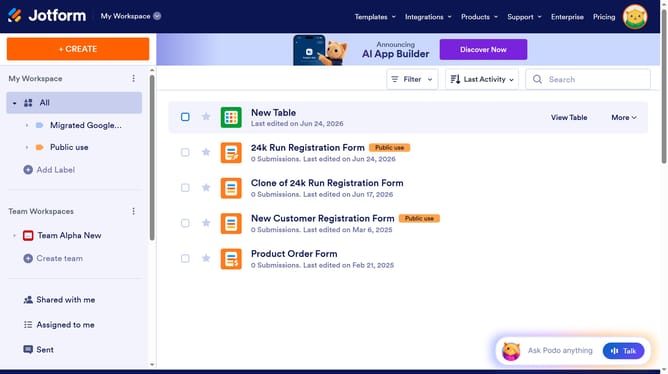
How to limit number of files in a file upload field in a registration form in Jotform
Here is how to limit number of files in a file upload field in a registration form in jotform
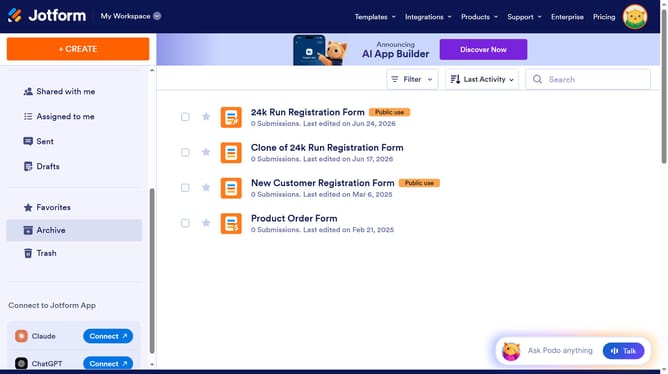
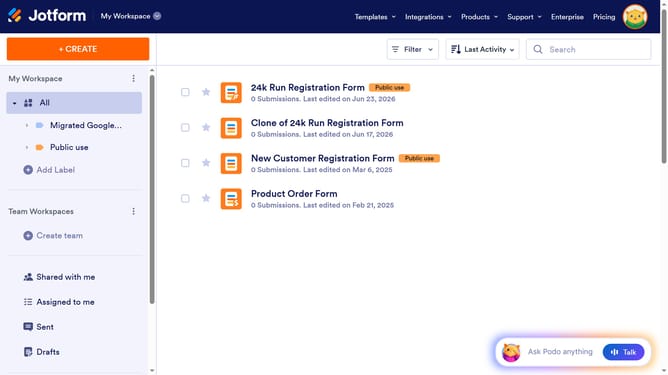
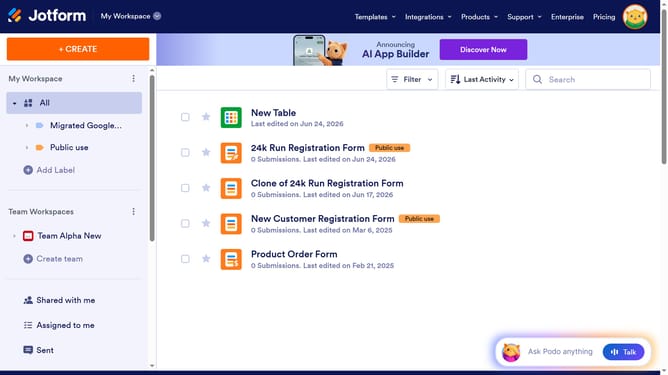
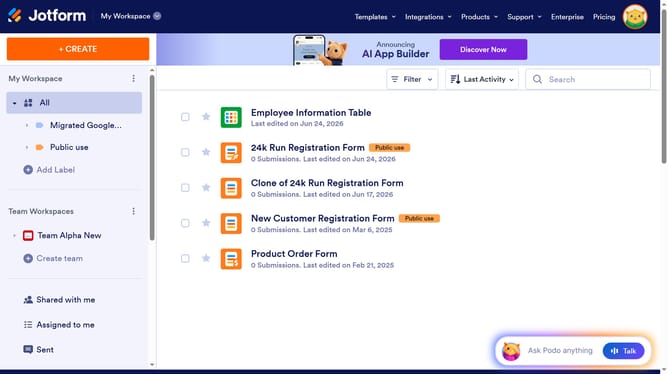
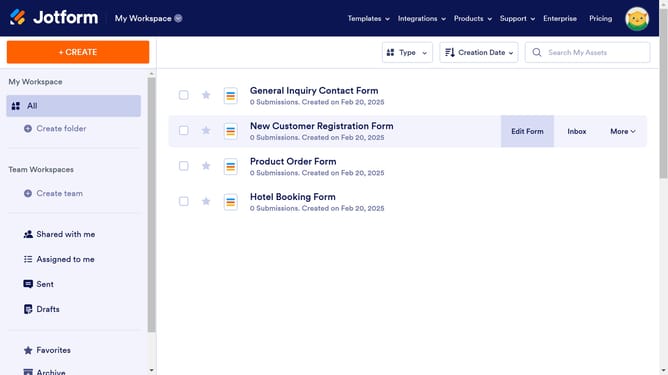
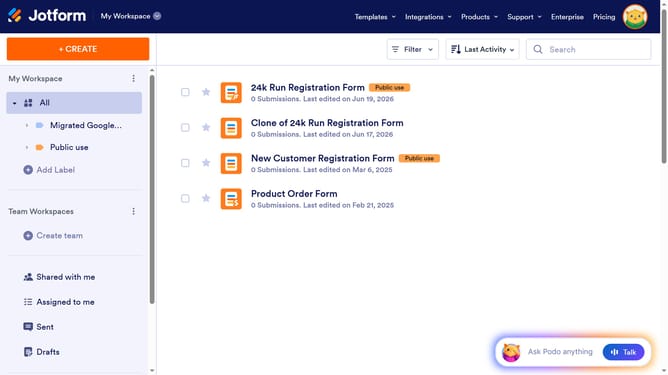
- First click on "All" on the left sidebar
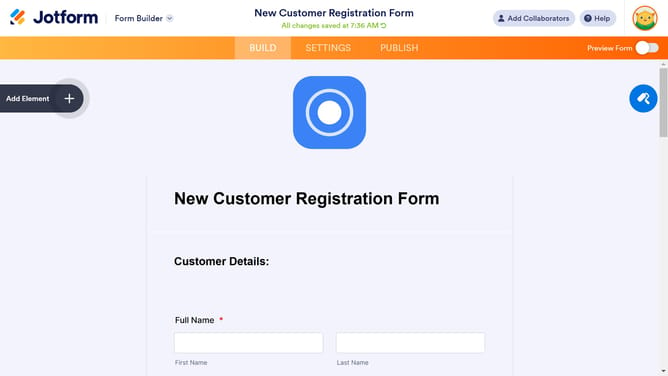
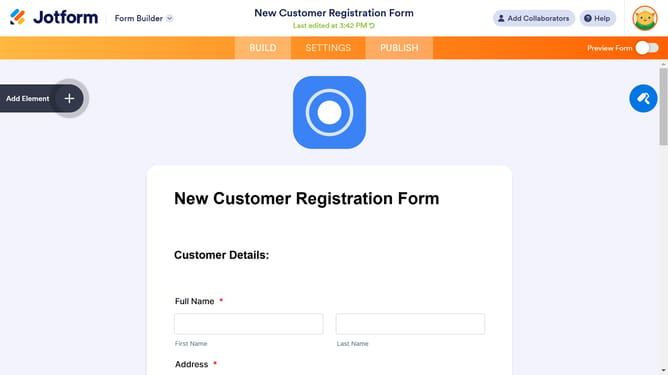
- Then click on "Edit Form" button
- Next click on the file upload field in the form builder
- Then click on the "Properties" button
- Then select the "MULTIPLE" tab
- Next click on the "Limit Number of Files" toggle switch to enable it
- Finally click on the "Limit Number of Files" input field and enter a value
Why should you limit number of files in a file upload field in a registration form in Jotform
Jotform is a powerful form builder designed to streamline data collection for individuals and businesses alike.
One of the standout features of Jotform is its ability to limit the number of files in a file upload field within a registration form. This ensures better organization and prevents information overload.
By setting a cap on file uploads, you can maintain streamlined form submissions and efficiently manage your digital storage.
This feature offers significant advantages, reducing clutter and keeping your data collection process efficient and clean.
Last update