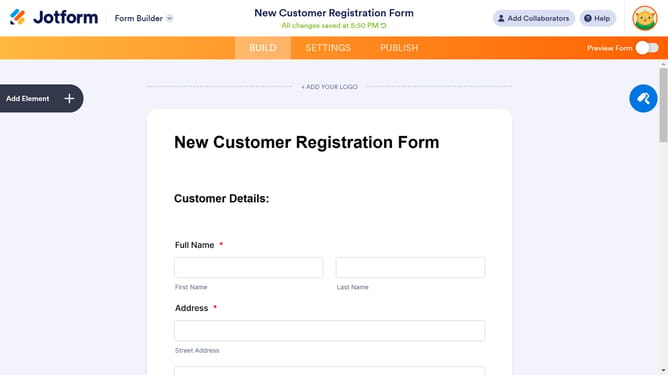
How to disable a lite mode date format in a registration form in Jotform
Here is how to disable a lite mode date format in a registration form in jotform
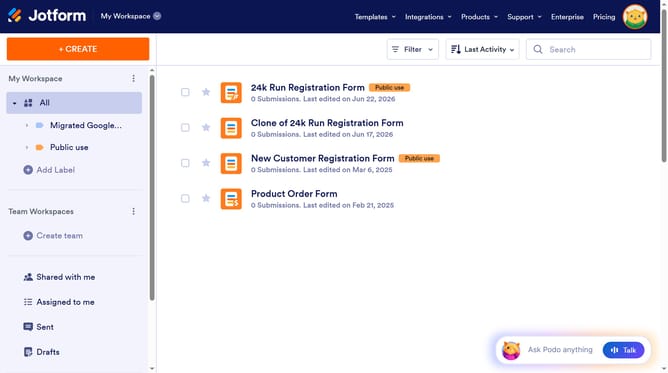
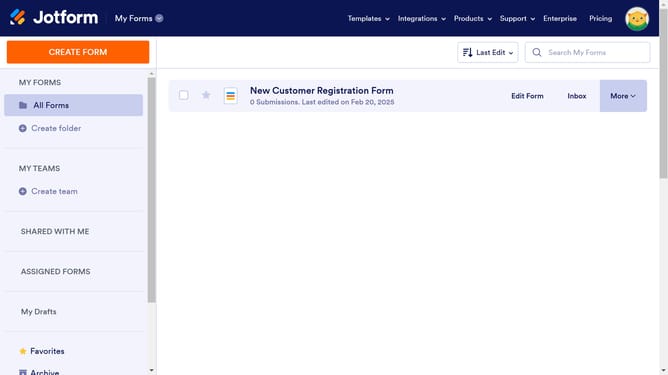
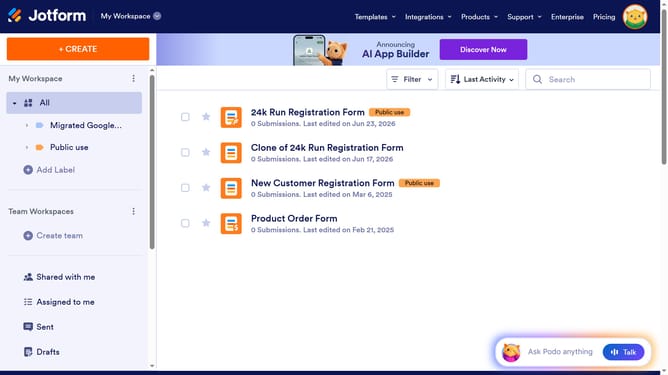
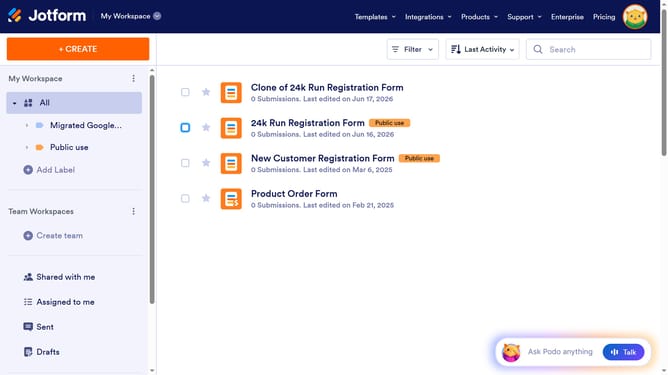
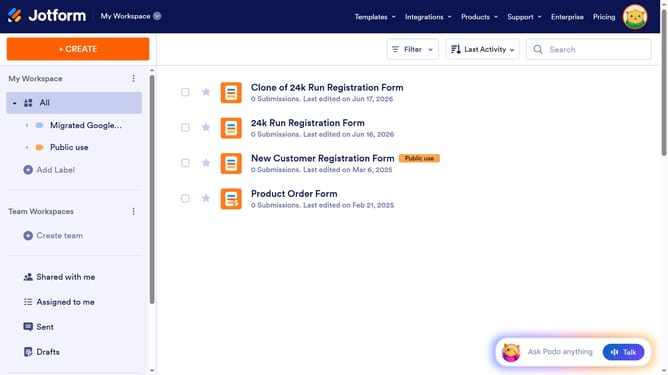
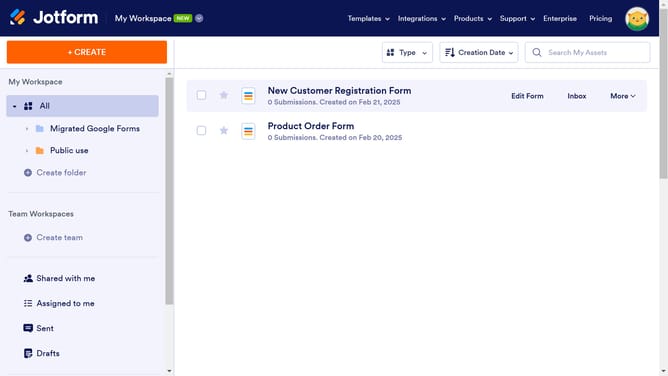
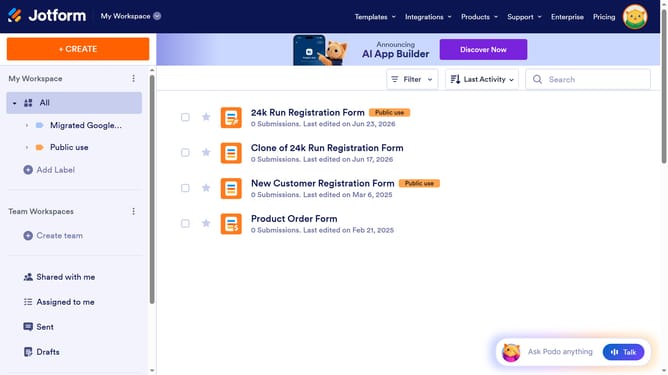
- First click on "All" in the left sidebar
- Next click on "Edit Form" button at the right side of the form name that you want to edit
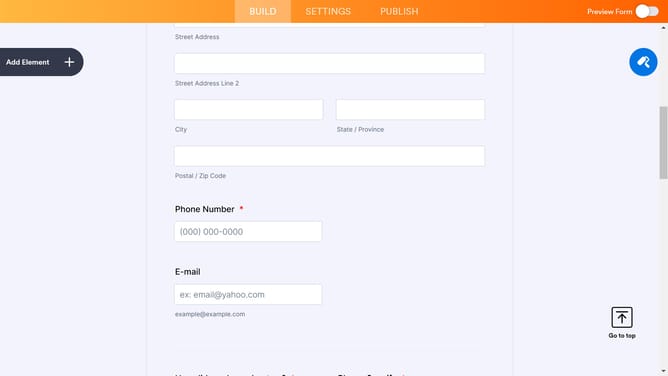
- Next click on the "Date" field in the form builder
- Then click on the "Properties" buttonbeside the Date field
- Then click on the "OPTIONS" tab
- Finally, click the toggle switch OFF for "Lite Mode"
Why should you disable a lite mode date format in a registration form in Jotform
Jotform is a powerful tool that simplifies the process of creating custom online forms for various needs.
Disabling the lite mode date format in a registration form offers users an opportunity to provide input in a format better suited for their specific context, which can enhance accuracy and user satisfaction.
This feature is particularly beneficial for organizations that require a specific date format, as it aligns data entry to their standards, ensuring consistency across all submissions.
Last update