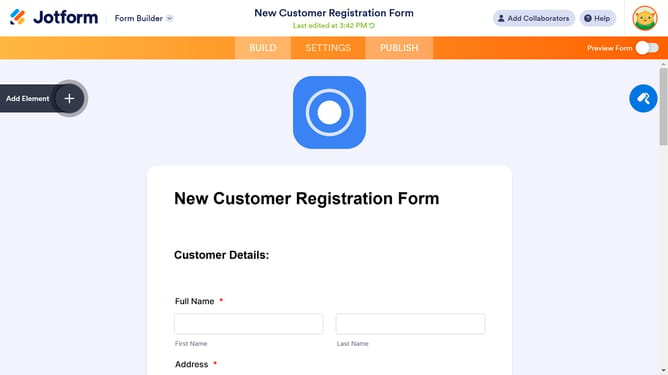
How to remove submit button image in a registration form in Jotform
Here is how to remove submit button image in a registration form in jotform
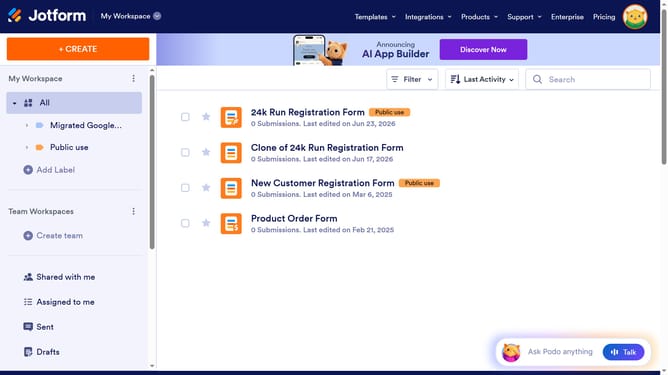
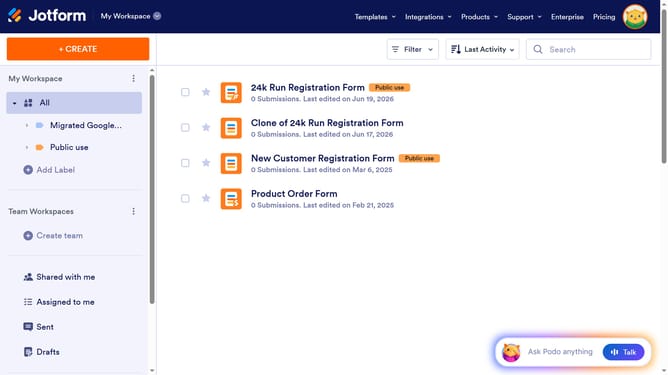
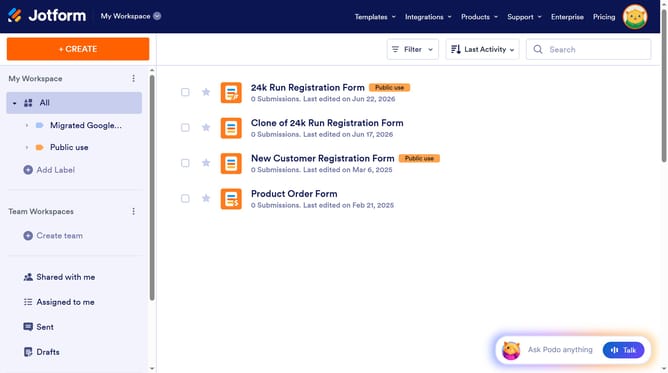
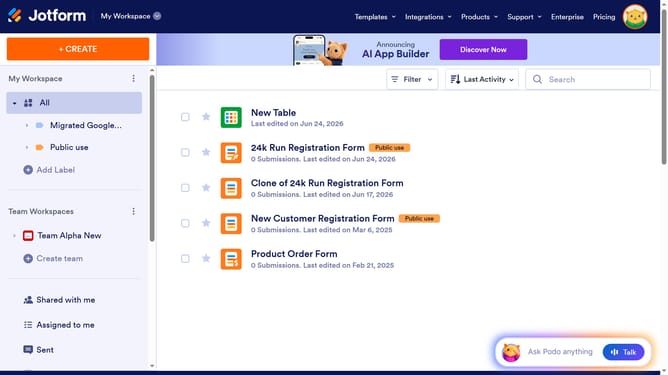
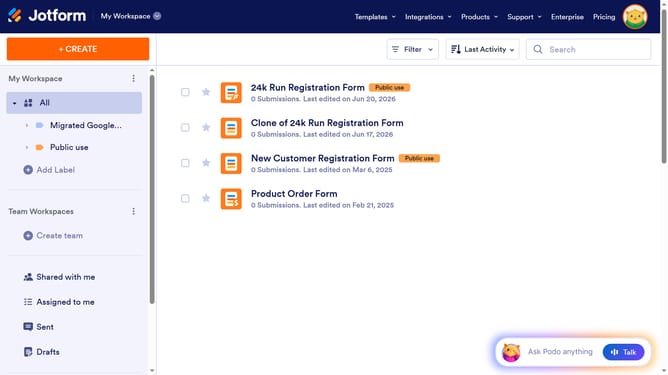
- First click on "All" in the sidebar
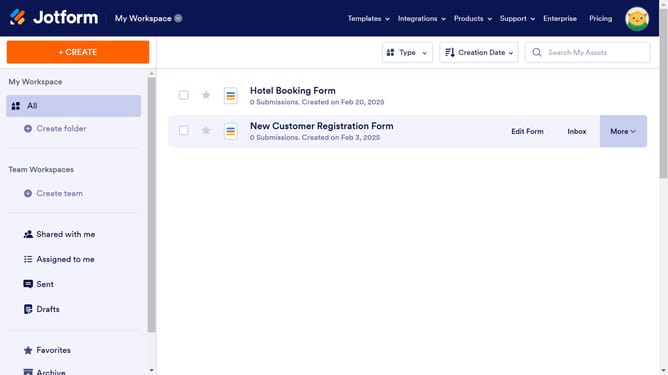
- Next click on "Edit Form" button at the right side of the form name that you want to manage
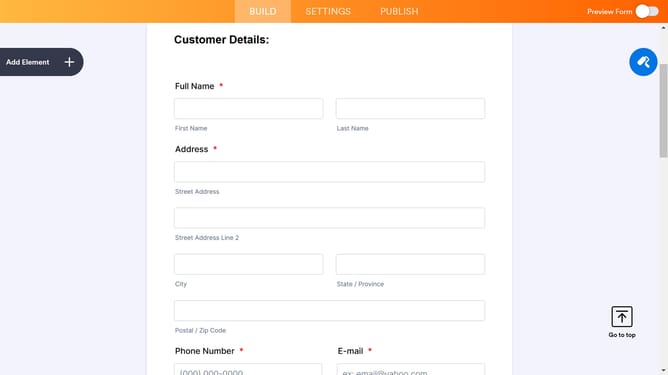
- Then click on the "Submit" button area
- Then click on the "Properties" button
- Finally click on the "Remove Image" button
Why should you remove submit button image in a registration form in Jotform
Jotform is a versatile platform designed to simplify the creation of online forms for various needs.
Removing the submit button image in a registration form is a feature that enhances both aesthetics and functionality. By eliminating unnecessary visuals, users can focus on completing forms efficiently.
This adjustment can lead to faster form submissions and a smoother user experience, emphasizing clarity and simplicity. Streamlining your forms by removing the image helps maintain a clean interface and increases usability, ultimately ensuring your forms cater to your audience's needs seamlessly.
Last update