How to archive a form on Jotform
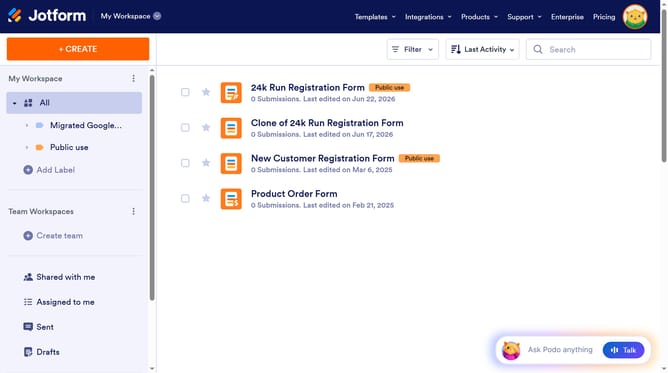
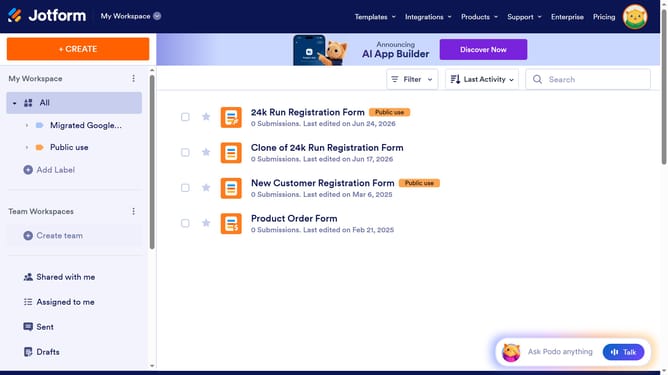
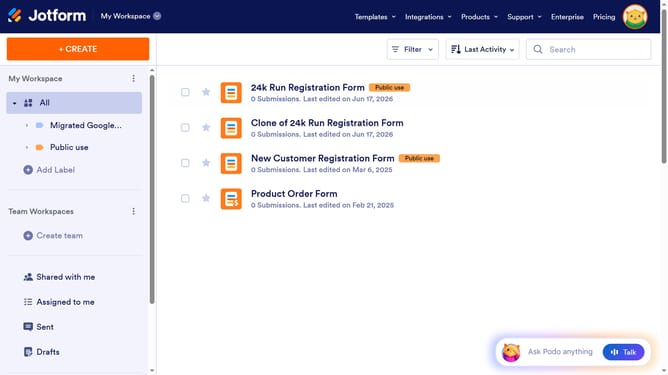
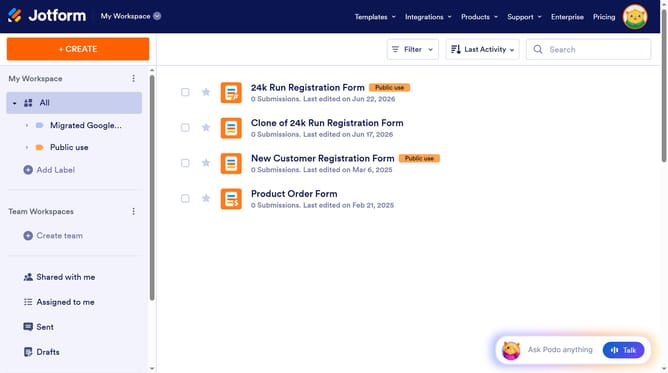
Here is how to archive a form on jotform
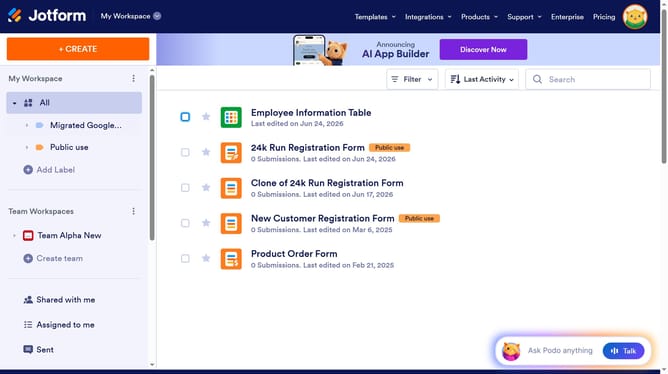
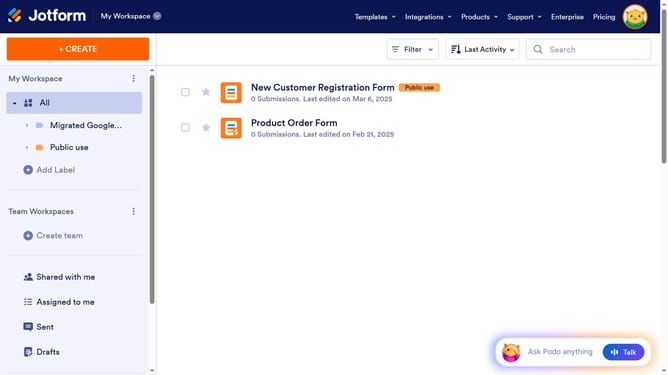
- On the form listing page, click the "More" button
- In the expanded dropdown menu, click the "Archive" option at the bottom of the list
Why should you archive a form on Jotform
Jotform is a versatile tool designed to easily create and manage online forms for any purpose.
Archiving a form on Jotform is a valuable feature that empowers users to efficiently manage their workspace by decluttering their active form list, keeping only those in active use.
This helps minimize confusion and enhances organizational efficiency, while securely storing past forms for future reference or reactivation.
Utilizing the archive feature ensures a seamless workflow and optimal form management, enhancing overall productivity.
Last update