How to position form elements in Jotform
Here is how to position form elements in jotform
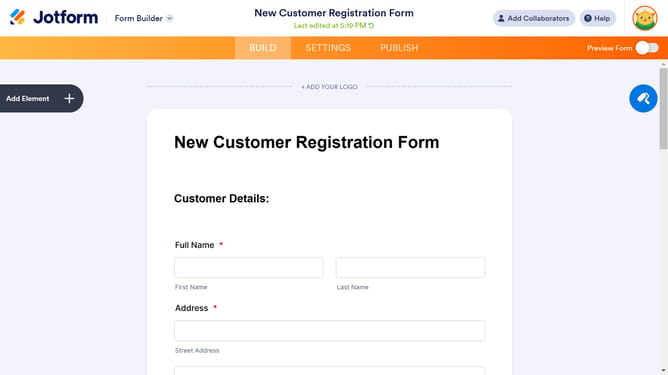
- First click on the field you want to reposition
- Then right click to open more options
- Here you will find different options to reposition your field
Why should you position form elements in Jotform
Jotform is an intuitive online form builder designed to streamline the process of data collection for users worldwide.
One of its standout features is the ability to easily position form elements, allowing you to create visually appealing layouts tailored to your needs. By effortlessly arranging elements, you enhance both the user experience and the form's effectiveness.
This flexibility results in forms that are not only functional but also professionally polished, giving you the power to showcase your brand's identity and cater to your audience's preferences effectively.
Last update