How to disable calendar popup in a registration form in Jotform
Here is how to disable calendar popup in a registration form in jotform
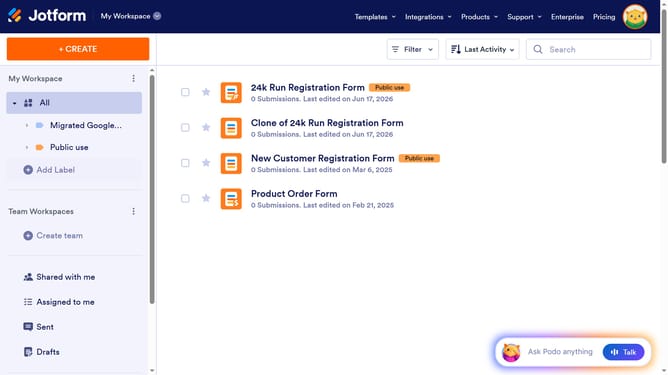
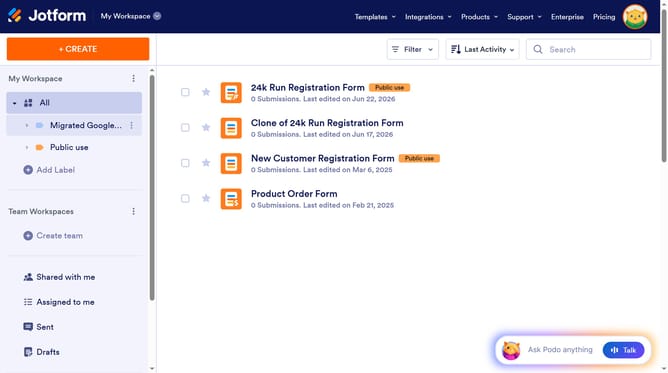
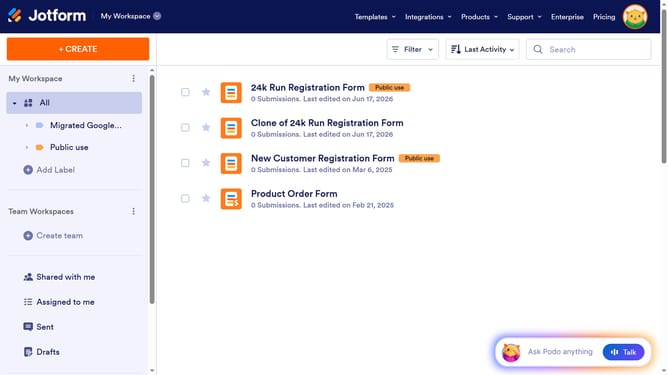
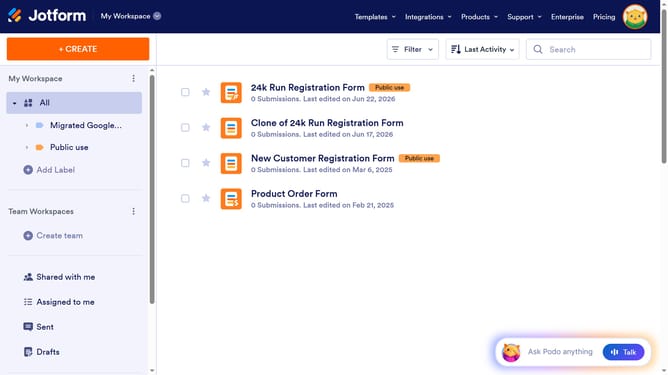
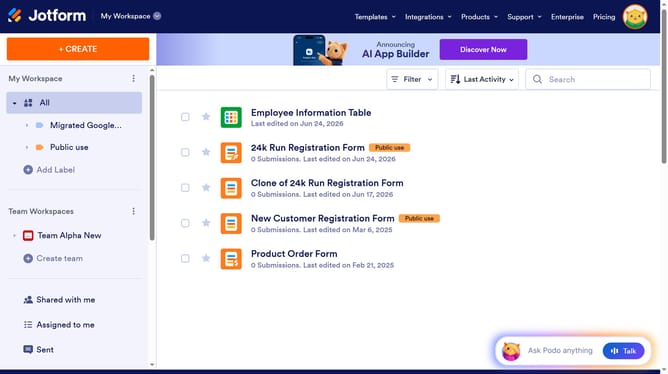
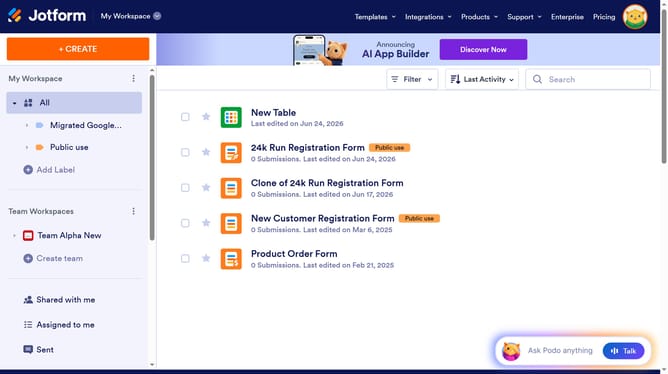
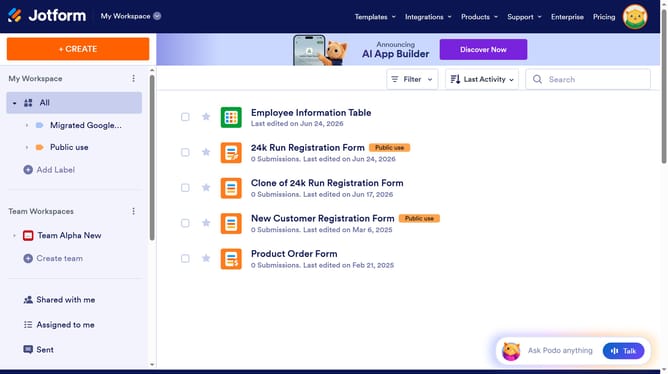
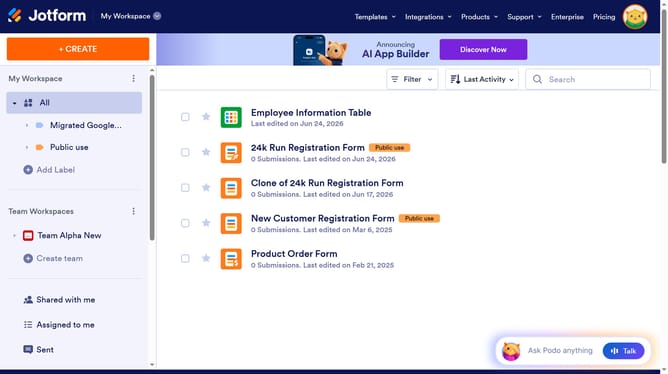
- First click on "All" in the left sidebar
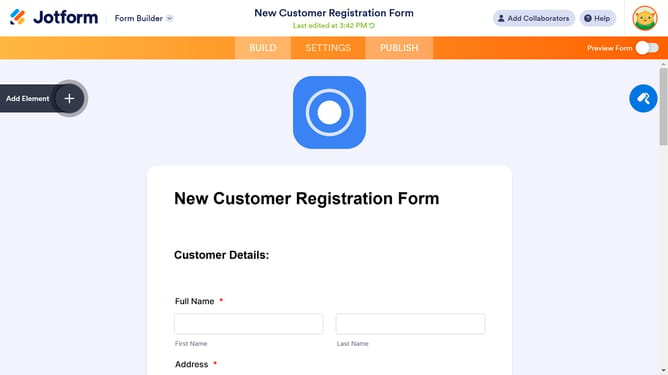
- Then click on "Edit Form" button
- Next click on the "Date" field in the form builder
- Then click on the gear icon next to the "Date" field
- Then select the "OPTIONS" tab
- Finally click on the slider for "Calendar Popup" to disable it
Why should you disable calendar popup in a registration form in Jotform
Jotform is a dynamic online tool that simplifies the creation and management of forms for various needs.
For those seeking a streamlined registration experience, disabling the calendar popup can enhance usability. By opting to remove this feature within your form's settings, it allows users to input dates directly without the distraction of a calendar view.
This adjustment reduces potential confusion for users unfamiliar with calendar navigation, leading to a quicker and more intuitive form submission process.
Last update