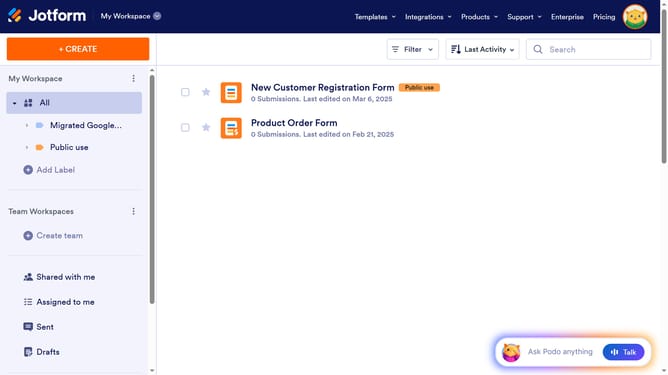
How to enable or disable a form on Jotform
Here is how to enable or disable a form on jotform
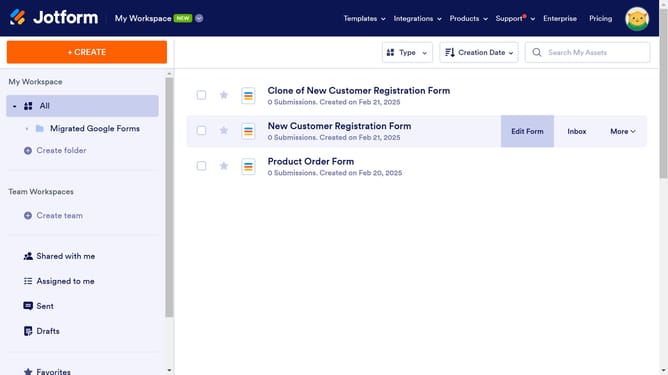
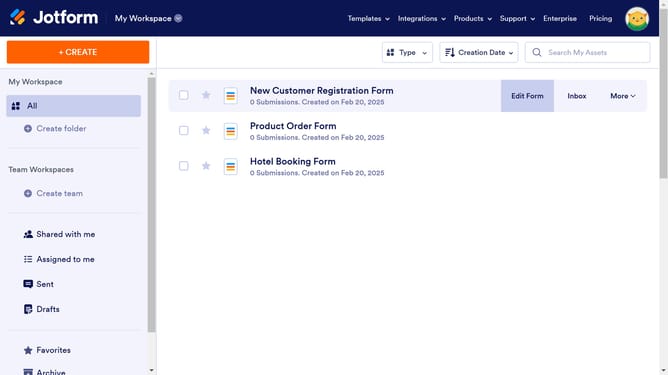
- First click on the "More" button in the form menu
- Then click on the "Disable" option in the dropdown menu
- To re-enable your form repeat the steps done since it is the same process
Why should you enable or disable a form on Jotform
Jotform is a dynamic online tool designed for creating and managing versatile forms effortlessly.
The ability to enable or disable a form on Jotform is a simple yet powerful feature. It allows users to control form activity, ensuring submissions are received only when desired.
Using this feature can enhance workflow management and prevent unnecessary data influx, perfectly tailoring accessibility. The flexibility to switch a form on or off makes managing events or projects smoother and more efficient.
Last update