How to delete a form on Jotform
Here is how to delete a form on jotform
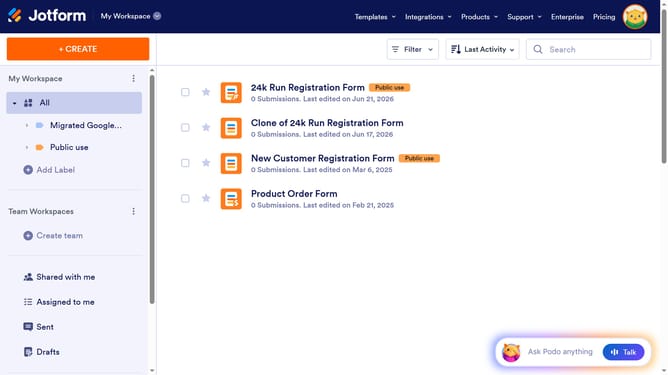
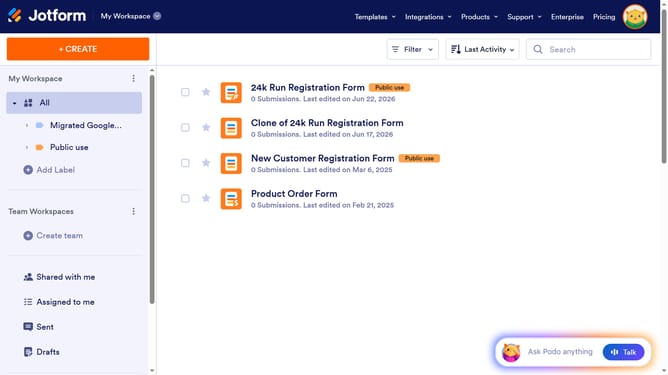
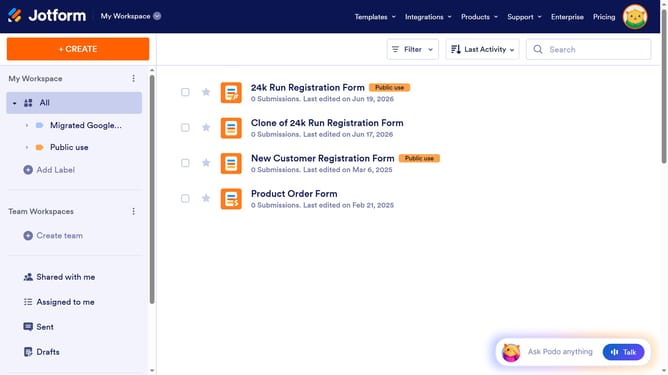
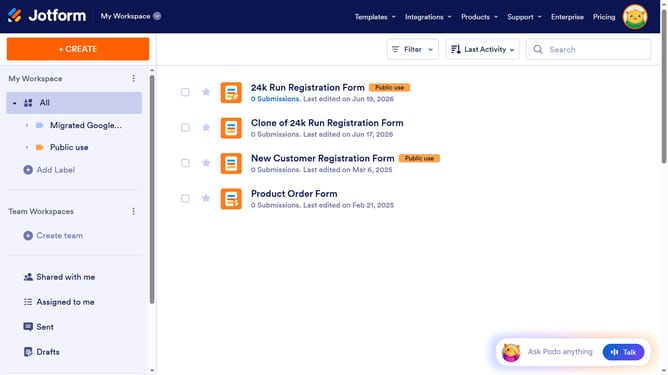
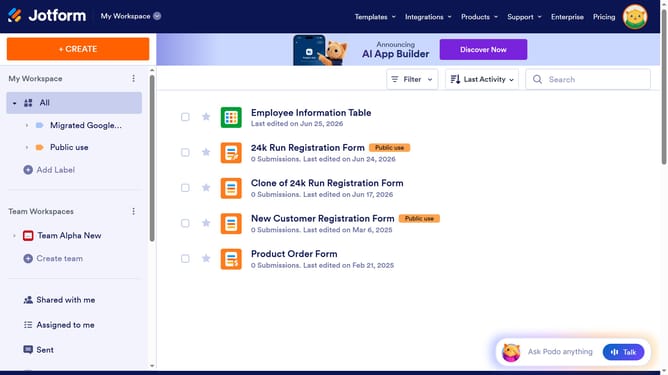
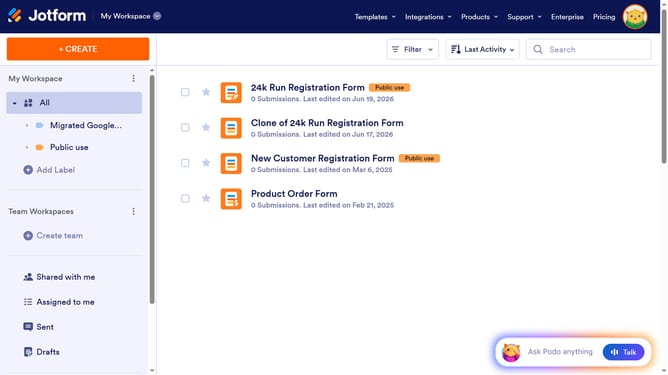
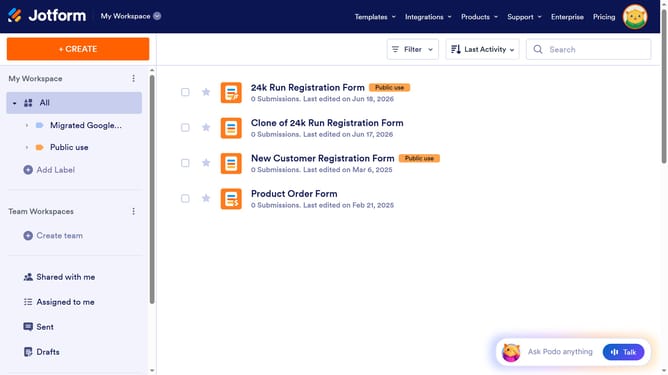
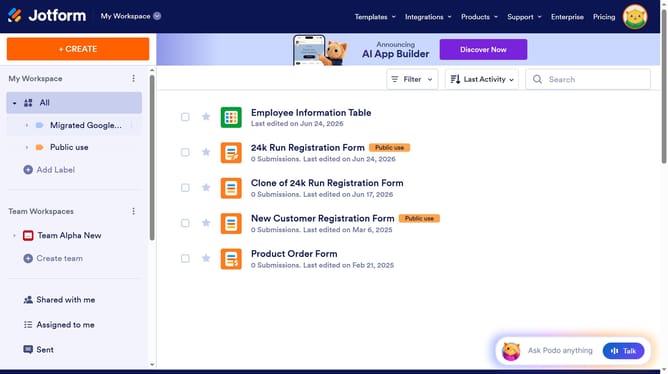
- First select the form you want to delete
- Then click on the "Move to Trash" button in the top toolbar
- When the delete confirmation dialog appears, click the "Delete Item" button
- Next click on the "Trash" option in the left sidebar
- Then click on the form you moved to the trash
- Click the "Purge" button in the top toolbar
- Finally click the "Confirm" button in the purge confirmation dialog
Why should you delete a form on Jotform
Jotform is a versatile online tool designed to simplify the creation of custom forms for various needs.
Deleting a form on Jotform is a straightforward process that helps maintain an organized workspace. This feature is incredibly beneficial for those who frequently update or modify their projects, ensuring that only the most relevant and current forms remain active.
By keeping your dashboard clutter-free, you enhance productivity and focus, allowing you to allocate more time towards optimizing active forms.
Last update