How to set a date separator in a registration form in Jotform
Here is how to set a date separator in a registration form in jotform
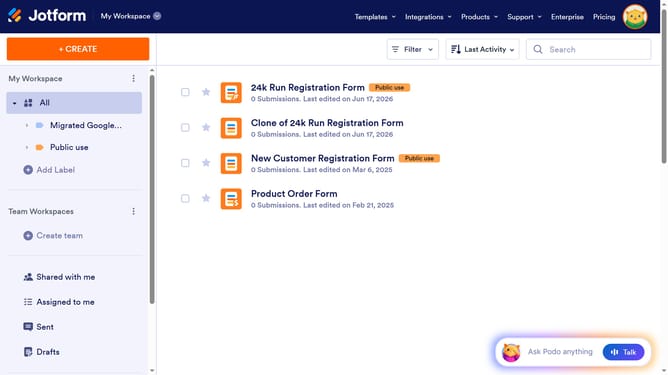
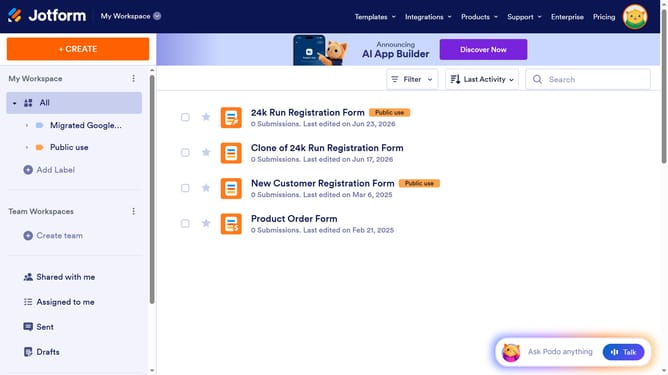
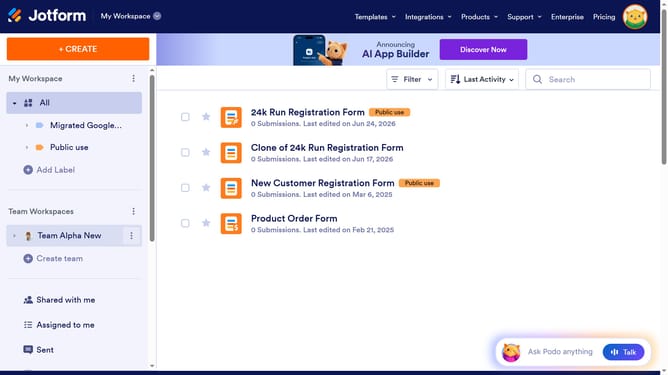
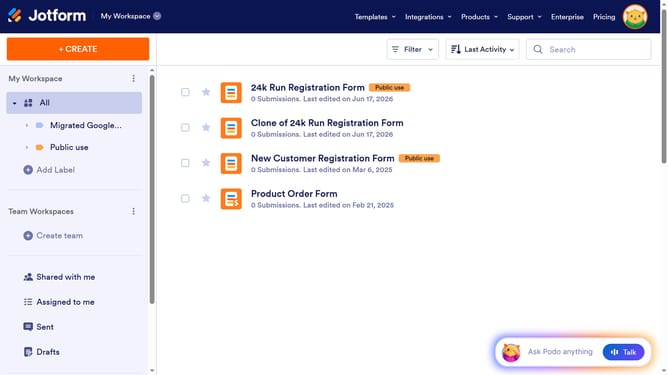
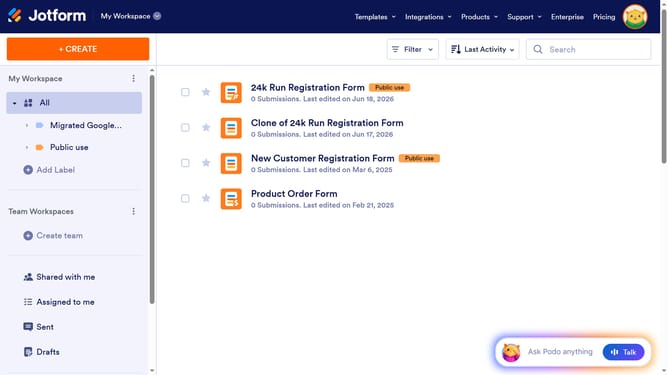
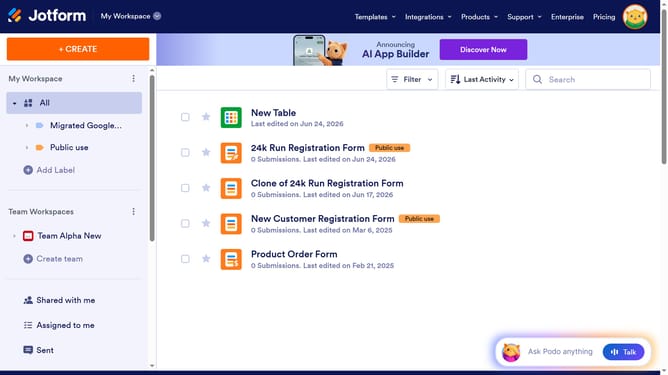
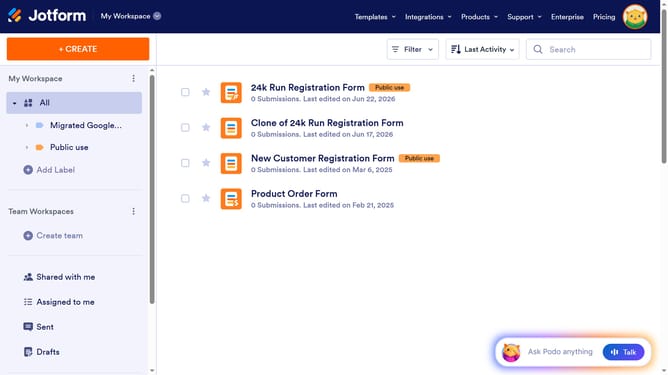
- First click on "All" in the sidebar
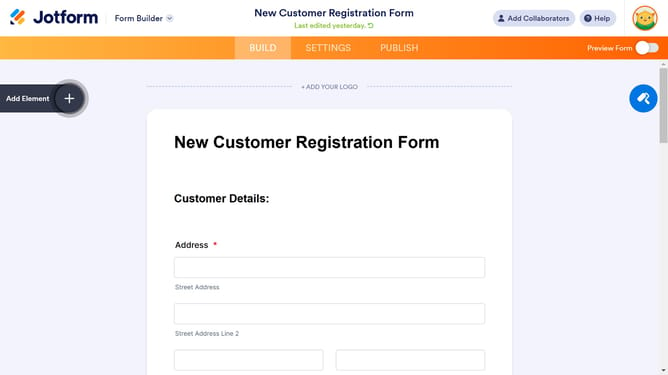
- Next click on "Edit Form" button at the right side of the form name that you want to edit
- Then click on the "Date" field in the form builder
- Then click on the "Properties" button
- Finally click on the "Separator" option
Why should you set a date separator in a registration form in Jotform
Jotform is an intuitive platform designed to simplify the process of creating custom online forms for various needs.
One of its features allows users to set a date separator in a registration form, offering flexibility in how date information is presented.
This customization enhances user accessibility and clarity, making forms more user-friendly and reducing errors in date entries.
By tailoring date presentation, you ensure a seamless registration experience, impressing users with both form aesthetics and functionality.
Last update