How to enable currency in a number column in a data table in Jotform
Here is how to enable currency in a number column in a data table in jotform
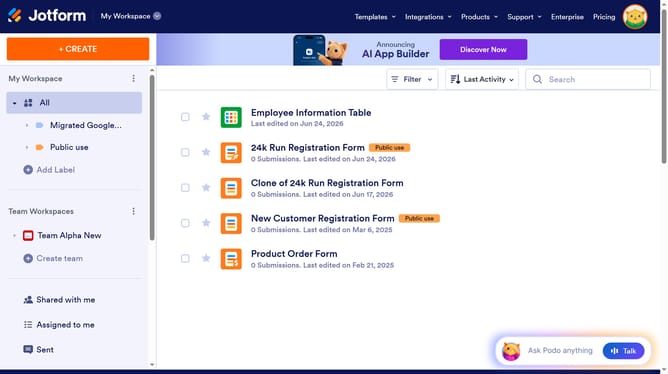
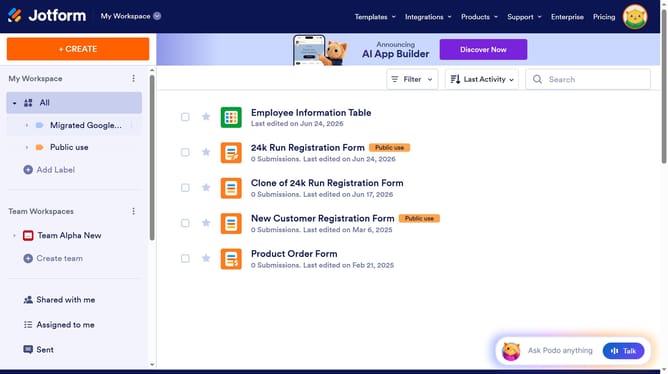
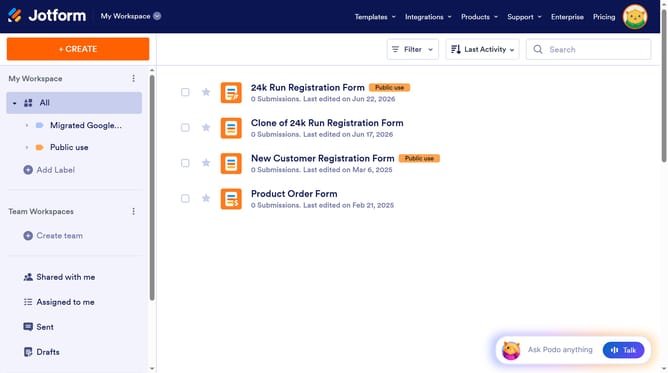
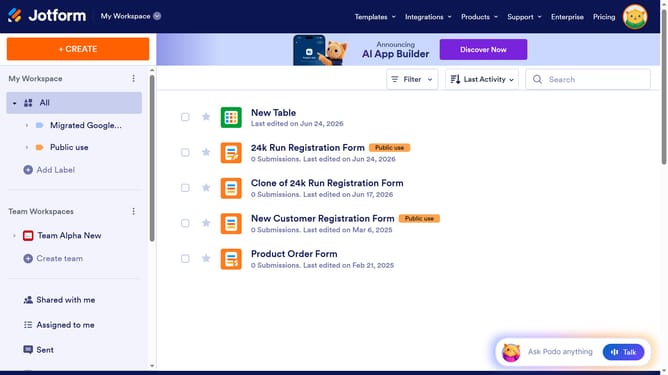
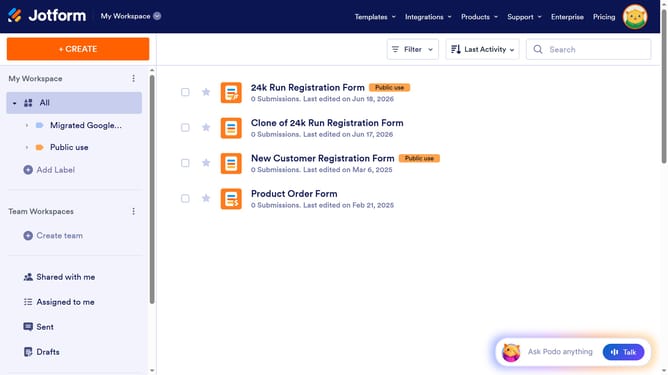
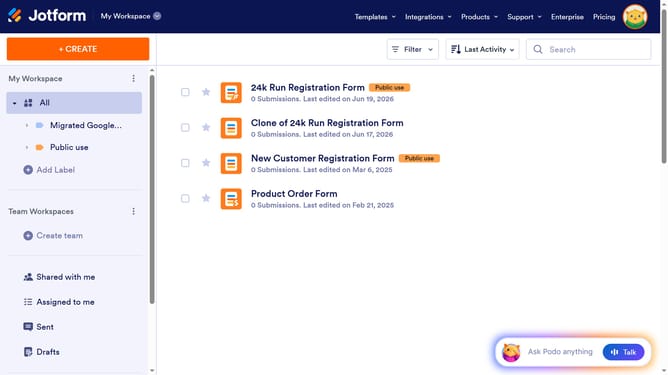
- First, click on "All" in the left sidebar
- Next click on "View Table" button at the right side of the table name that you want to manage
- Next, click on the three dots icon next to the number column header
- Then, select "Edit column preferences" from the dropdown menu
- Next, click on the toggle switch to enable the currency field
- Finally, click on the "Apply Changes"
Why should you enable currency in a number column in a data table in Jotform
Jotform is an intuitive platform designed to simplify form creation and data management.
Enabling currency in a number column within a Jotform data table allows for seamless financial data handling. This feature provides precision and clarity when managing transactions or budgeting data, ensuring all monetary amounts are clearly recognized and easily processed.
By using this feature, users benefit from enhanced data organization, allowing for quick analysis and decision making, ultimately ensuring financial insights are both accurate and immediately actionable.
Last update