How to change the file size limit in file upload on Jotform
Here is how to change the file size limit in file upload on jotform
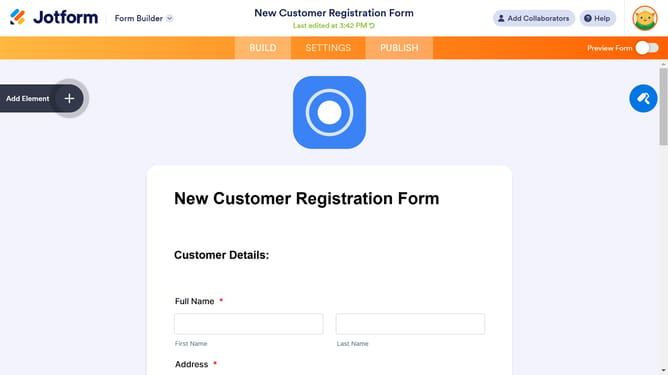
- Click on the file upload area in the main form section
- Click on the "Properties" button in the top-right corner of the file upload component
- Click on the "OPTIONS" tab in the File Upload Properties sidebar
- Here you can edit the "Minimum" and "Maximum" file size for your upload field
Why should you change the file size limit in file upload on Jotform
Jotform is a versatile online form builder that streamlines data collection for diverse needs.
Adjusting the file size limit in Jotform is a valuable feature that offers users greater control over how uploads are managed. By changing this limit, you can accommodate larger files or restrict uploads to smaller files, aligning with your specific requirements.
This flexibility is beneficial for optimizing storage space, ensuring faster uploads, and enhancing user experience by minimizing upload errors. Ultimately, it helps maintain efficient and effective data management.
Last update