How to set divider line color in a registration form in Jotform
Here is how to set divider line color in a registration form in jotform
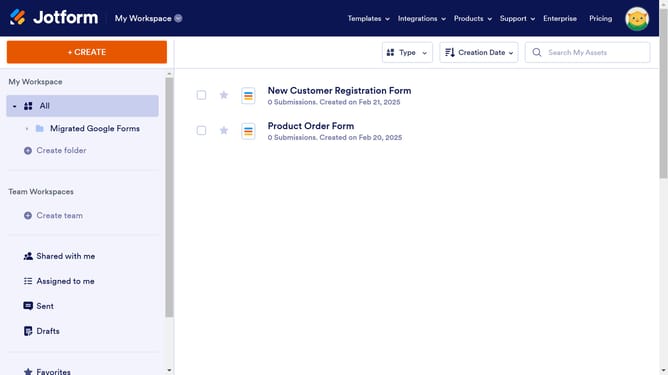
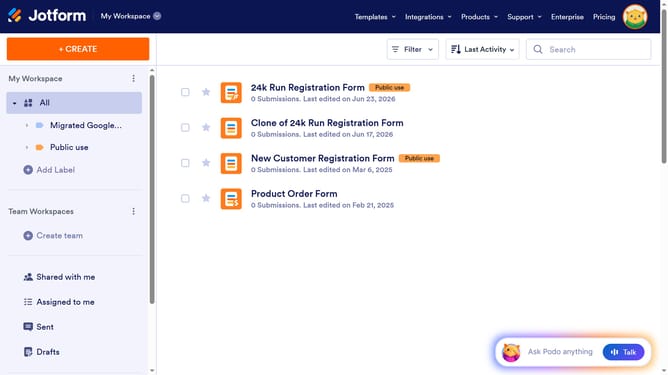
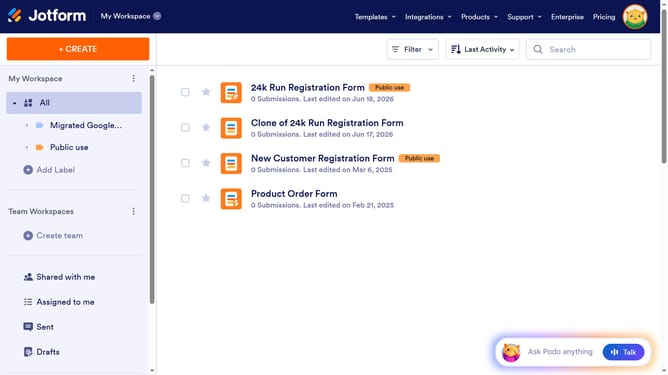
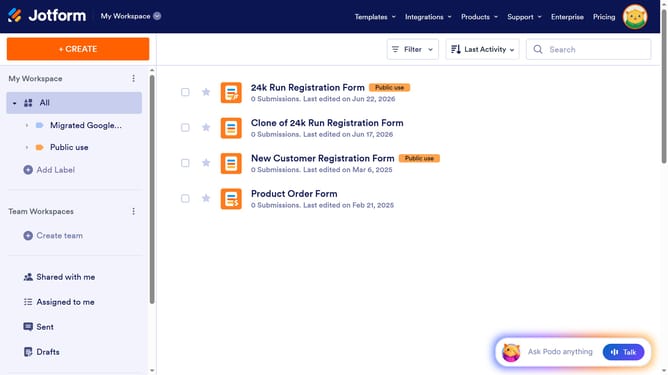
- First, click on "All" in the left sidebar
- Next click on "Edit Form" button at the right side of the form name that you want to manage
- Next, click on the divider field in the form builder
- Then click on the "Properties" icon
- After that, click on the color swatch next to "Line Color"
- Finally, click on a color swatch to select the line color
Why should you set divider line color in a registration form in Jotform
Jotform, a versatile online form builder, empowers users to create and customize forms effortlessly.
One valuable feature of Jotform is the ability to set divider line colors in registration forms, enhancing the form's visual appeal.
By customizing divider line colors, users can create a cohesive and branded appearance, aligning the form with company aesthetics or event themes. This attention to design can improve user engagement and confidence.
Using distinct colors for divider lines also helps visually separate sections within a form, guiding users smoothly through the registration process.
Last update