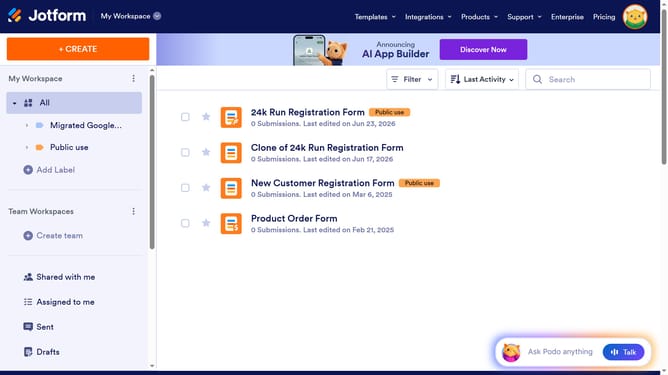
How to clone an existing form from a URl on Jotform
Here is how to clone an existing form from a url on jotform
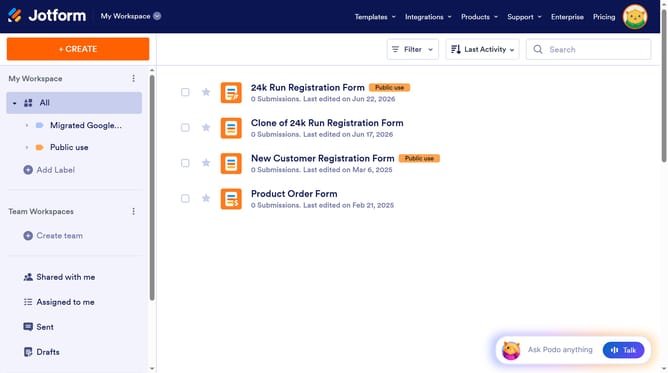
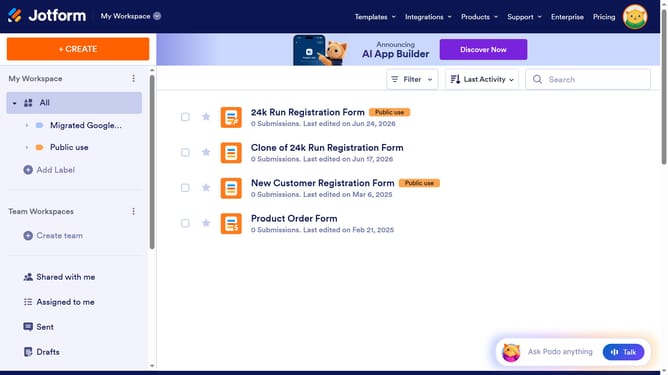
- First click on the "+ CREATE" button in the top navigation bar
- Then click on the "Form" option in the creation dialog to create forms with logic and automation
- Next click on the "Import Form" option from the form creation menu
- Then click on the "From a web page" option to import an existing form from a webpage
- Enter a URL in the input field labeled "Enter URL"
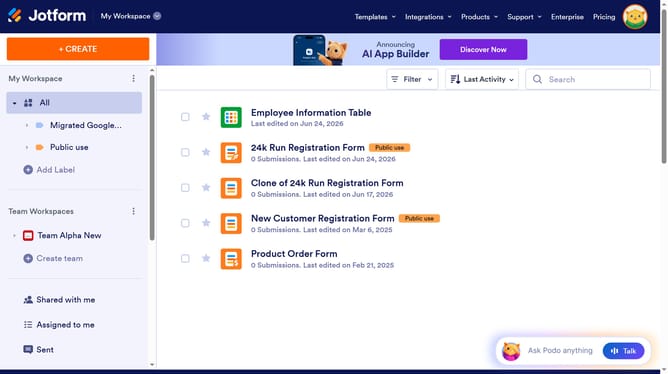
- Finally click the "Create Form" button to complete the form import process
Why should you clone an existing form from a URl on Jotform
JotForm is an intuitive and versatile online tool designed to simplify form creation and data collection for anyone.
One of its standout features is the ability to clone an existing form from a URL, which empowers users to quickly duplicate and customize forms without starting from scratch.
This feature is especially beneficial for those looking to maintain consistency across multiple forms or adapt a proven structure to new uses, ensuring efficiency and saving valuable time.
It enhances productivity by streamlining the workflow and allowing for easy modifications tailored to specific needs.
Last update