How to add address field to a registration form in Jotform
Here is how to add address field to a registration form in jotform
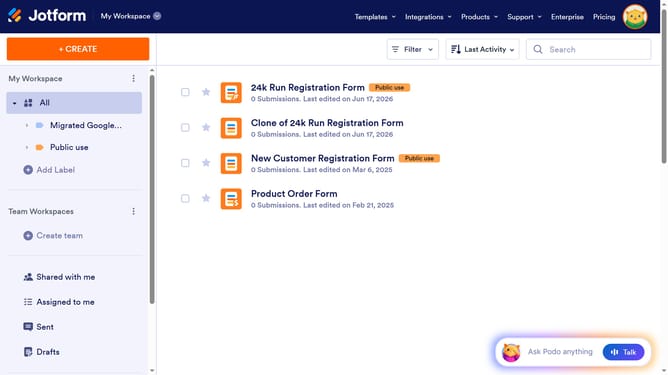
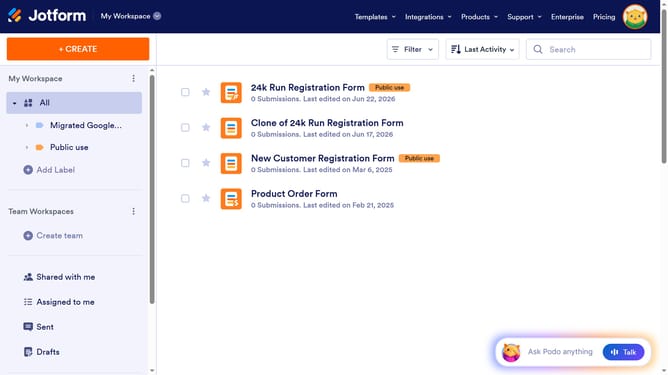
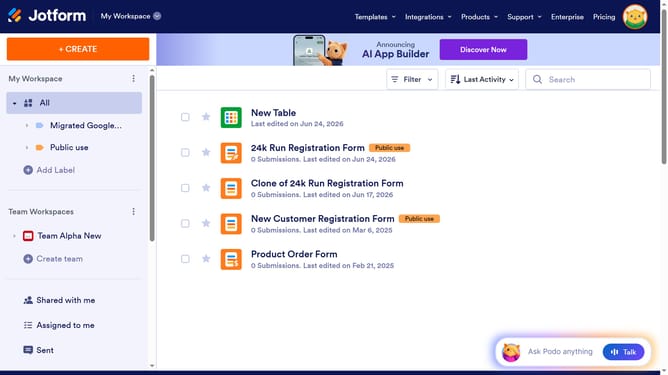
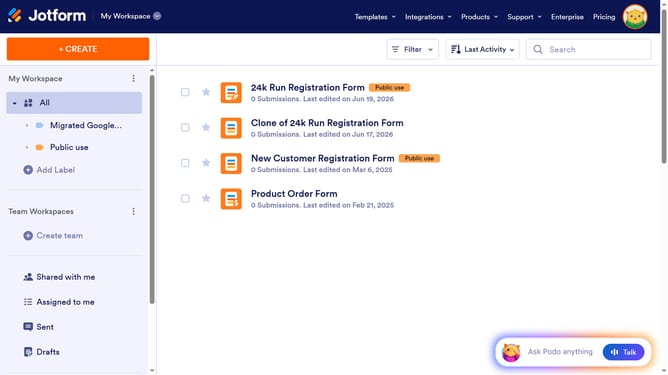
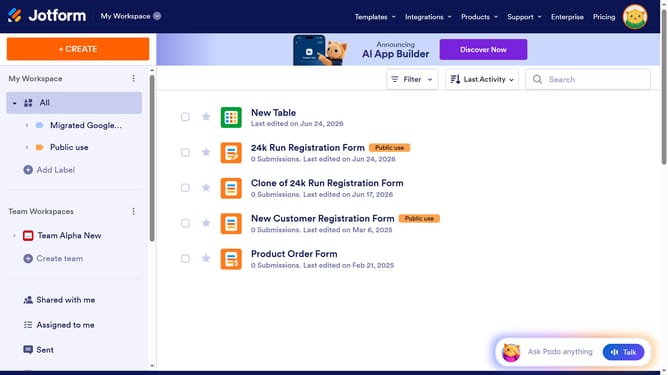
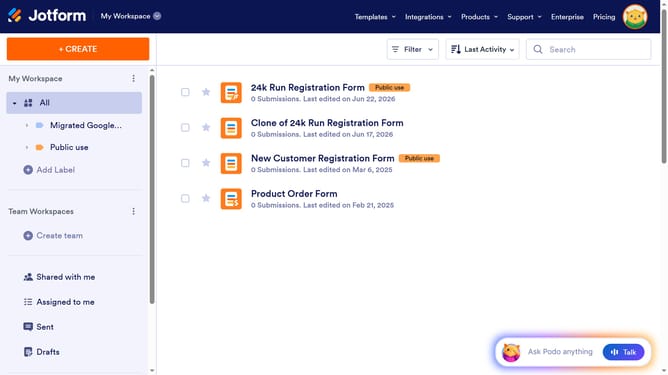
- First click on "All" in the left sidebar
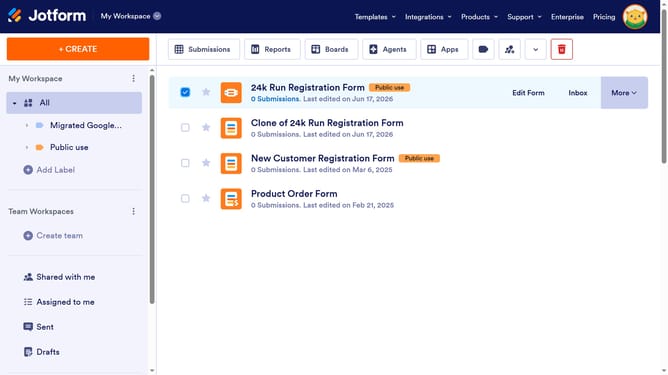
- Then click on the "Edit Form" button at the right side of the form name
- Next, click on the "Add Element" button in the left sidebar
- Finally click on the "Address" option to add it to the form
Why should you add address field to a registration form in Jotform
Jotform is a dynamic platform that enables users to easily create customized online forms for various needs.
Adding an address field to a registration form in Jotform is intuitive and enhances the form's effectiveness. This feature allows you to capture essential geographical information about your registrants, aiding logistical planning and communication.
Incorporating an address field not only facilitates personalized experiences but also ensures precise data collection, making it a vital component for any comprehensive registration process.
Last update