How to change background color in a paragraph field in a registration form in Jotform
Here is how to change background color in a paragraph field in a registration form in jotform
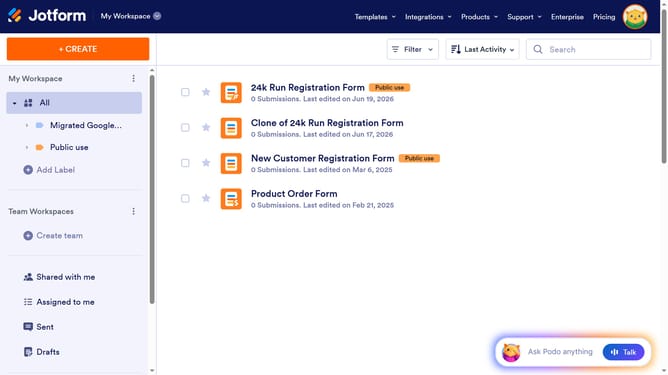
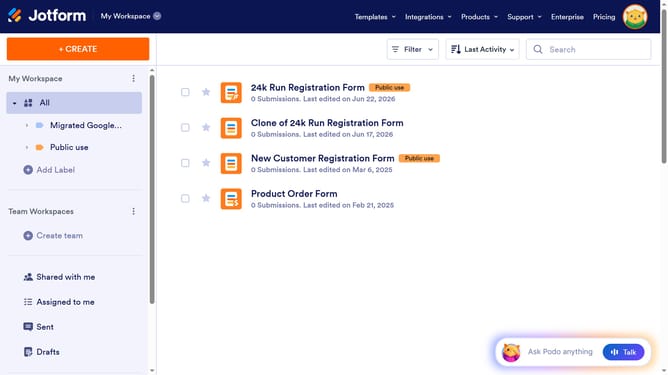
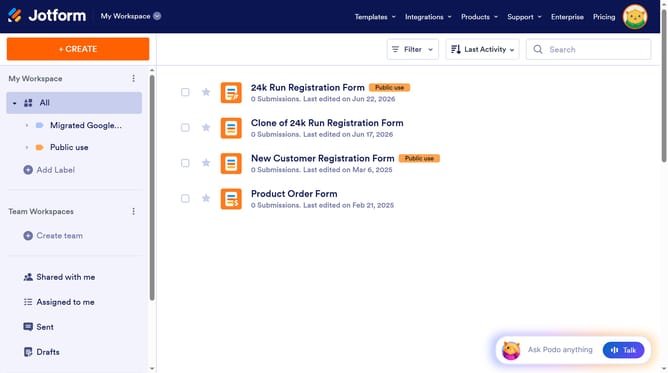
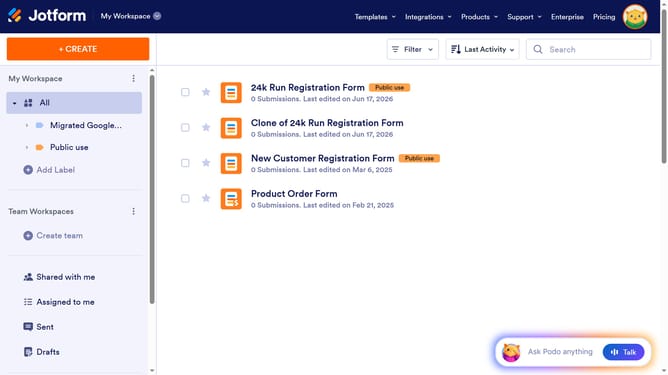
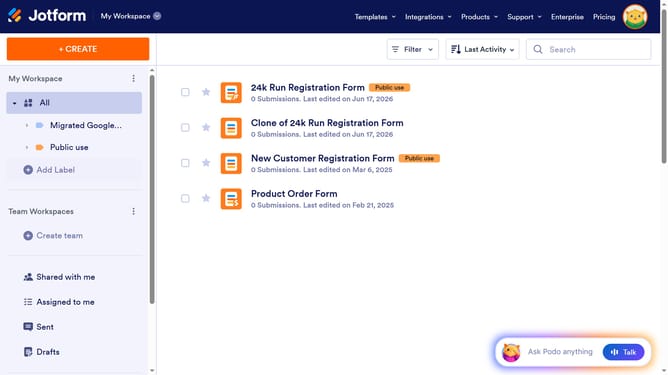
- First click on "All" item in the left sidebar
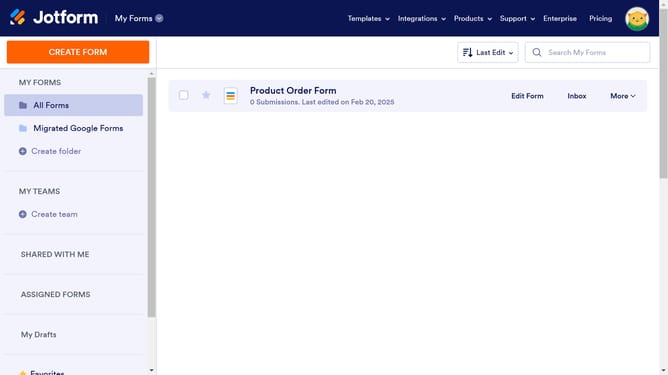
- Next click on "Edit Form" button at the right side of the form name that you want to manage
- Then click on the paragraph field in the form builder
- Then click on the edit icon
- Next click on the text that you want to edit to highlight it
- Then click on the background colour icon
- Then select a color form the color swatch
- Finally click on the "Save" button
Why should you change background color in a paragraph field in a registration form in Jotform
Jotform allows you to create versatile online forms designed to meet any of your professional needs.
One of the standout features is the ability to change the background color in a paragraph field within your registration forms effortlessly. This feature not only enhances the aesthetic appeal but also helps in aligning your form with your brand's color scheme.
By customizing the background color, you can highlight important information, improve readability, and create a more visually engaging experience for users.
This adaptability ensures your forms are both functional and inviting, thus enriching the user's interaction.
Last update