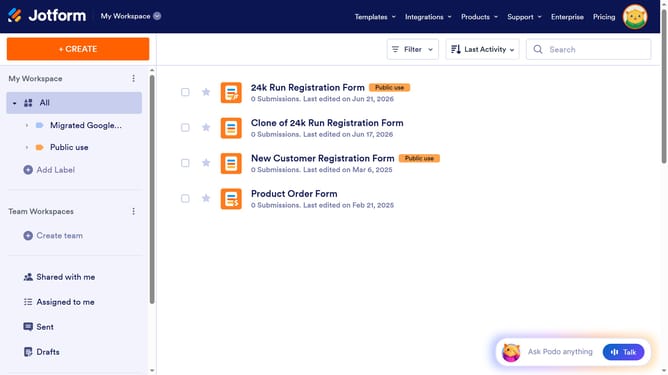
How to set lowest rating text in a scale rating in a registration form in Jotform
Here is how to set lowest rating text in a scale rating in a registration form in jotform
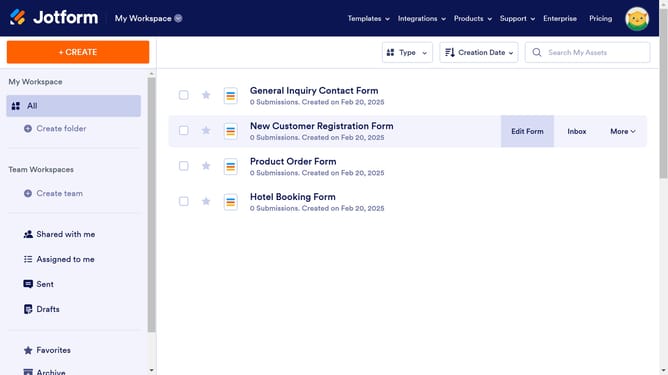
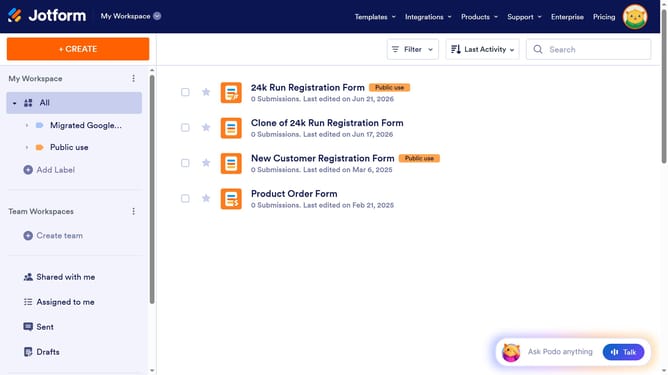
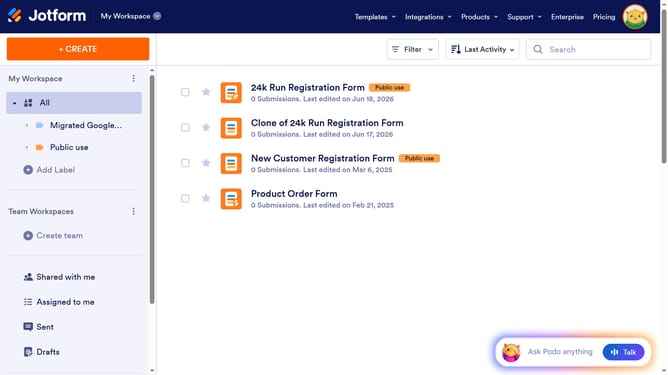
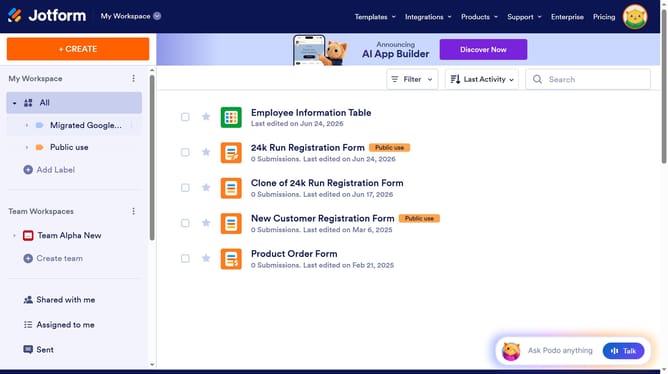
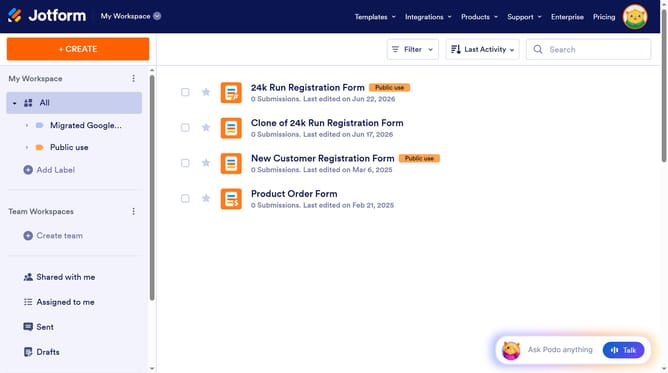
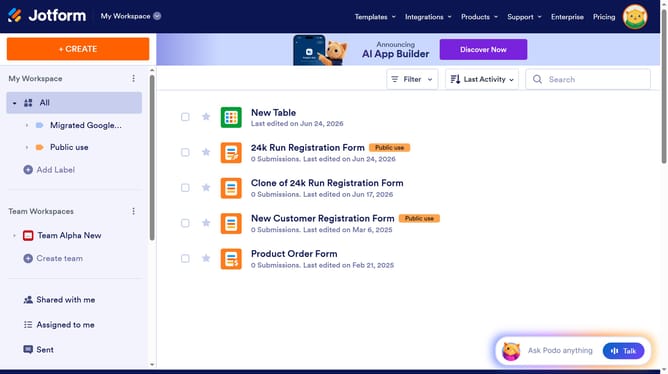
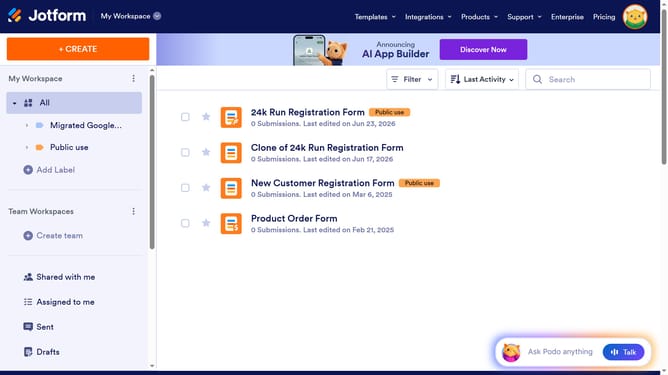
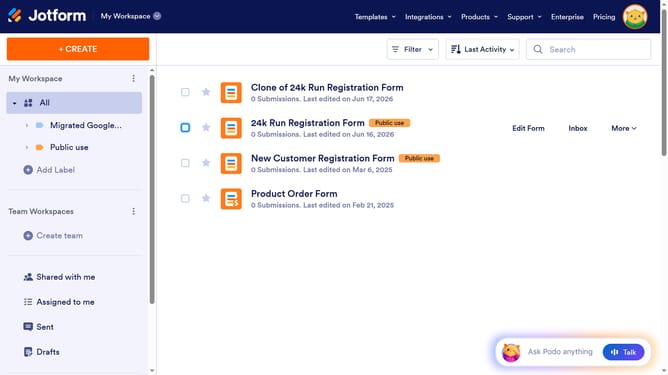
- First click on the "All" option in the left sidebar
- Then click on "Edit Form" button
- Next, click on the rating scale field in the form builder
- Then click on the "Properties" button
- Then click on the "Options" tab
- Finally, click on the text input field for "Lowest Rating Text" and edit it
Why should you set lowest rating text in a scale rating in a registration form in Jotform
Jotform is an intuitive online platform that simplifies the process of creating forms for various purposes.
One valuable feature in Jotform's registration forms is the ability to set the lowest rating text in a scale rating. This allows form creators to customize the interpretation of the lowest score in a way that aligns with their goals or audience expectations.
Using this feature enhances clarity for form respondents by clearly communicating what the lowest score represents. It ultimately leads to more accurate and meaningful data collection, improving decision-making based on user feedback.
Last update