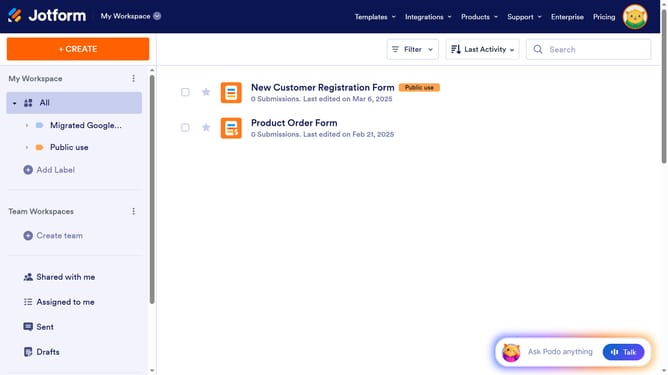
How to create a lightbox form on Jotform
Here is how to create a lightbox form on jotform
- First click on the "PUBLISH" tab in the top navigation menu to begin publishing your form
- In the left sidebar, click on the "EMBED" option to access embedding features
- From the embed options list, select the "LIGHTBOX" item to configure the lightbox settings
- Click the "CUSTOMIZE" button to modify the lightbox appearance and behavior
- In the customization panel, review and adjust the settings for the lightbox dimensions and style
- Click the "SAVE CHANGES" button to apply your lightbox customizations
- Finally, click the "COPY CODE" button to get the embed code for your lightbox form
Why should you create a lightbox form on Jotform
Jotform is a versatile online platform designed to streamline creating customizable forms for various needs.
Using Jotform, creating a lightbox form becomes an intuitive experience, offering seamless integration with your website. Lightbox forms enhance the user experience by appearing as a pop-up, ensuring visitors remain focused without leaving the page.
This approach helps boost engagement, capturing leads and feedback effectively without interrupting the browsing flow. A lightbox form on Jotform pairs aesthetics with functionality, making form engagement effortlessly efficient.
Last update