How to set table width in a table field in a registration form in Jotform
Here is how to set table width in a table field in a registration form in jotform
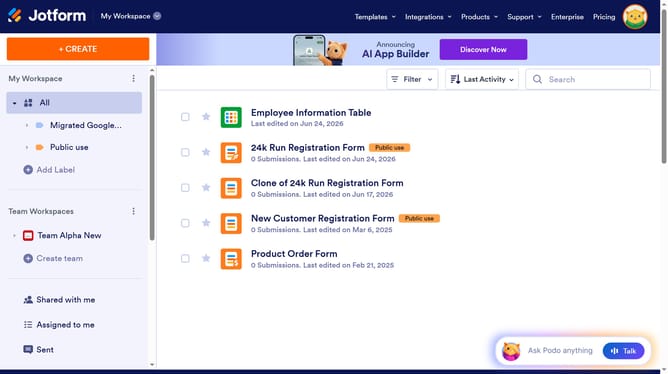
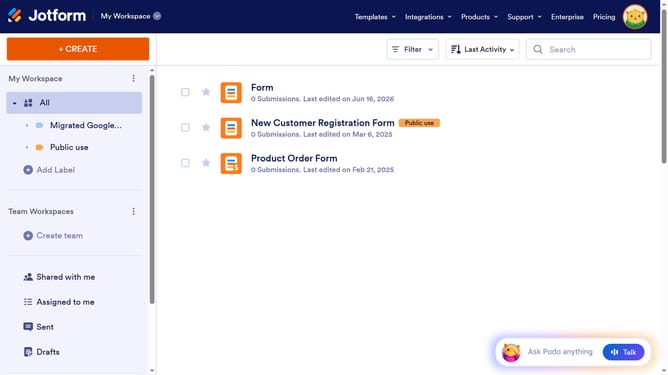
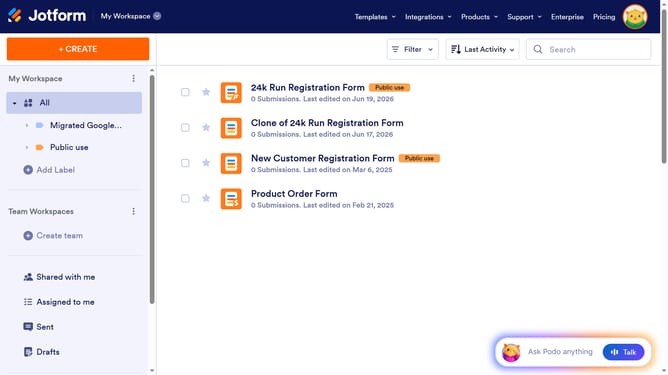
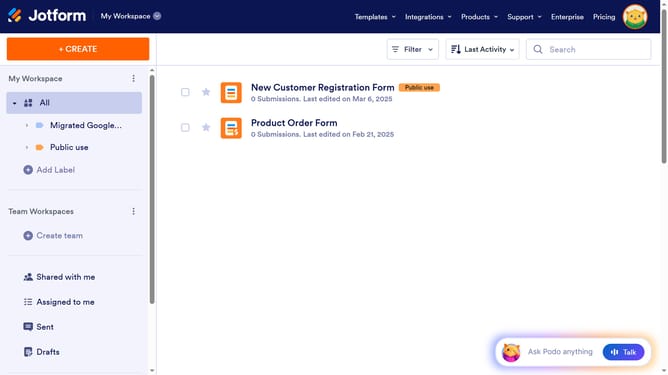
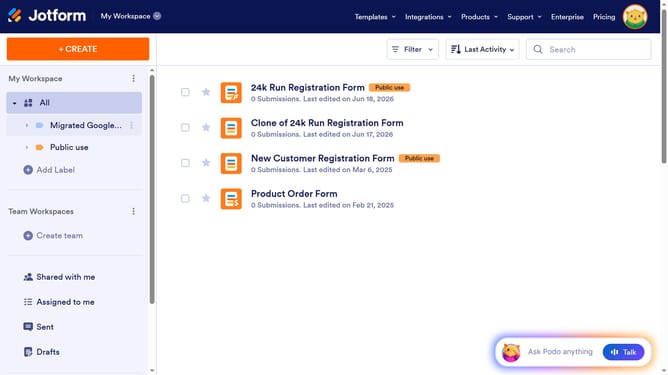
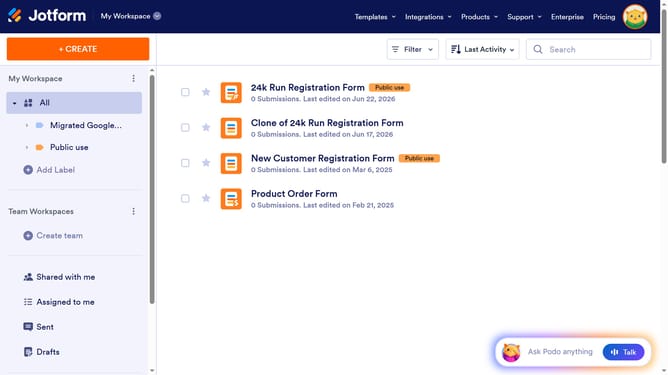
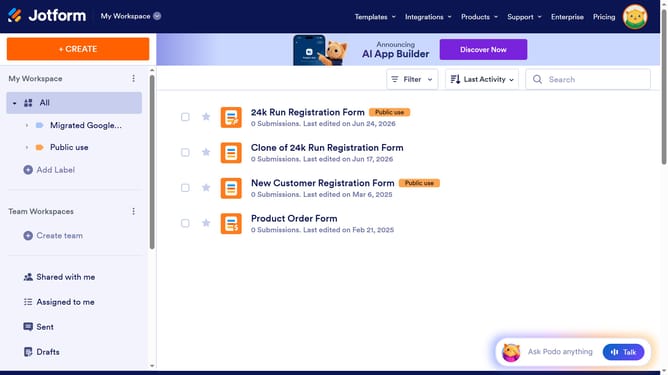
- First click on the "All" item in the left sidebar
- Next click on "Edit Form" button at the right side of the form name that you want to manage
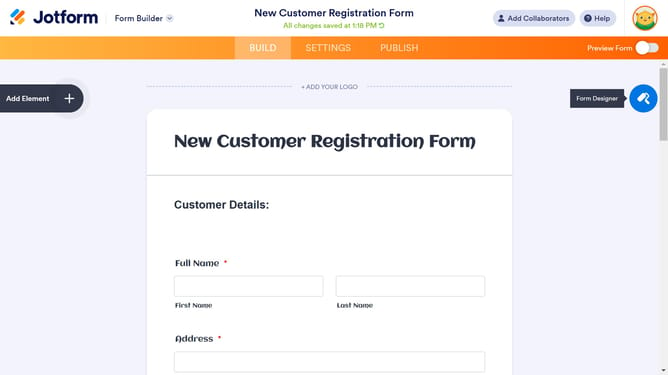
- Then click on the table input field in the form builder
- Then click on the "Properties" button next to the gear icon
- After that, click on the "OPTIONS" tab
- Finally, click on the table width input field and enter a value
Why should you set table width in a table field in a registration form in Jotform
Jotform is an intuitive platform designed to simplify the creation of online forms.
One of its powerful features is the ability to set table width in a registration form, providing flexibility in customization.
Adjusting the table width enhances user experience by ensuring information is presented neatly, making it easier for respondents to navigate.
This feature helps maintain a consistent aesthetic, accommodating all devices and screen sizes, which ultimately contributes to higher engagement and form completion rates.
Last update