How to set lowest rating value in a scale rating in a registration form in Jotform
Here is how to set lowest rating value in a scale rating in a registration form in jotform
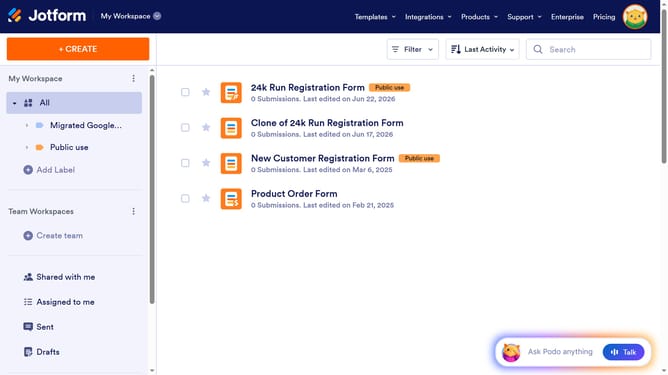
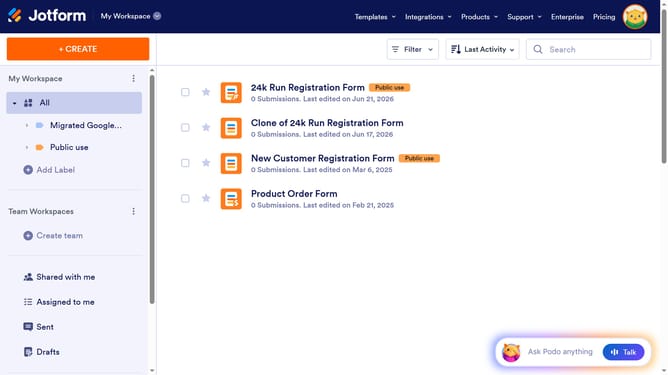
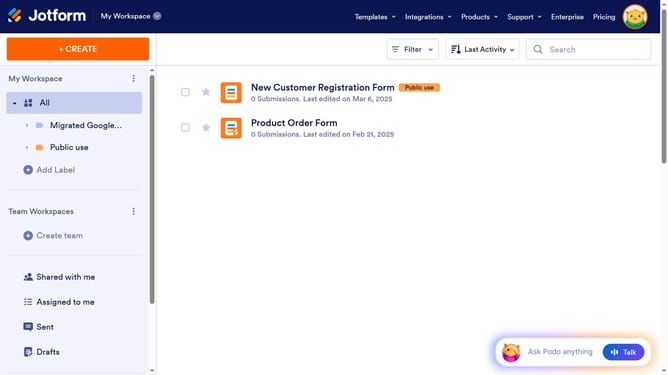
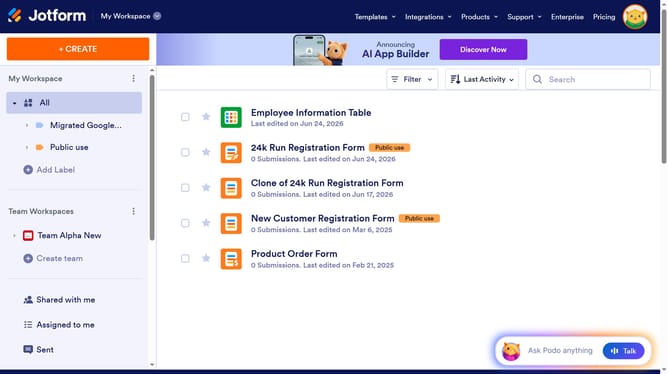
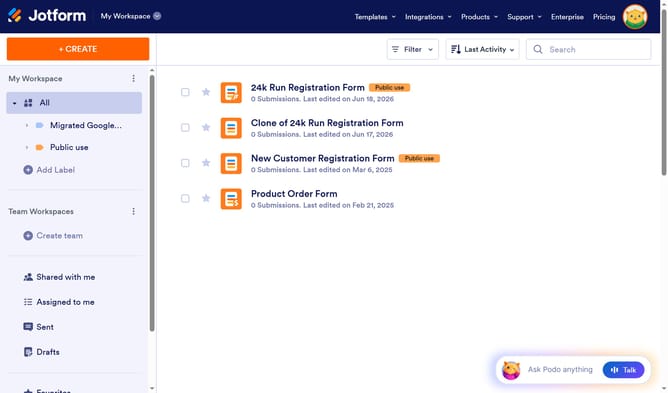
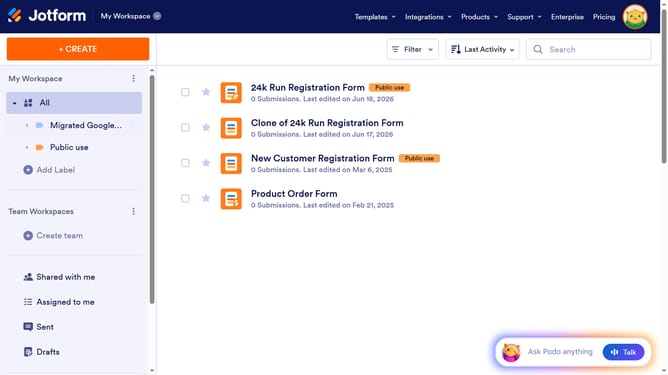
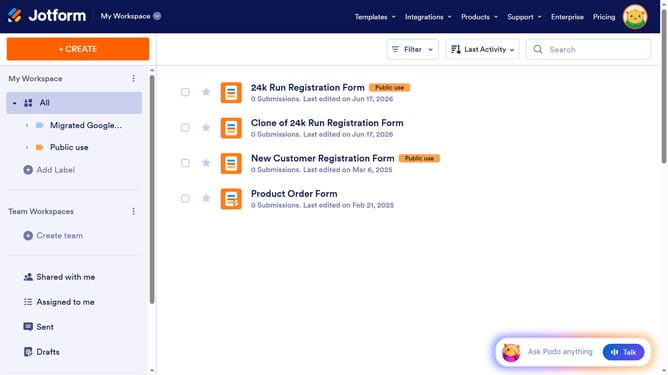
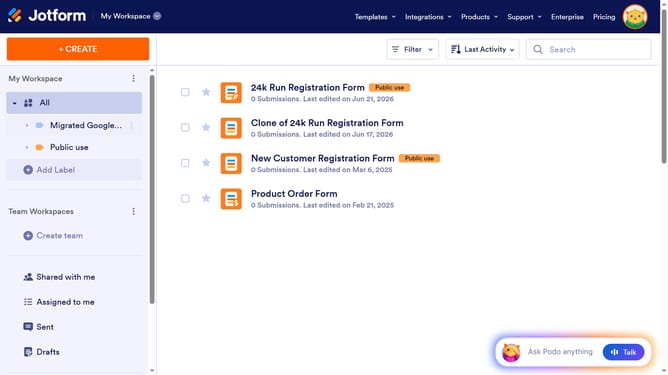
- First click on "All" in the left sidebar
- Then click on "Edit Form" button
- Then click on the scale rating field in the form builder
- Then click on the rating element with value 4 for "Rate Your Excitement for the Event"
- Then click on "Properties" button
- Finally click on the input field for "Lowest Rating Value" and enter a value
Why should you set lowest rating value in a scale rating in a registration form in Jotform
Jotform is a versatile tool designed to simplify the creation and management of online forms effortlessly.
Setting the lowest rating value in a scale rating on a registration form is a key feature that provides flexibility and clarity in data collection. It allows respondents to express their opinions and feedback accurately by clearly defining the starting point of a scale.
This feature is particularly beneficial for gaining nuanced insights into user preferences and satisfaction levels. By customizing the lowest rating value, you ensure that the data gathered aligns accurately with your objectives, leading to more informed decision-making.
Last update