How to change font size in a paragraph field in a registration form in Jotform
Here is how to change font size in a paragraph field in a registration form in jotform
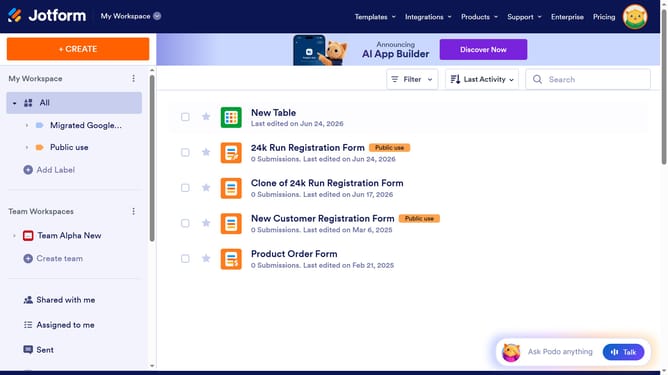
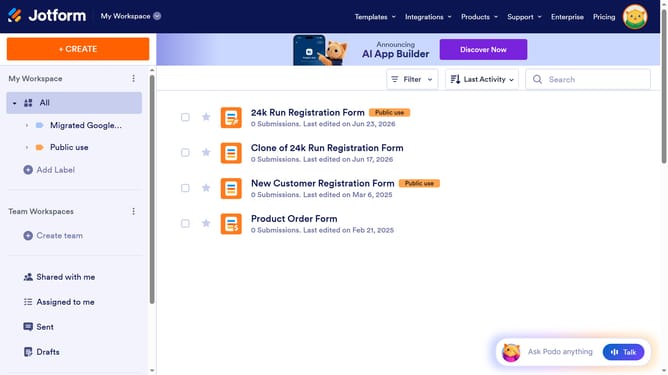
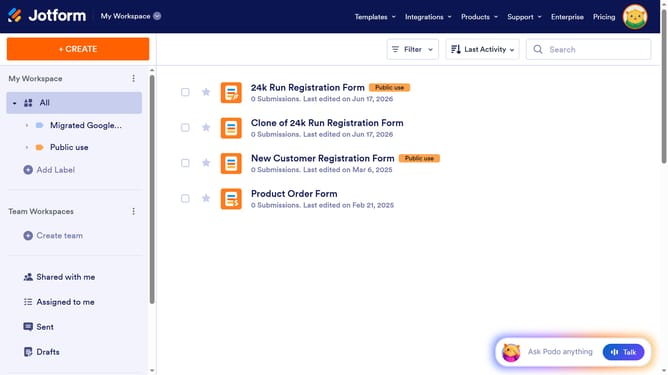
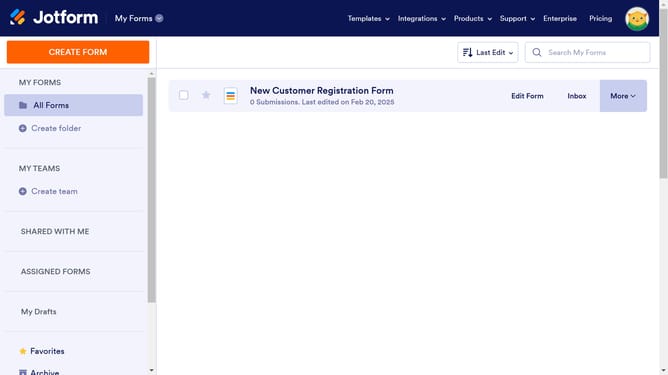
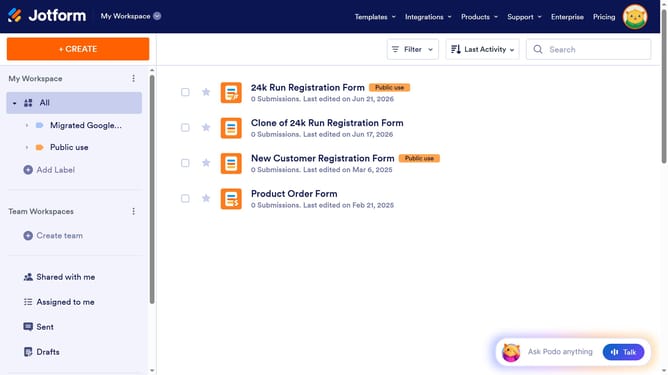
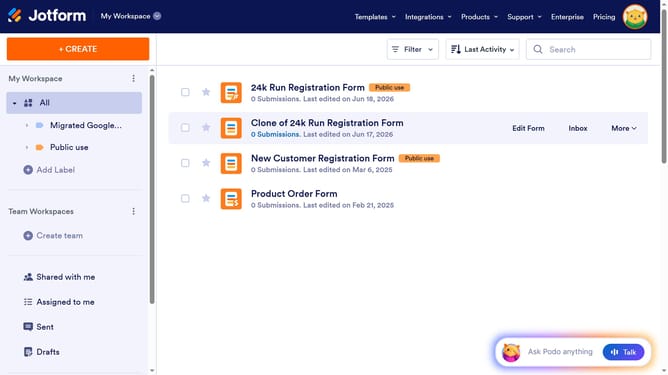
- First click on "All" option in the left sidebar
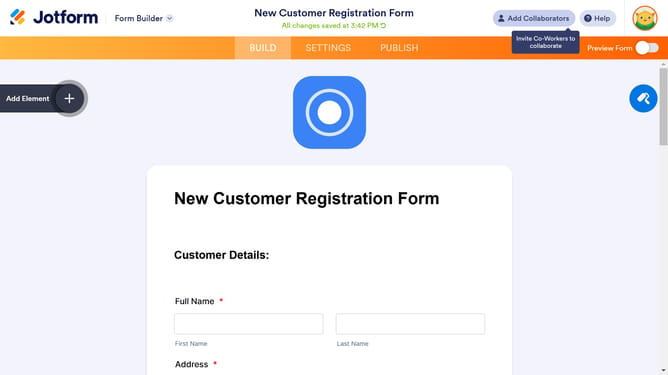
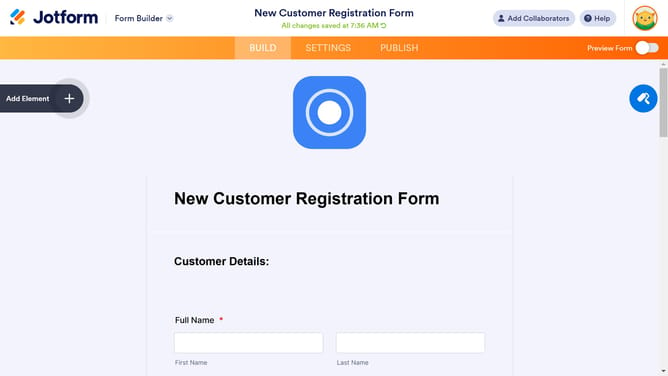
- Then click on "Edit Form" button in the top menu
- Next click on the text inside the paragraph field
- Then click on the pencil icon to edit the text element
- Next click on the text to highlight them
- Then click on the font size dropdown menu
- Finally select a font size from the dropdown
Why should you change font size in a paragraph field in a registration form in Jotform
Jotform is a versatile platform that simplifies the process of creating custom forms for any purpose.
Customizing the font size in a paragraph field within a registration form is remarkably beneficial. It allows you to tailor the text to be more readable or to align with your brand's aesthetic.
Making the font size adjustable enhances the user experience by ensuring that important information stands out, making it easier for participants to engage with your form.
This small customization feature boosts the overall professionalism and appeal of your registration forms.
Last update