How to disable entry limit on a long text field in a registration form in Jotform
Here is how to disable entry limit on a long text field in a registration form in jotform
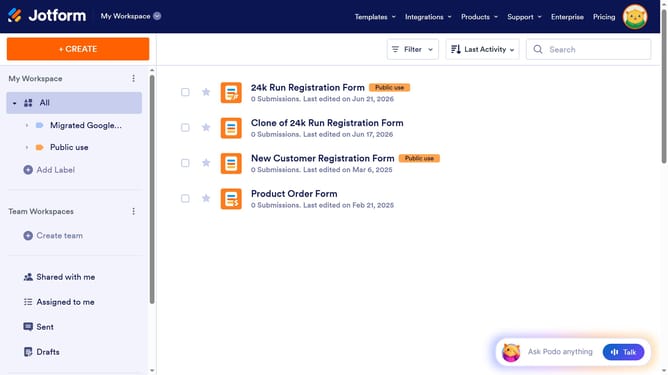
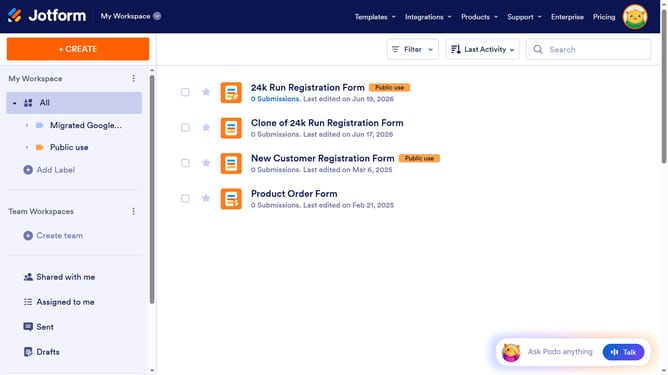
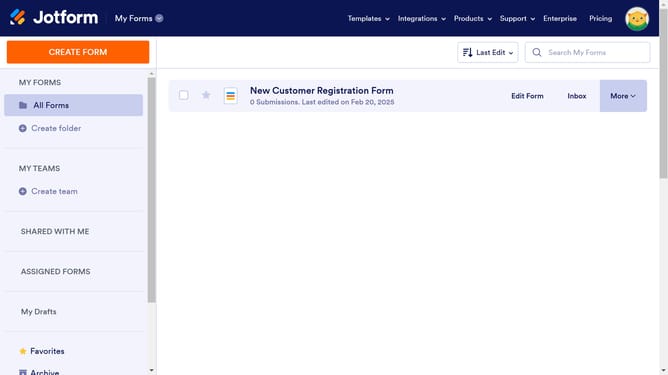
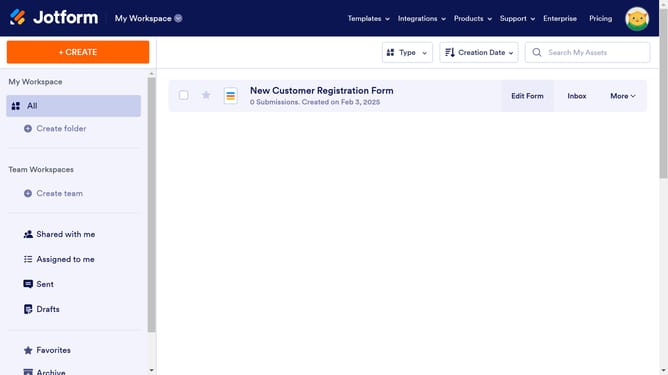
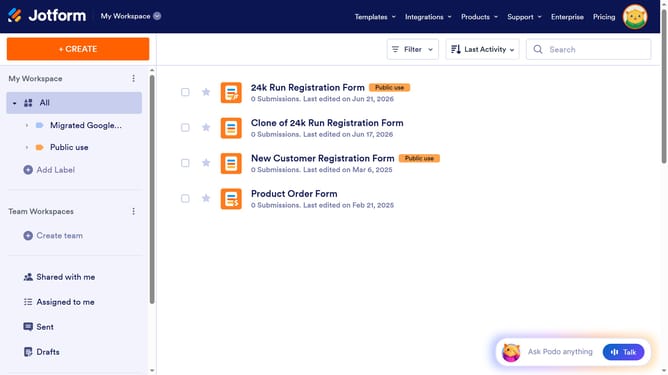
- First click on the "All" option in the left sidebar
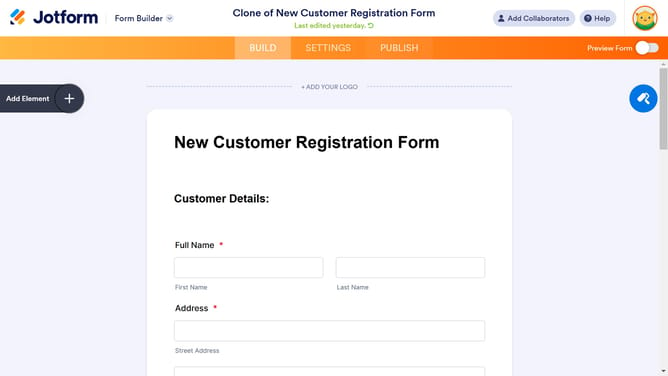
- Next click on "Edit Form" button at the right side of the form name that you want to edit
- Next, click on the long text field in the form
- Then click on the "Settings" gear icon
- Next, in the "Long Text Properties" panel, click on the "Options" tab
- Finally, click on "Entry Limits" toggle slider to disable it
Why should you disable entry limit on a long text field in a registration form in Jotform
Jotform is an intuitive online form builder designed to streamline data collection through customizable forms.
Disabling the entry limit on a long text field in a registration form empowers users to share detailed information without constraints.
By removing character restrictions, you encourage richer responses, enhance data quality, and improve user experience.
This flexibility allows participants to express their thoughts freely, leading to more comprehensive and insightful data collection.
Last update