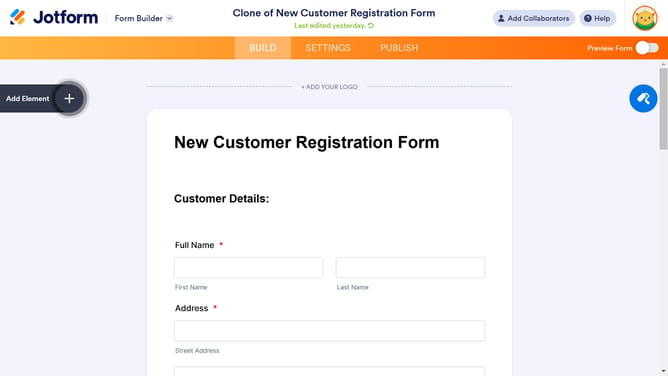
How to enable signature color picker in a registration form in Jotform
Here is how to enable signature color picker in a registration form in jotform
- First, click on "All" in the left sidebar
- Then, click on the "Edit Form" button
- Next, click on the "Signature" tab within the form builder
- After that, click on the settings icon for the Signature element
- Next, click on the "Options" tab in the Signature Properties panel
- Finally, click on the toggle ON for "Show Signature Color Picker" option
Why should you enable signature color picker in a registration form in Jotform
Jotform is a powerful online form builder that simplifies data collection with customizable features.
Enabling the signature color picker in a registration form enhances user experience by allowing signatories to personalize their digital signatures.
This feature provides a versatile and engaging interface, fostering a sense of individuality and brand alignment in forms.
By using the color picker, businesses can elevate their form's aesthetic appeal while maintaining professional integrity.
Last update