How to unshrink the full name field in a registration form in Jotform
Here is how to unshrink the full name field in a registration form in jotform
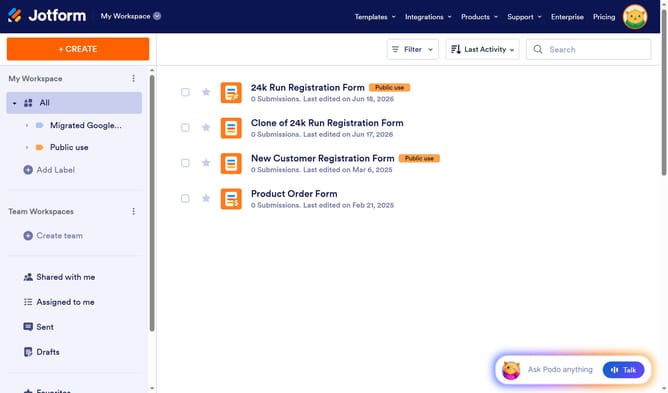
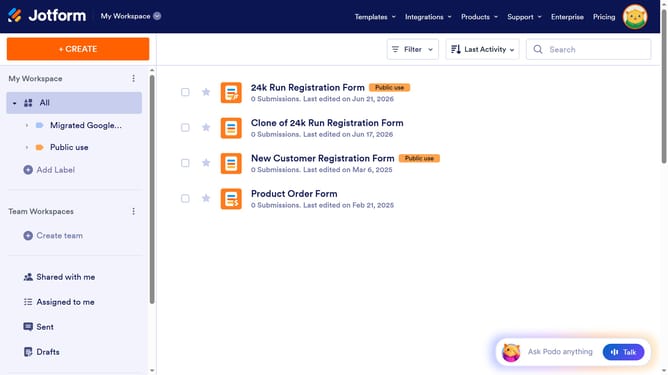
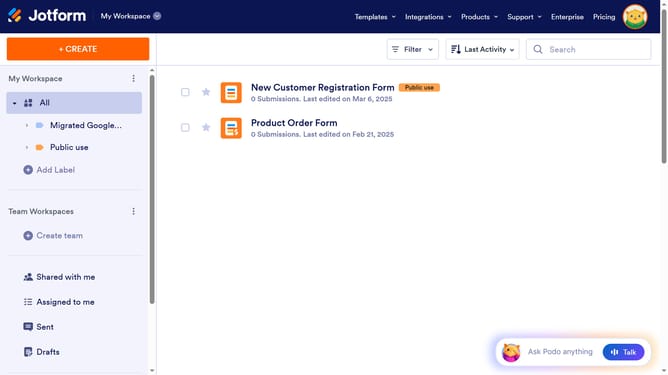
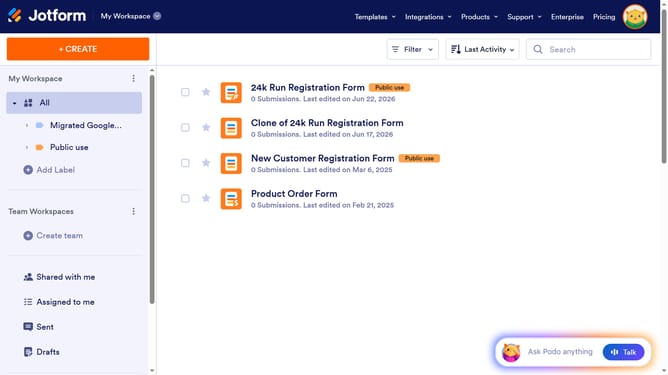
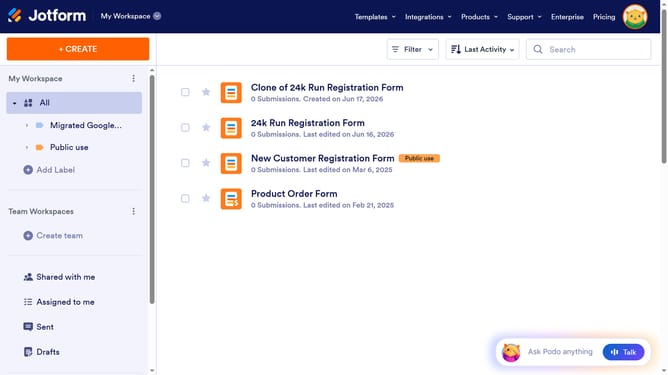
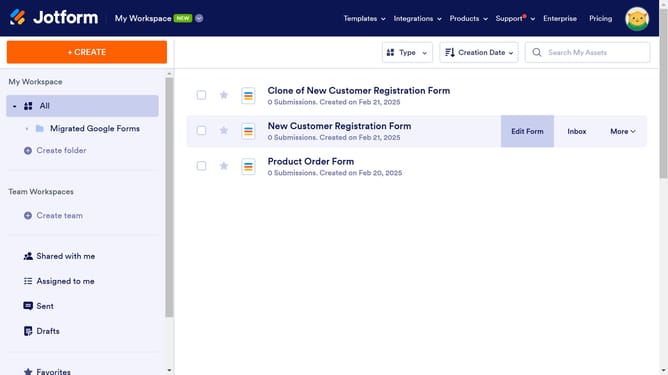
- First click on "All" in the left sidebar
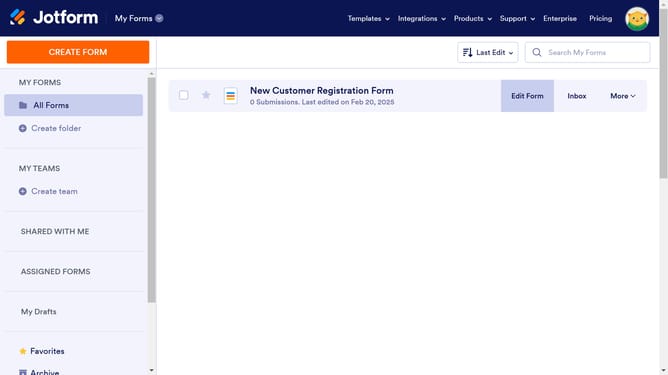
- Then click on "Edit Form" in the main section
- Next click inside the "Name" input field
- Then click on the "Properties" icon
- Next select the "ADVANCED" tab
- Finally click on the "Shrink" toggle OFF make the field larger
Why should you unshrink the full name field in a registration form in Jotform
Jotform is a versatile platform designed to streamline the creation of online forms and enhance data collection.
An essential feature to explore is unshrinking the full name field in a registration form, allowing for a clearer and more comprehensive data input.
Using this feature ensures that users can enter their complete names accurately, which is crucial for seamless communication and record-keeping.
Ultimately, optimizing form fields enhances the user experience, making interactions smoother and fostering a professional appearance in your forms.
Last update