How to add a new tab in a data table in Jotform
Here is how to add a new tab in a data table in jotform
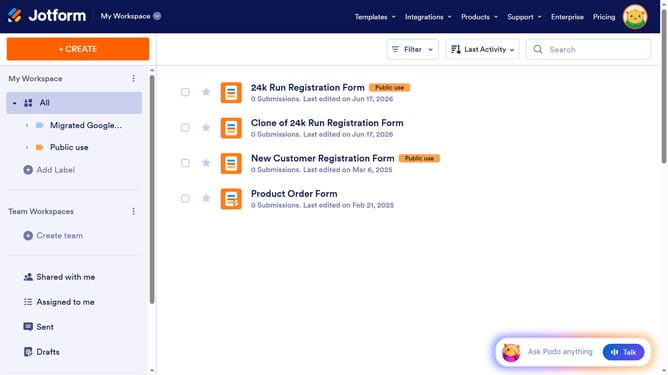
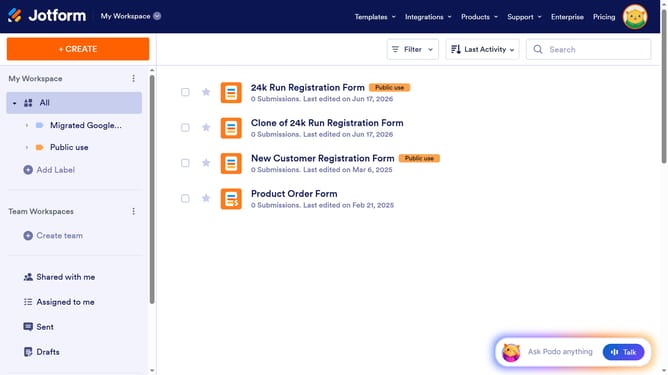
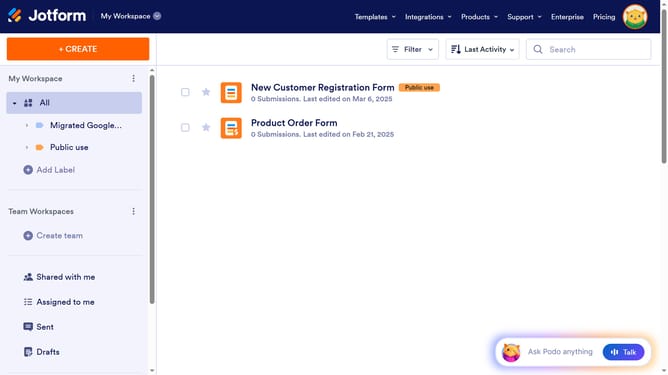
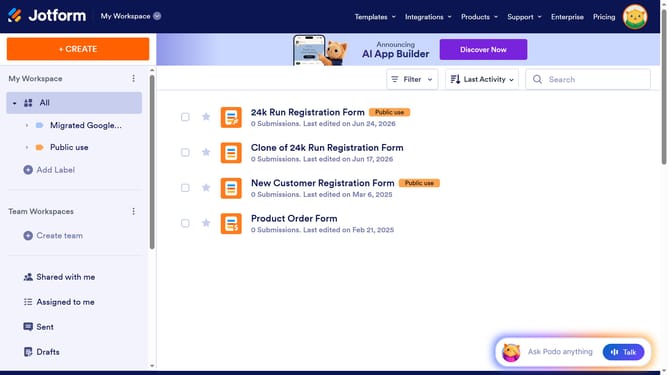
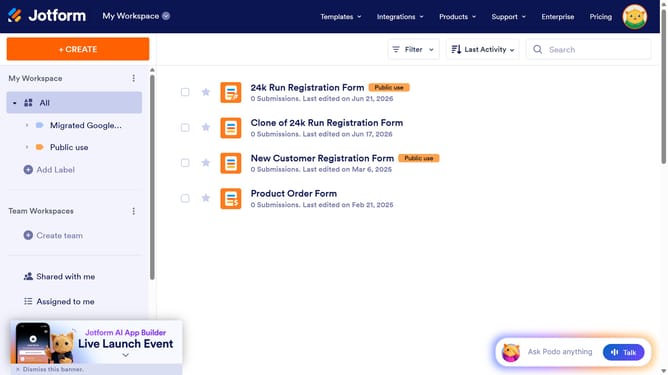
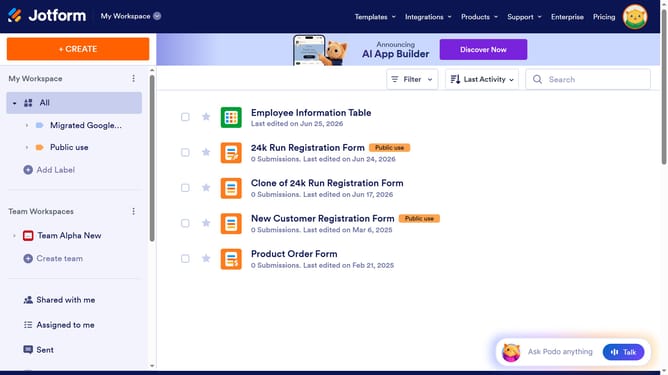
- First click on the "All" option in the left sidebar menu
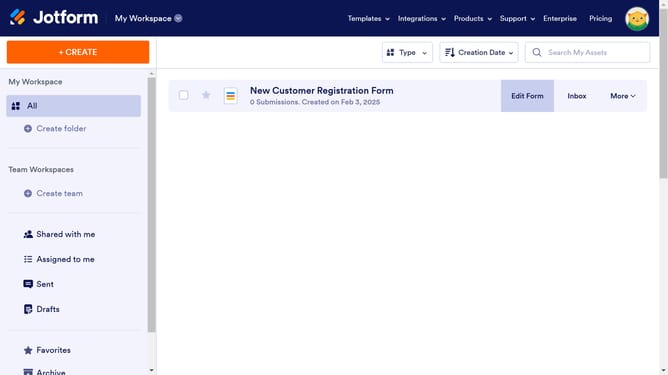
- Next click on "View Table" button at the right side of the table name that you want to manage
- Finally click on the "+ New Tab" button
Why should you add a new tab in a data table in Jotform
Jotform is a versatile online tool designed to simplify form creation and data management.
Adding a new tab in a data table is a simple yet powerful feature in Jotform that enhances your organizational capabilities.
This feature allows you to efficiently categorize and analyze information by creating dedicated sections within your data tables.
By utilizing new tabs, you ensure that your data remains clear, accessible, and easy to navigate, ultimately streamlining your workflow and decision-making processes.
Last update