How to set color options in a single selection column in a data table in Jotform
Here is how to set color options in a single selection column in a data table in jotform
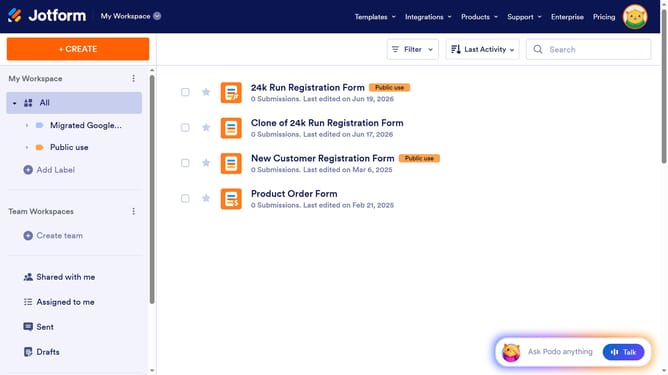
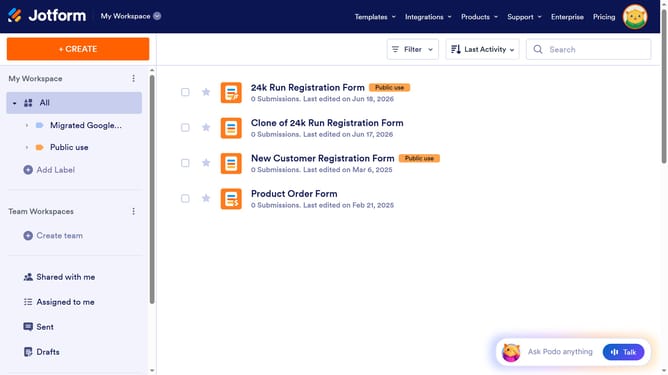
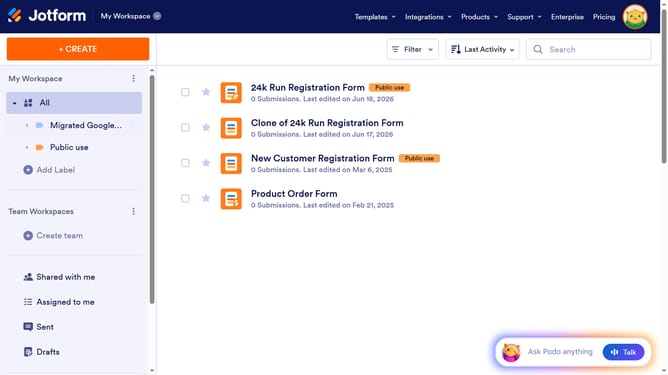
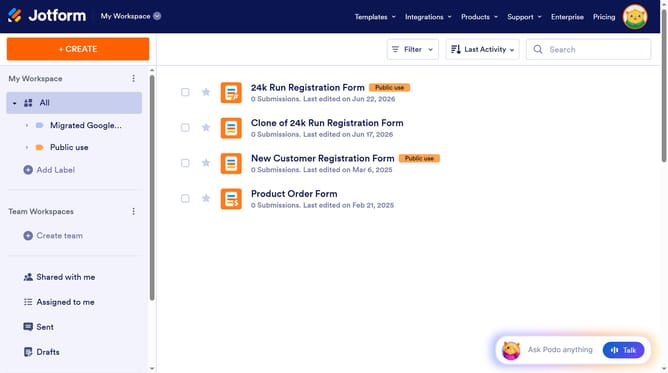
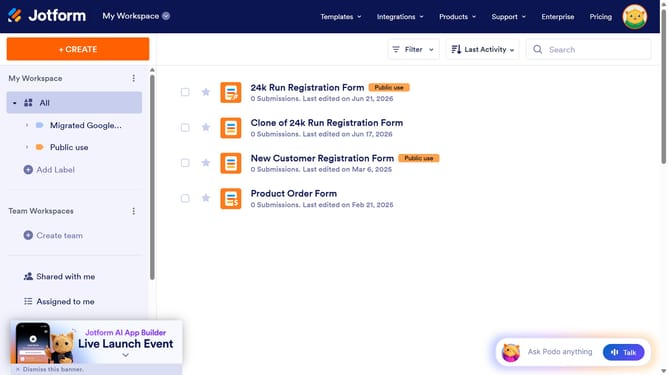
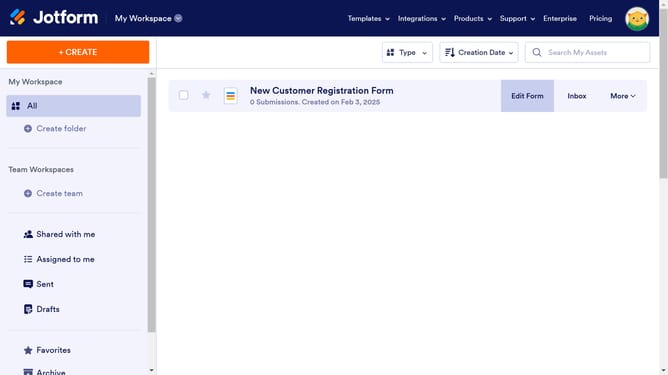
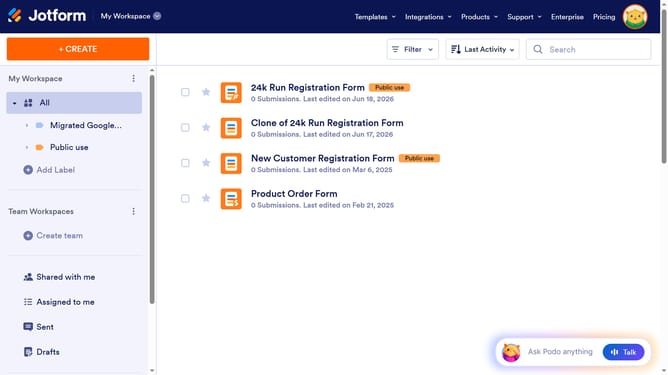
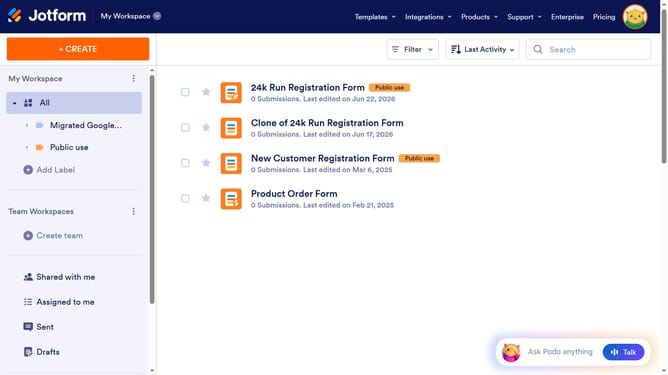
- First click on "All" in the left sidebar
- Next click on "View Table" button at the right side of the table name that you want to manage
- Next, click on the three dots icon next to column header
- Then click on the "Edit column preference" from the dropdown menu
- Next, click on the down arrow icon next to the row that you want to manage
- Then select the color palette
- Finally, click on the "Apply Changes" button
Why should you set color options in a single selection column in a data table in Jotform
Jotform is an intuitive form builder designed to simplify data collection and organization.
One standout feature is the ability to set color options in a single selection column within a data table. This feature enhances visual clarity, making it easier for users to quickly identify and categorize data at a glance.
By using this color-coding option, teams can improve workflow efficiency and reduce the likelihood of errors, ensuring smooth and organized data handling.
Last update