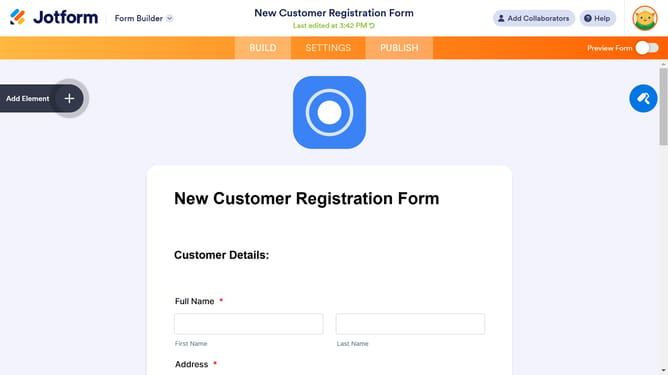
How to shrink the full name field in a registration form in Jotform
Here is how to shrink the full name field in a registration form in jotform
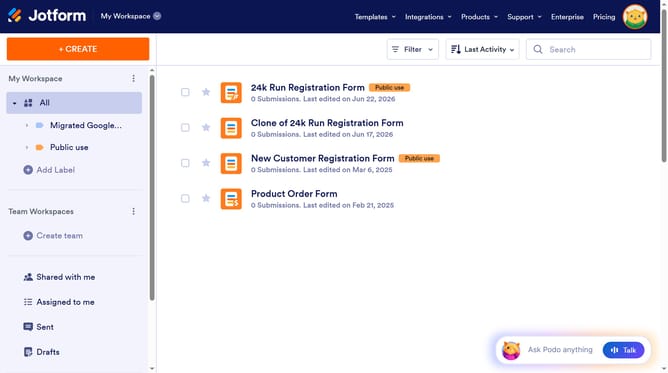
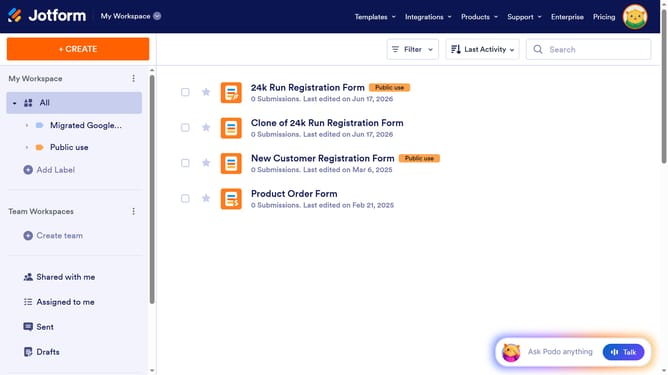
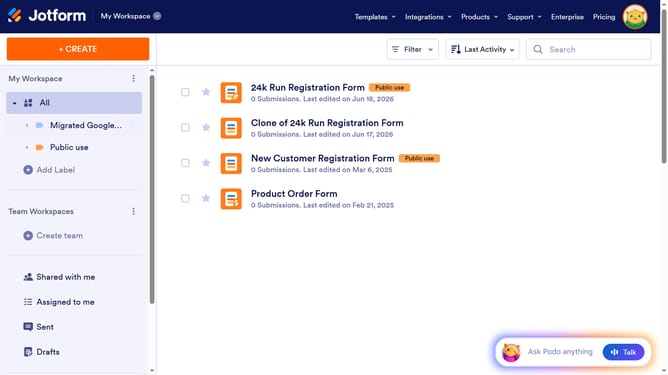
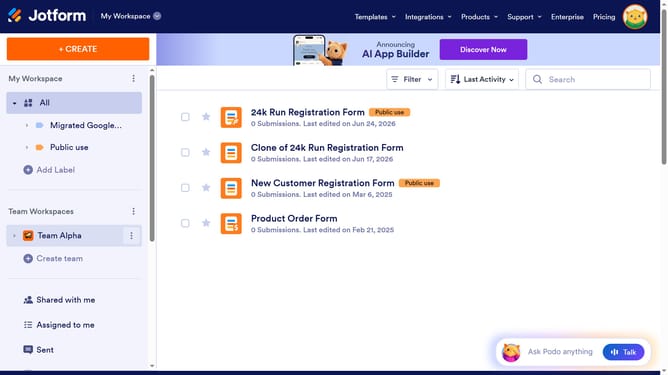
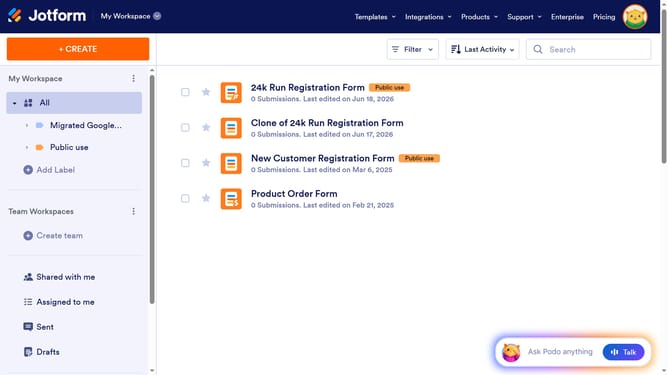
- First click on "All" in the sidebar
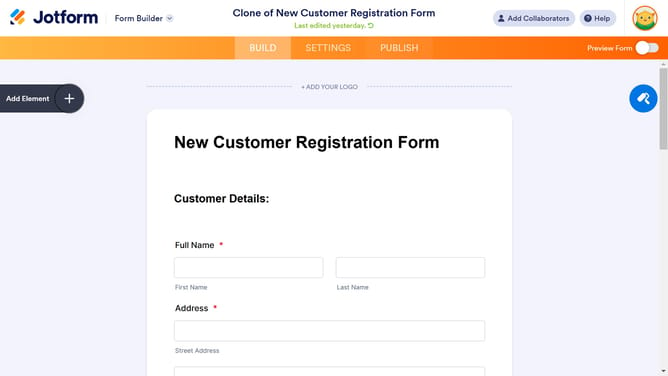
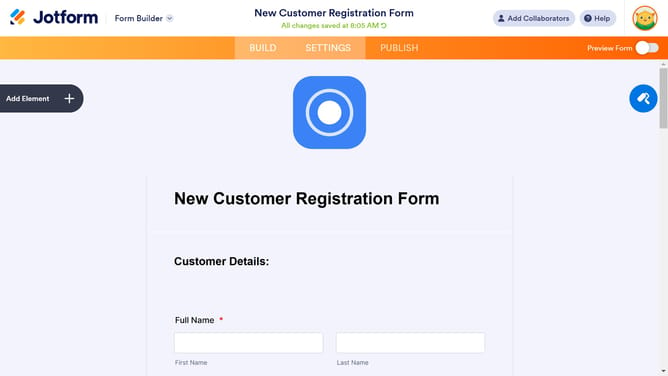
- Then click on "Edit Form" button at the right side of the form name that you want to edit
- Then click on the "Name" field
- Then click on the "Properties" button
- Then click on the "ADVANCED" tab
- Finally click on the "Shrink" toggle ON option
Why should you shrink the full name field in a registration form in Jotform
Jotform is an intuitive form builder designed to simplify the creation of online forms for any purpose.
Shrinking the full name field in Jotform’s registration form seamlessly integrates all elements in a compact design, enhancing the visual appeal of your form.
This feature is particularly beneficial for creating efficient and user-friendly forms, as it reduces unnecessary space, allowing for a cleaner, more organized layout.
By optimizing space, it ensures a more engaging experience, encouraging users to complete forms without feeling overwhelmed.
Last update