How to set captcha type in a registration form in Jotform
Here is how to set captcha type in a registration form in jotform
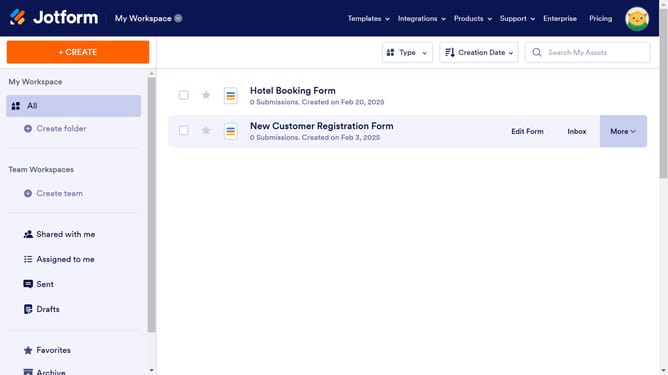
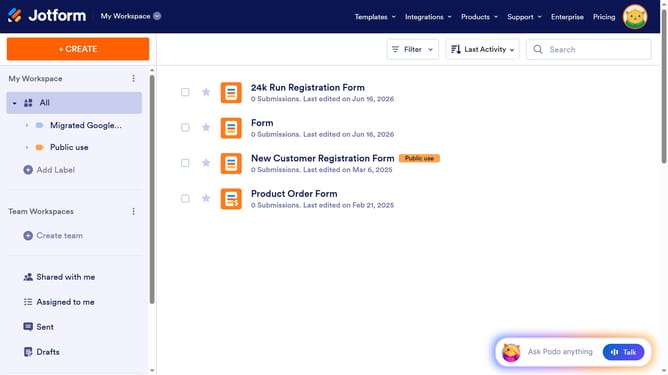
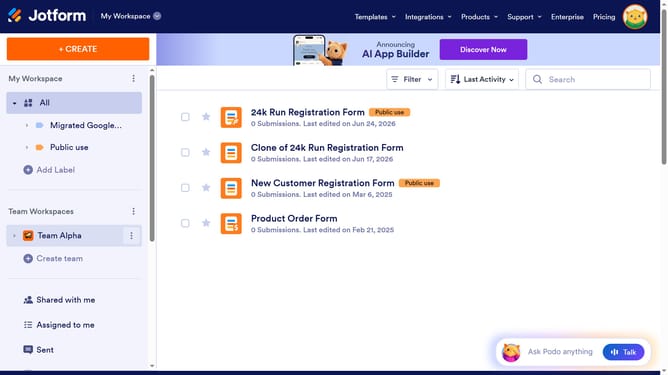
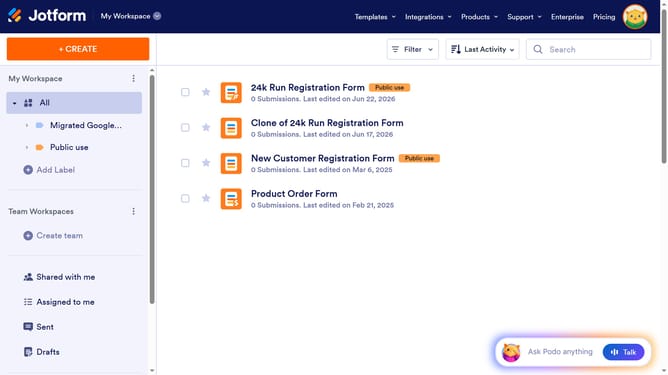
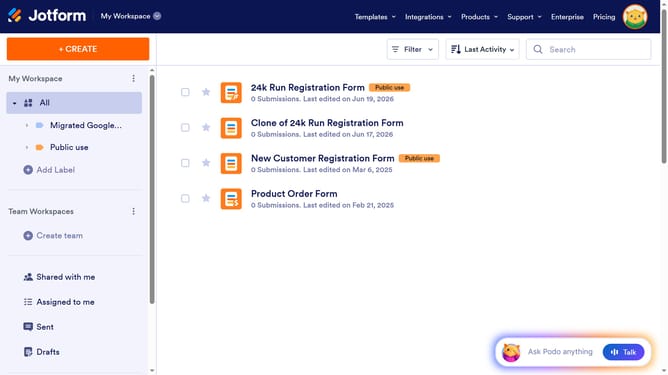
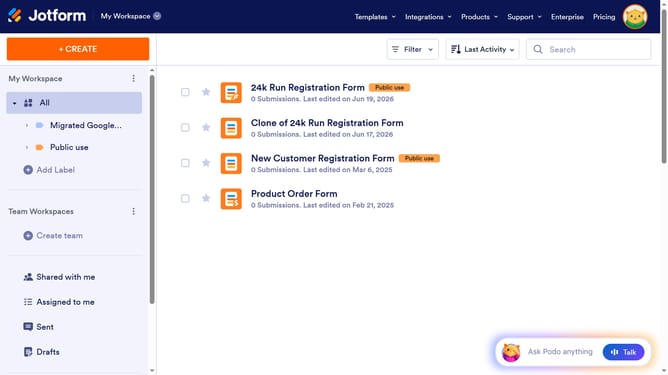
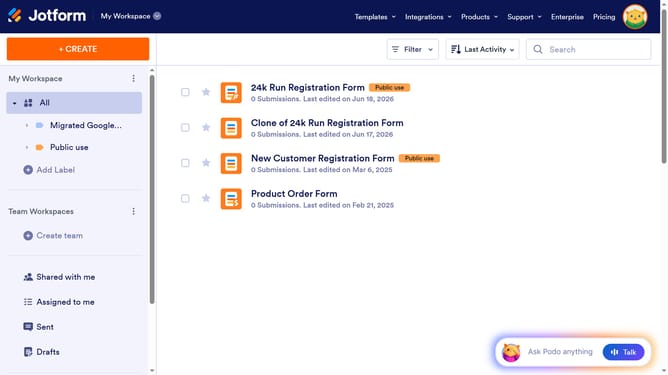
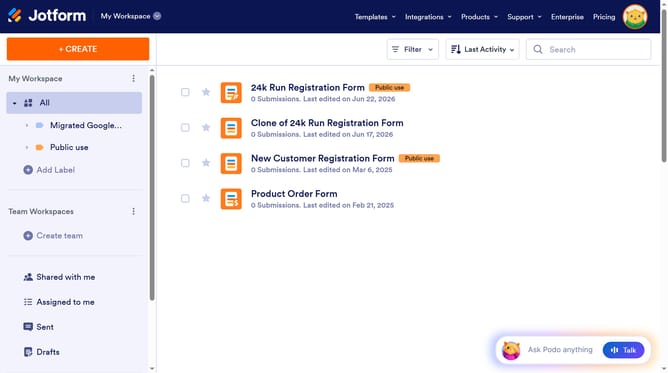
- First click on "All" item in the left sidebar
- Next click on "Edit Form" button at the right side of the form name that you want to manage
- Then click on the Captcha input field
- Then click on the settings icon in the Captcha field
- Finally click on your preferred captcha type
Why should you set captcha type in a registration form in Jotform
Jotform is an intuitive online form builder designed to simplify data collection and streamline workflow.
Setting the captcha type in a Jotform registration form is a straightforward process that enhances security. By choosing an appropriate captcha, you safeguard your form against automated submissions and ensure that only genuine individuals can sign up.
This feature not only increases the integrity of the data collected but also boosts user trust by keeping their registration process swift and secure. With Jotform's flexibility, implementing a captcha is seamless, making your form both user-friendly and robust.
Last update