How to change form fonts on Jotform
Here is how to change form fonts on jotform
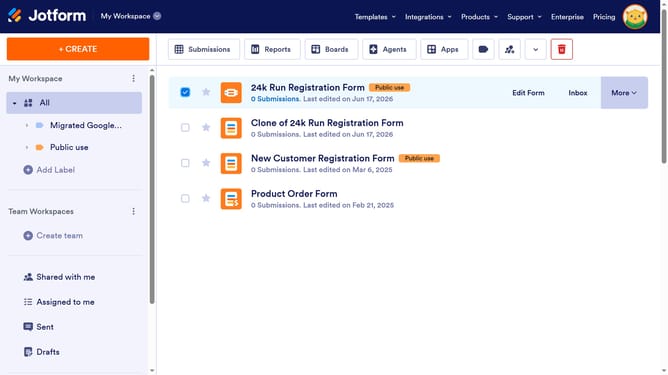
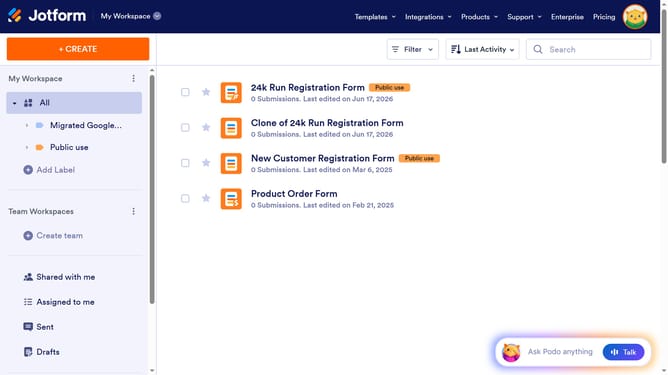
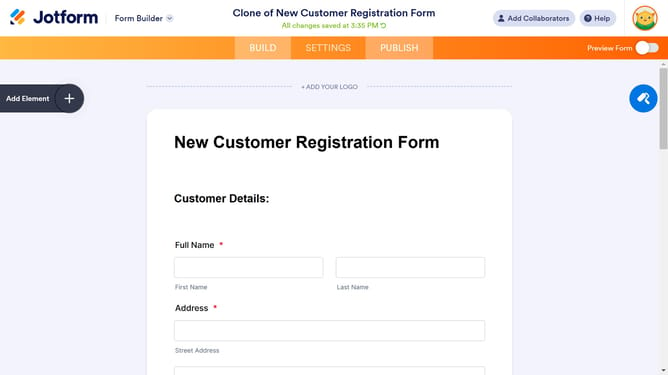
- First click on the "Edit Form" button in the form header to begin customizing
- Then click on the "Form Designer" icon in the top-right corner of the form editor to access design options
- Next click on the "STYLES" tab in the Form Designer sidebar to access styling options
- Next click the font dropdown to choose your desired font
- Then type in the font that you want to use
- Then select the font from the search result
Why should you change form fonts on Jotform
Jotform is a versatile platform designed to simplify form creation and enhance data collection.
One remarkable feature is the ability to change form fonts, allowing users to tailor their forms' visual appeal.
Choosing the right font helps communicate your brand's personality and increases form engagement.
Ultimately, adjusting form fonts not only elevates aesthetics but also bolsters user experience, making every interaction seamless and professional.
Last update