How to integrate AddEvent with ClickFunnels
Here is how to integrate addevent with clickfunnels
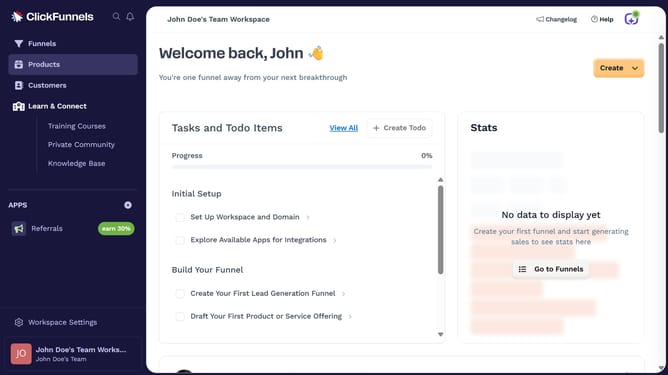
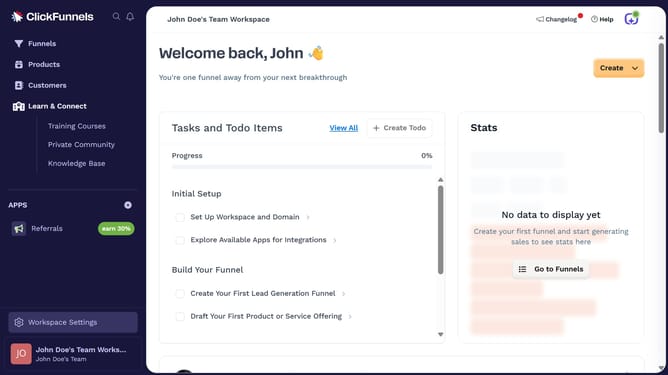
- First click on "Workspace Settings" button in the left sidebar
- Then click on "Integrations" menu item in the left sidebar under Workspace Settings
- Next click on "AddEvent" integration card in the main content area
- Finally enter your API key in the required field in the connection form, then click "Proceed" to finish the integration
Why should you integrate AddEvent with ClickFunnels
ClickFunnels is a streamlined platform designed to simplify the creation of effective sales funnels.
Integrating AddEvent with ClickFunnels empowers users to seamlessly incorporate event scheduling into their sales processes.
This combination boosts engagement by allowing customers to easily add webinars, workshops, or other events directly to their calendars.
Overall, this integration enhances customer interaction and ensures they stay connected with crucial events, leading to higher conversion rates and improved customer experiences.
Last update