How to integrate Airtable with ClickFunnels
Here is how to integrate airtable with clickfunnels
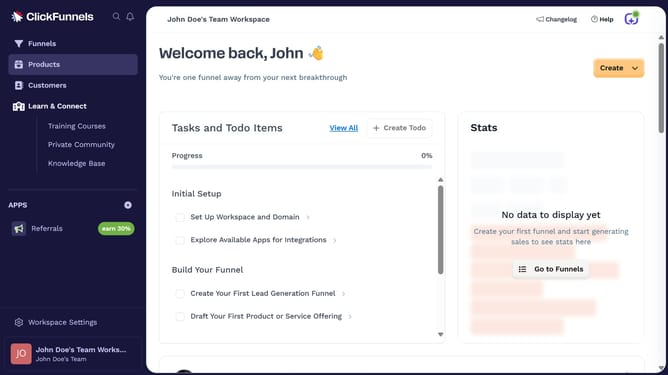
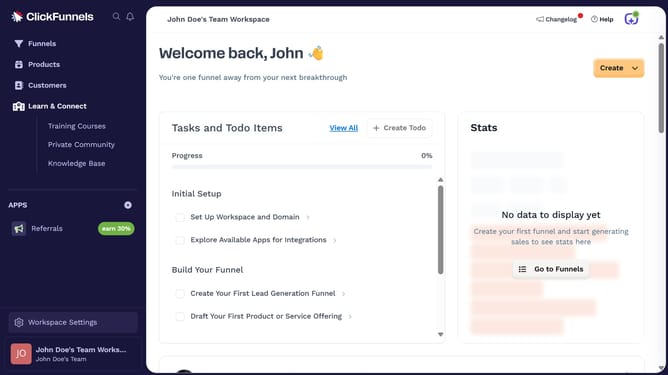
- First click on "Workspace Settings" button in the left sidebar
- Then click on "Integrations" menu item in the left sidebar under Workspace Settings
- Next click on the "Airtable" integration card in the main content area
- Finally enter the API key in the "API Key" text field and proceed with the integration setup
Why should you integrate Airtable with ClickFunnels
ClickFunnels is a versatile tool designed to help marketers create sales funnels that convert.
Integrating Airtable with ClickFunnels can significantly enhance your data management process. By connecting these platforms, you streamline the flow of information, ensuring that data collected in ClickFunnels is effortlessly organized in Airtable.
This integration allows for real-time updates and insights, simplifying project management and decision-making. Leveraging the strengths of both platforms, you can automate tasks, enhance efficiency, and focus on scaling your business seamlessly.
Last update