How to view products by inventory level in ClickFunnels
Here is how to view products by inventory level in clickfunnels
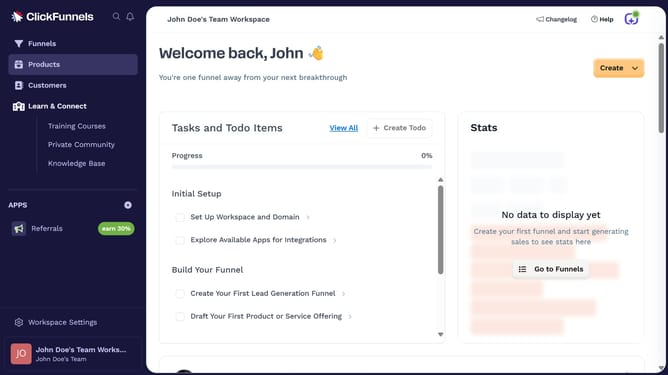
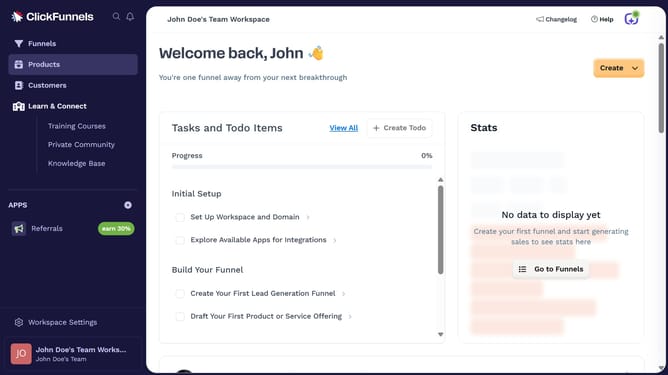
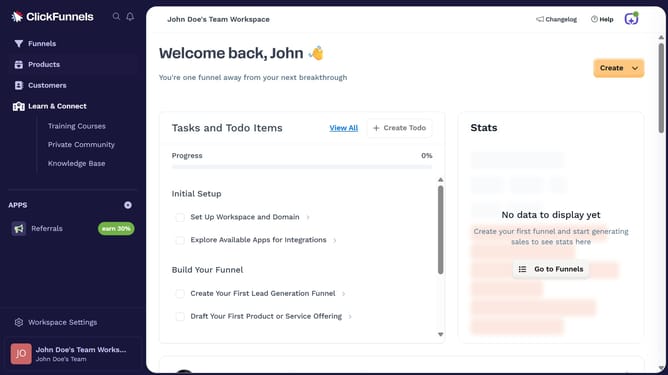
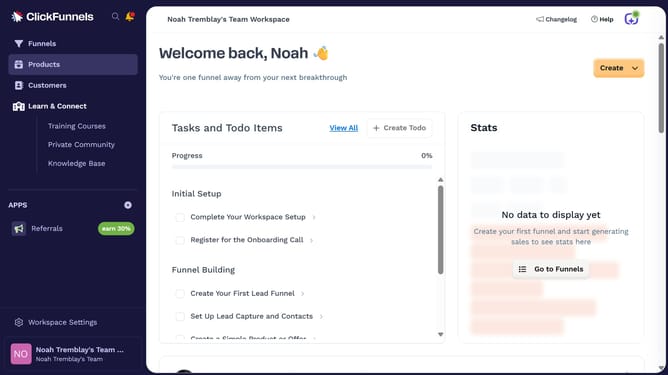
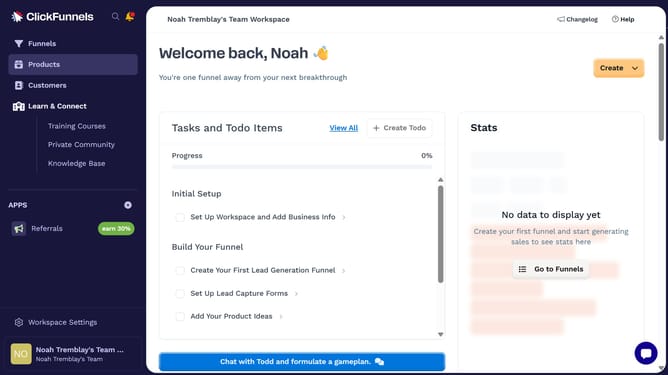
- First click on "Products" in the left sidebar to expand the products menu
- Then click on "All Products" submenu item in the left sidebar
- Next click on "Sort by" dropdown button in the top right area of the products table
- Finally select either "Inventory level (Low to High)" or "Inventory level (High to Low)" from the sort by dropdown menu
Why should you view products by inventory level in ClickFunnels
ClickFunnels empowers entrepreneurs to build effective sales funnels online with ease.
Viewing products by inventory level in ClickFunnels offers a streamlined approach to manage your stock efficiently. This feature allows users to monitor product availability, ensuring that inventory meets demand without overstocking or running out.
By keeping a close watch on inventory levels, businesses can optimize their operations, improve customer satisfaction, and make informed decisions on restocking and future demand.
Last update