How to reorder product images in ClickFunnels
Here is how to reorder product images in clickfunnels
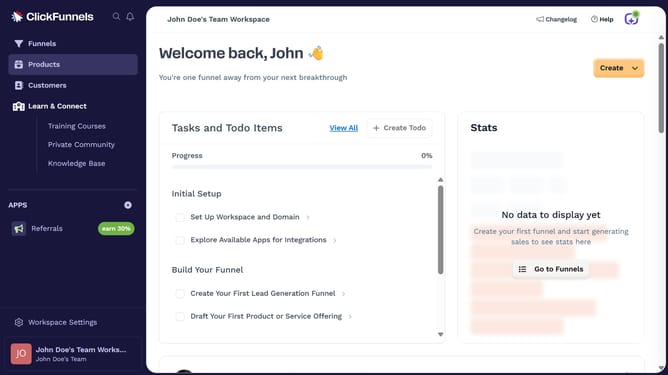
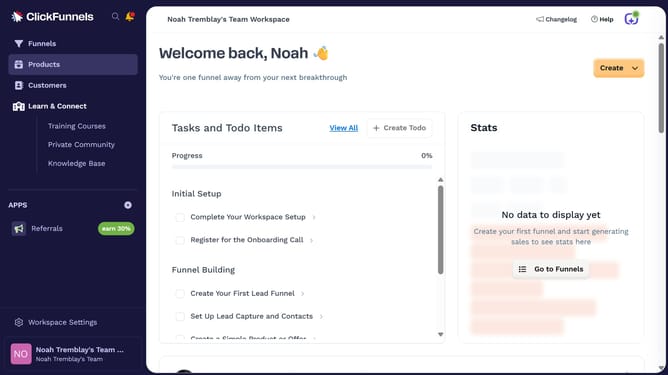
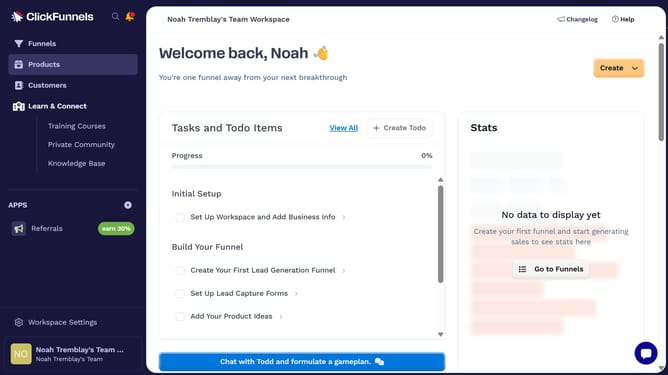
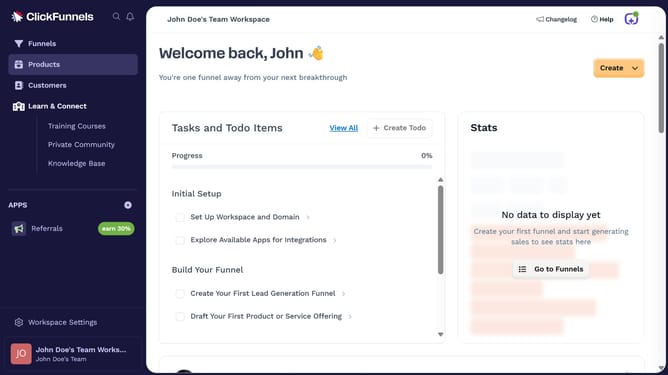
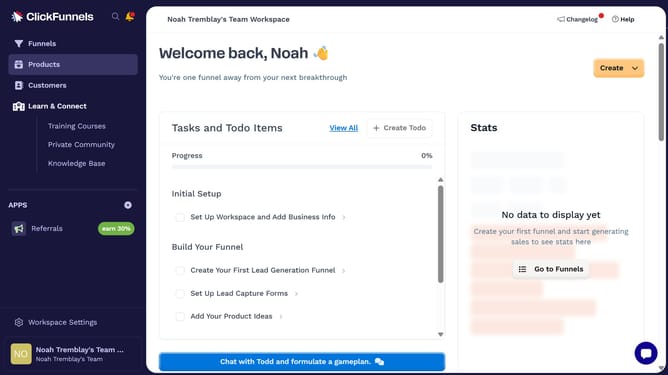
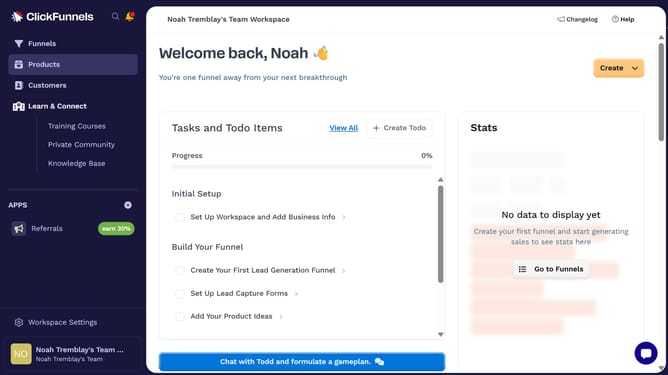
- First click on the "Products" option in the left sidebar menu
- Then click on the "All Products" submenu item under Products
- Next select the product whose images you want to reorder
- Then drag and drop the image into your desired position
- Finally click on the "Update Product" button in the top-right corner to save changes
Why should you reorder product images in ClickFunnels
ClickFunnels is a powerful platform designed to create seamless sales funnels with ease.
One of its standout features is the ability to reorder product images, offering flexibility in how your products are showcased.
Reordering images ensures that the most compelling visuals take center stage, potentially boosting engagement and conversion rates. This feature helps effectively guide customer focus and enhances user experience by aligning image presentation with marketing strategy.
Last update