How to create a product in ClickFunnels
Here is how to create a product in clickfunnels
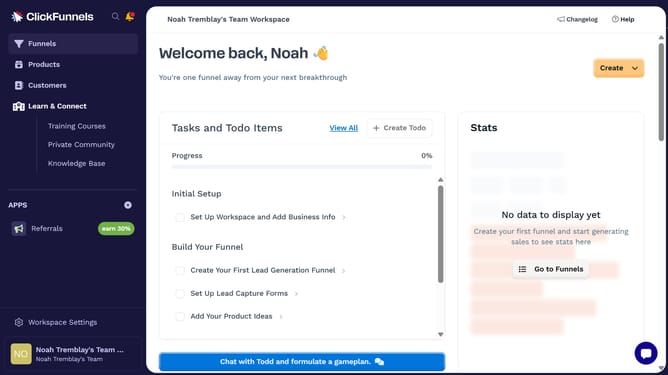
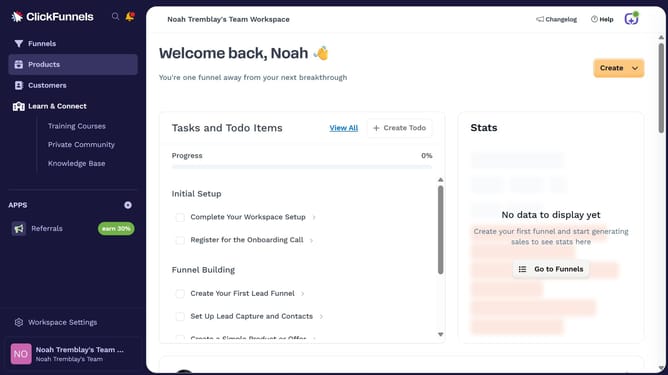
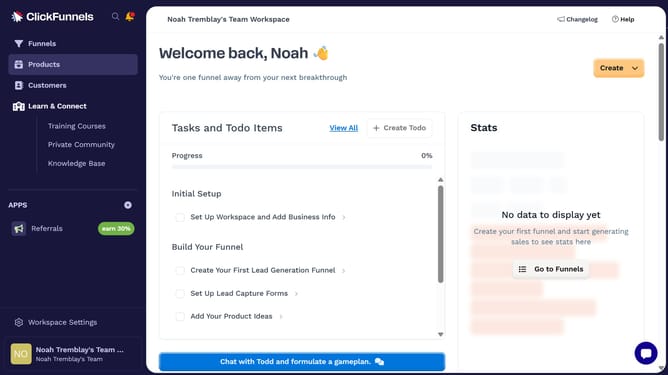
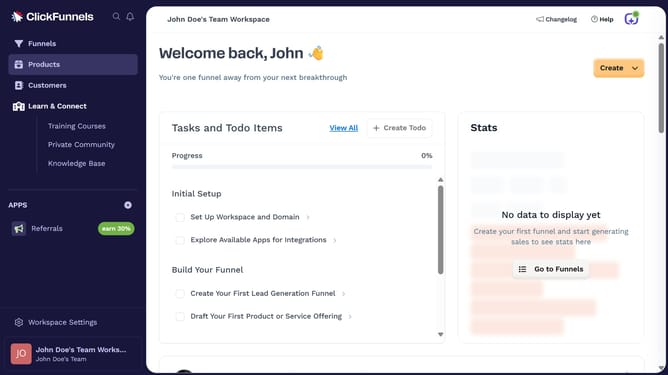
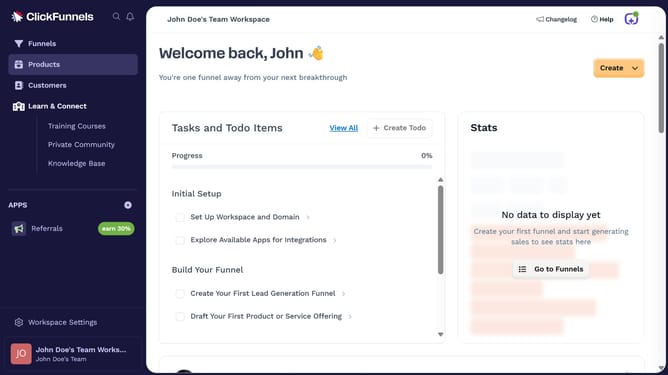
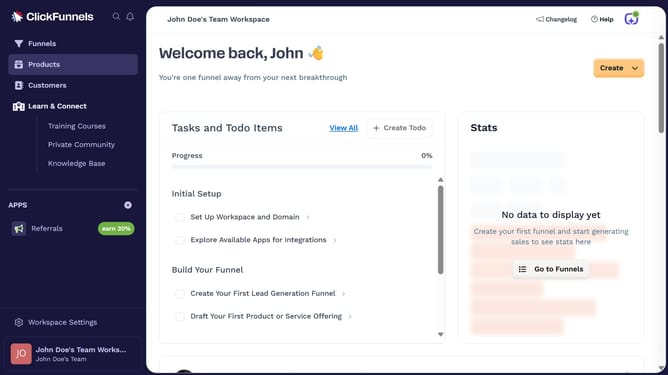
- First click on the "Products" item in the left sidebar menu
- Then click on the "All Products" option in the Products submenu
- Next click on the "Create Product" button in the top right corner
- Enter your product name in the "Product name" field
- Finally click on the "Create product" button at the bottom of the form
Why should you create a product in ClickFunnels
ClickFunnels is an innovative platform designed to streamline and optimize the sales funnel process for businesses.
Creating a product within ClickFunnels is intuitive, ensuring you add your offerings quickly to the funnel. The feature allows for seamless integration, presenting your products with professional appeal.
This benefits users by reducing setup time and enhancing sales efficiency. It also enhances user experience by providing a centralized location for all your products, thus improving organization and sales strategy execution.
Last update