How to rename a product in ClickFunnels
Here is how to rename a product in clickfunnels
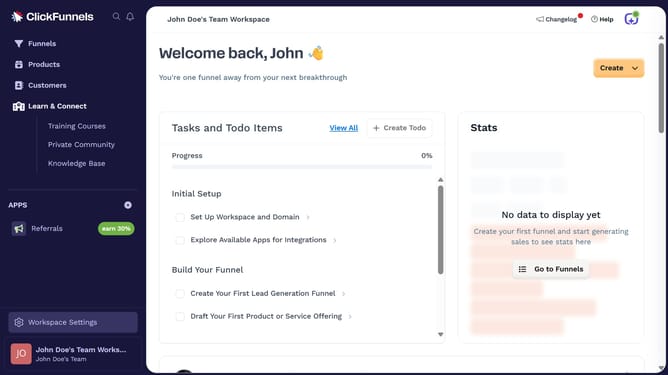
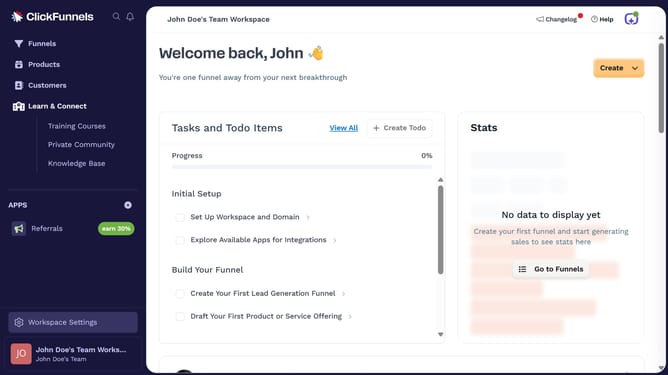
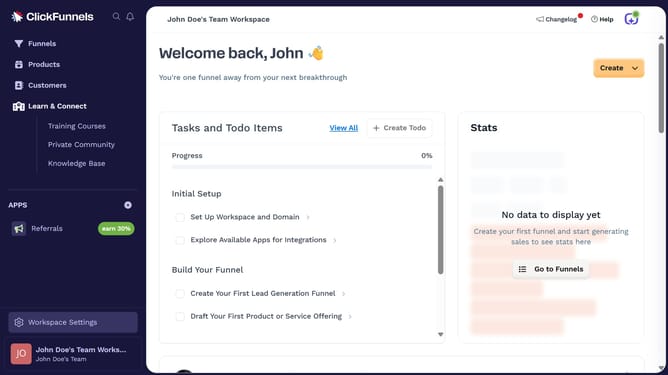
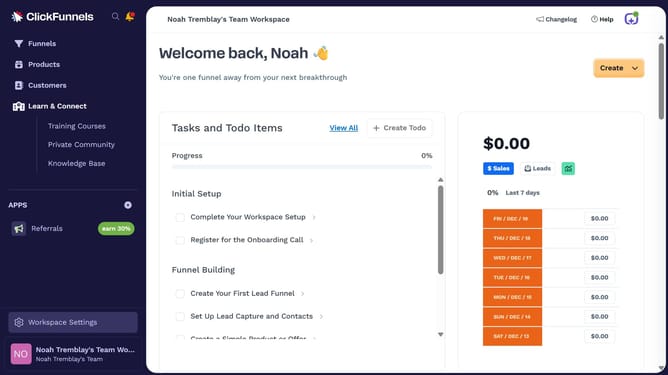
- First click on "Products" in the left sidebar
- Then click on "All Products" in the expanded Products submenu
- Next select the product you want to rename
- Then click on the "Product name" text field and modify the text
- Finally click on "Update Product" button in the top right corner
Why should you rename a product in ClickFunnels
ClickFunnels is an intuitive platform designed to streamline your sales process by creating efficient sales funnels.
Renaming a product in ClickFunnels is a straightforward feature that simplifies product management. This feature enhances organization, ensuring your catalog remains clear and cohesive.
It allows you to maintain consistency across all sales funnels, minimizing confusion for both you and your customers. Ultimately, this boosts efficiency and enhances the overall user experience.
Last update