How to integrate Teamgate with ClickFunnels
Here is how to integrate teamgate with clickfunnels
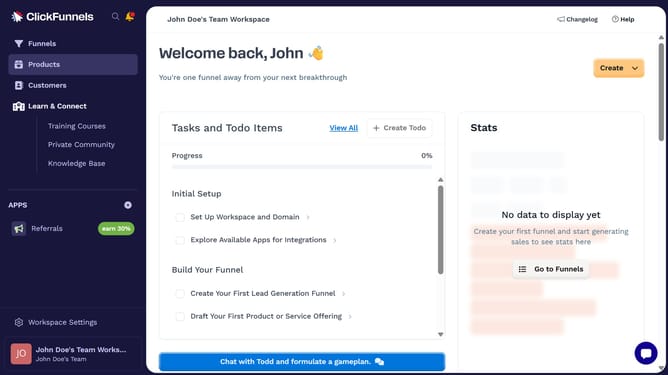
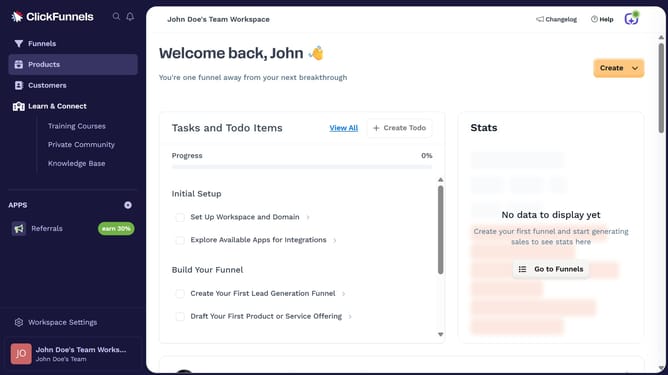
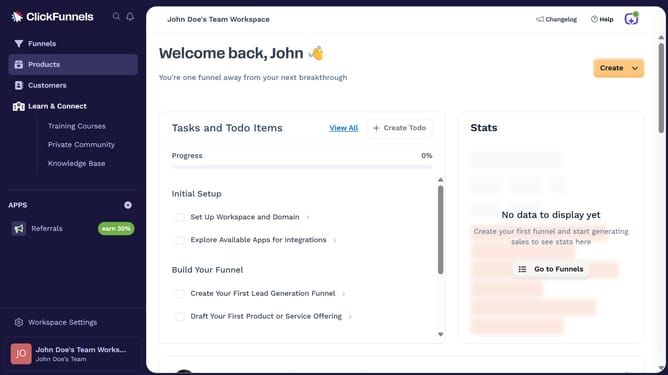
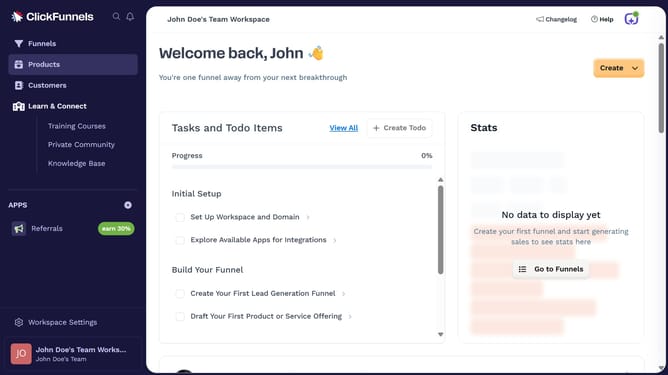
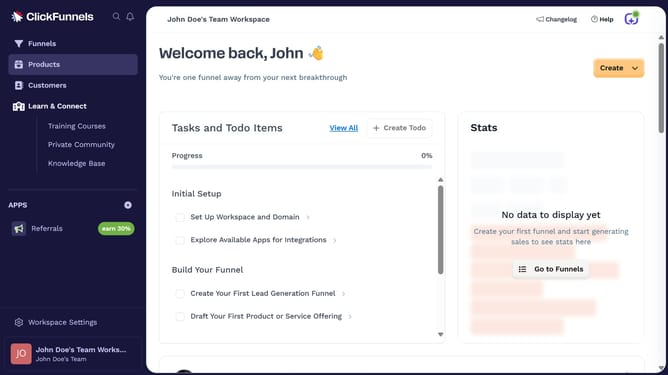
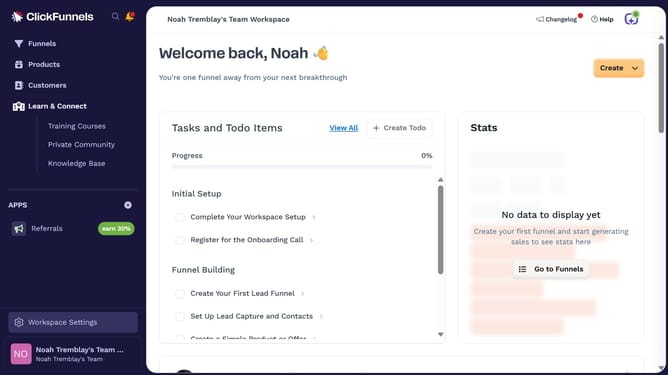
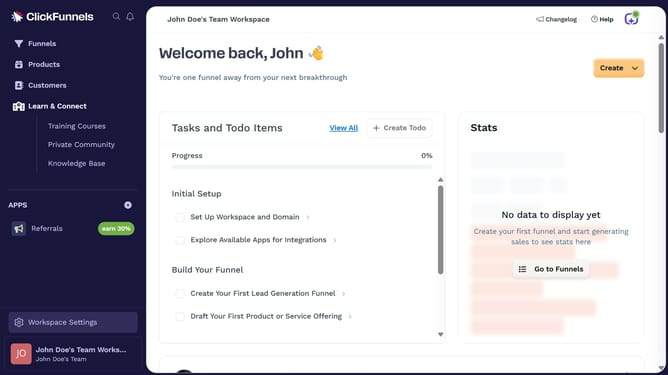
- First click on "Workspace Settings" button in the left sidebar
- Then click on "Integrations" menu item in the left sidebar
- Next click on the "Teamgate" integration card in the main content area
- Finally enter your Teamgate API key and API secret in the connection form, then click "Proceed" to complete the integration
Why should you integrate Teamgate with ClickFunnels
ClickFunnels is your go-to solution for creating sales funnels that convert prospects into customers seamlessly.
Integrating Teamgate with ClickFunnels can optimize your sales process by synchronizing lead data efficiently. This integration allows for a smooth transition of contact information directly from your marketing funnels into your customer relationship management system.
By linking these two platforms, you ensure that no potential lead is lost, ultimately enhancing your team's productivity and increasing conversion rates. The seamless connection simplifies data management and ensures timely follow-ups with prospective clients.
Last update