How to hide Type column in product view in ClickFunnels
Here is how to hide type column in product view in clickfunnels
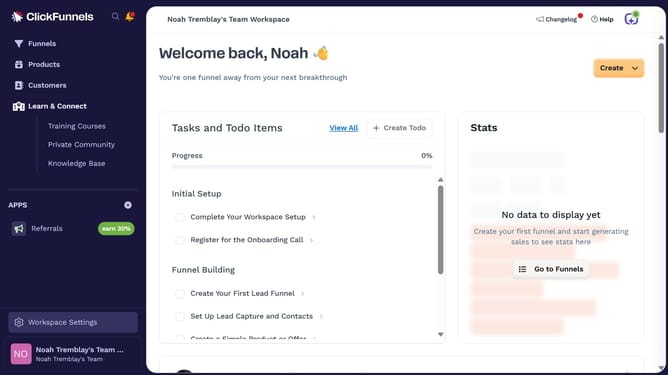
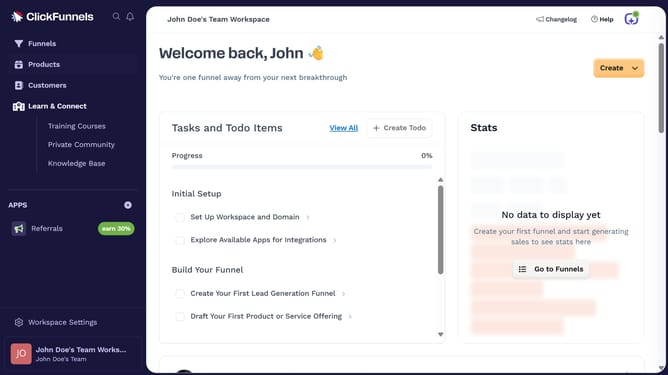
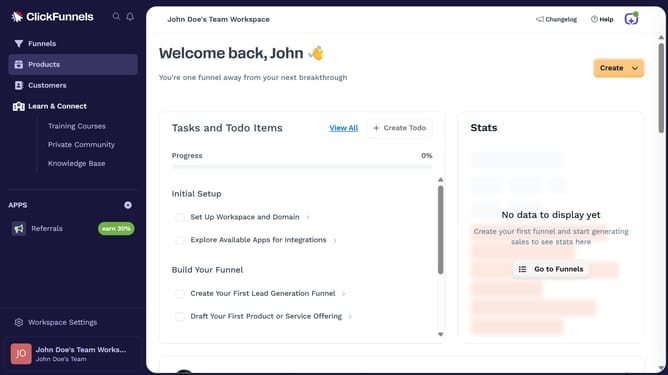
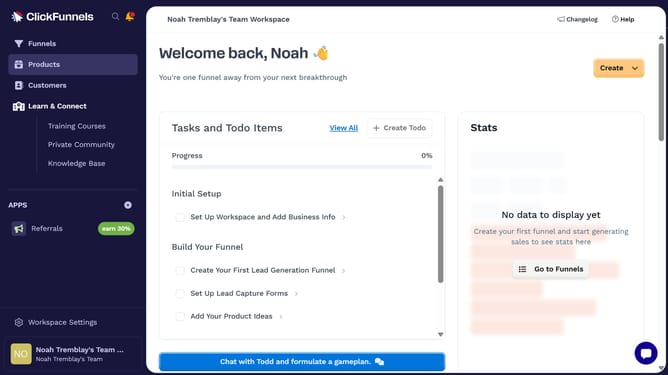
- First click on "Products" in the left sidebar to expand the products menu
- Then click on "All Products" submenu item in the left sidebar
- Next click on the "Modify columns" button in the top right corner of the products table
- Finally uncheck the "Type" checkbox in the column visibility dropdown menu to hide it
Why should you hide Type column in product view in ClickFunnels
ClickFunnels is an innovative platform designed to streamline the creation of marketing funnels, enhancing sales and customer engagement.
One of its subtle, yet impactful, features is the ability to hide the Type column in product view. By doing so, users can customize their viewing experience to focus on more relevant information, reducing visual clutter.
Streamlining the product display not only enhances visual clarity but also speeds up decision-making by allowing users to concentrate on critical product details.
This feature reflects ClickFunnels' commitment to providing a clean, user-friendly interface, empowering businesses to manage their products efficiently.
Last update