How to set pricing for product variants in ClickFunnels
Here is how to set pricing for product variants in clickfunnels
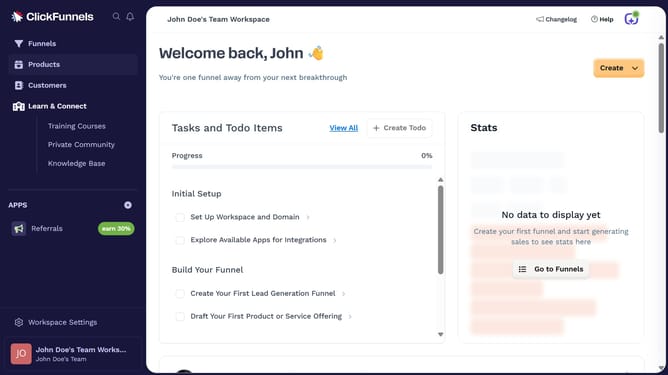
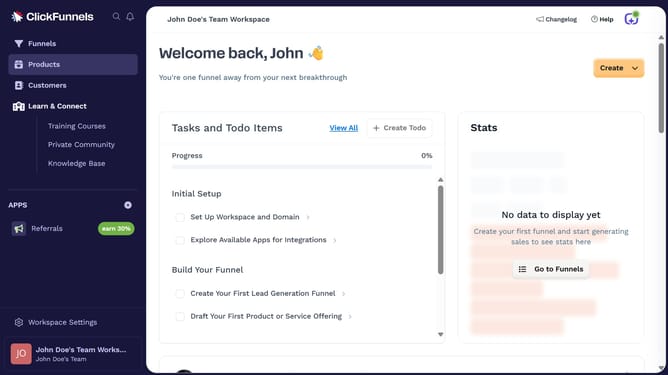
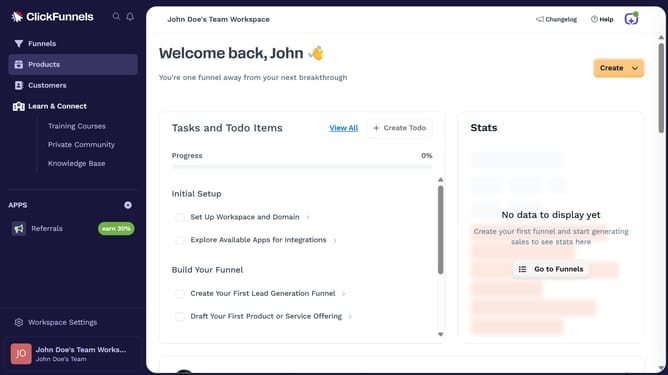
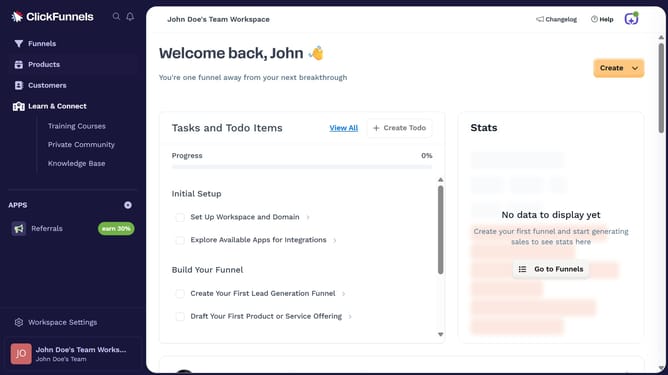
- First click on "Products" in the left sidebar menu
- Then click on "All Products" submenu item in the Products section
- Next select the product that contains the variants you want to set pricing for
- Next click on "Edit variants" button in the Variants section
- Next click the variant you want to set pricing for in the variants list
- Click on "Add Override Price" button in the Pricing section
- Next enter the desired price in the Amount field
- Finally click "Save" button to save the price override changes
Why should you set pricing for product variants in ClickFunnels
ClickFunnels is a powerful software designed to effortlessly build online sales funnels for marketing and sales actions.
Setting pricing for product variants in ClickFunnels allows businesses to customize pricing strategies effectively.
This feature enables users to cater to diverse customer preferences by offering multiple pricing options, ultimately increasing sales potential.
By utilizing this feature, businesses can attract and convert a wider range of customers, enhancing profitability and growth.
Last update