How to hide the Sales column in ClickFunnels
Here is how to hide the sales column in clickfunnels
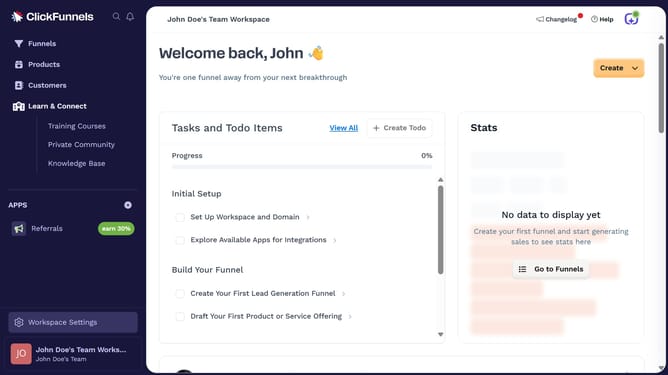
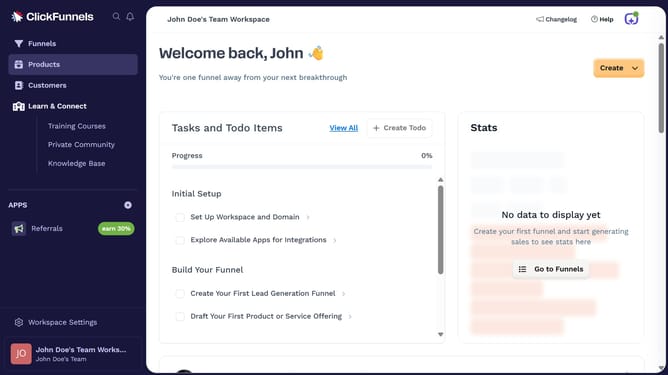
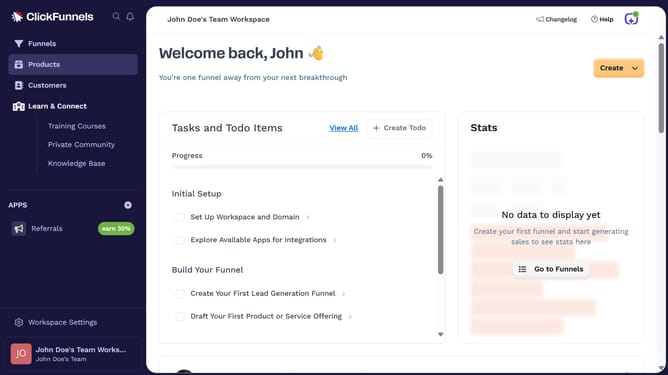
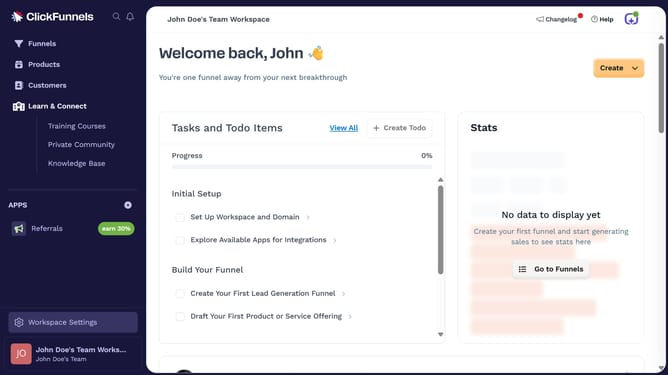
- First click on the "Funnels" option in the left sidebar navigation menu
- Then click on the "Modify columns" button in the top right corner of the funnels list view
- Finally uncheck the "Sales" checkbox from the column options dropdown menu
Why should you hide the Sales column in ClickFunnels
ClickFunnels is a powerful tool designed to help businesses create effective sales funnels and manage their marketing processes efficiently.
One of the features users appreciate is the ability to hide the Sales column, simplifying their dashboard by focusing only on the information most relevant to them.
This feature enhances user experience by reducing clutter, allowing for a more streamlined view, which ultimately helps in making informed decisions quickly.
By selectively displaying data, users can maintain a cleaner, more organized workspace, promoting better focus on key metrics that drive business growth.
Last update