How to integrate GetResponse with ClickFunnels
Here is how to integrate getresponse with clickfunnels
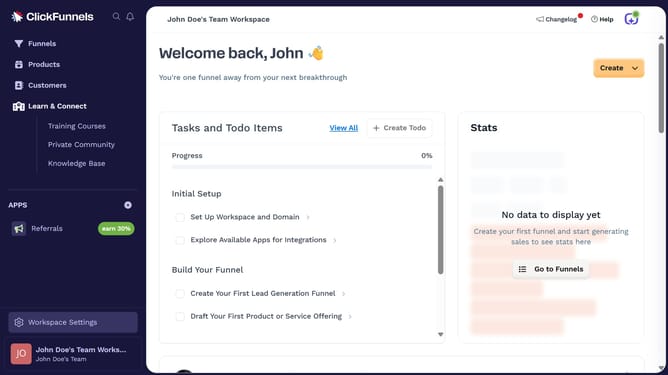
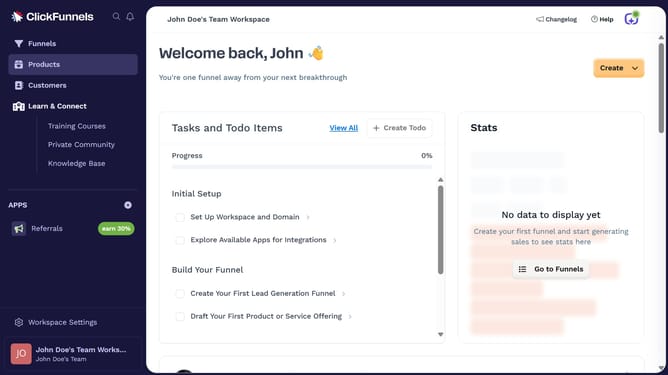
- First click on "Workspace Settings" button in the left sidebar
- Then click on "Integrations" menu item in the left sidebar under Workspace Settings
- Next click on "GetResponse" integration card in the main content area
- Finally enter your GetResponse API key in the connection form, then click "Proceed" to complete the integration
Why should you integrate GetResponse with ClickFunnels
ClickFunnels is a dynamic tool designed to help businesses create effective sales funnels for optimal customer conversion.
Integrating GetResponse with ClickFunnels enhances your marketing efforts by combining robust email marketing with efficient funnel management.
This integration allows you to seamlessly capture leads and communicate with them, fostering a personalized customer journey.
Ultimately, using these platforms together boosts efficiency, helping you maximize sales and improve customer engagement effortlessly.
Last update