How to copy a funnel in ClickFunnels
Here is how to copy a funnel in clickfunnels
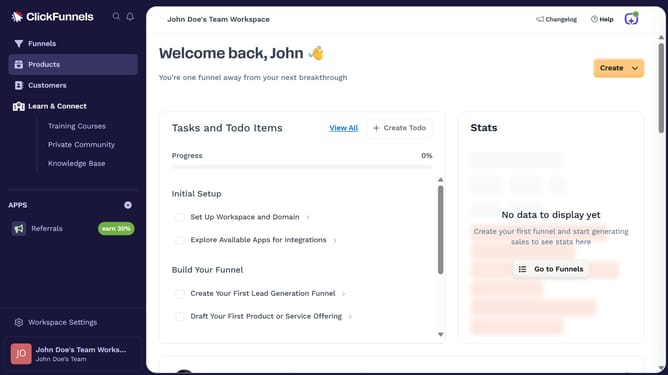
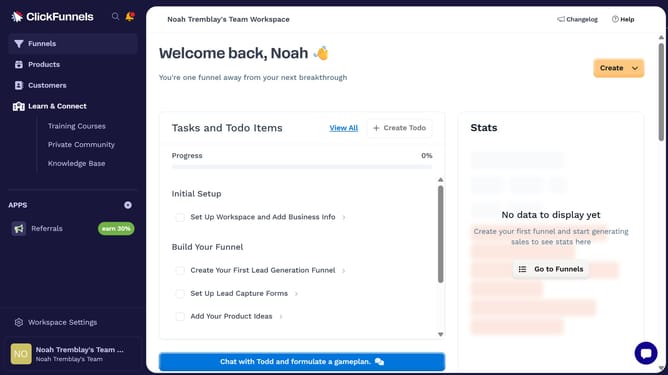
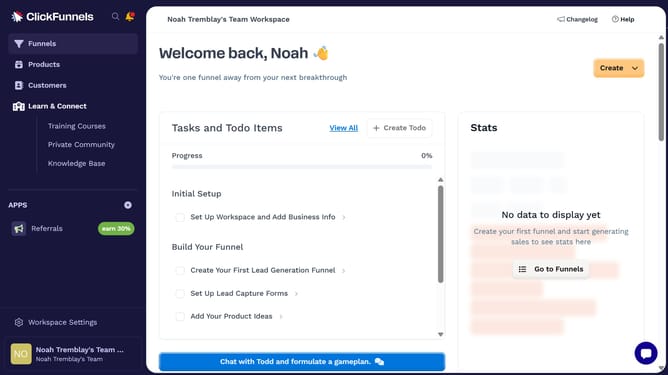
- First click on the "Funnels" option in the left sidebar navigation menu
- Then locate the funnel you want to duplicate from the list and click its "Settings" button
- Finally click on the "Duplicate Funnel" button at the bottom of the funnel settings page
Why should you copy a funnel in ClickFunnels
ClickFunnels is a powerful tool designed to simplify the process of building effective sales funnels online.
One of its standout features is the ability to effortlessly copy a funnel, saving time and ensuring consistency across marketing campaigns. This feature is particularly beneficial for marketers who frequently launch new products or services and need to replicate successful strategies quickly.
By using the copy function, users can maintain the same high standards of design and functionality, enhancing the efficiency of their marketing efforts. This promotes greater agility in the ever-evolving digital landscape.
Last update