How to set shipping weight for a product in ClickFunnels
Here is how to set shipping weight for a product in clickfunnels
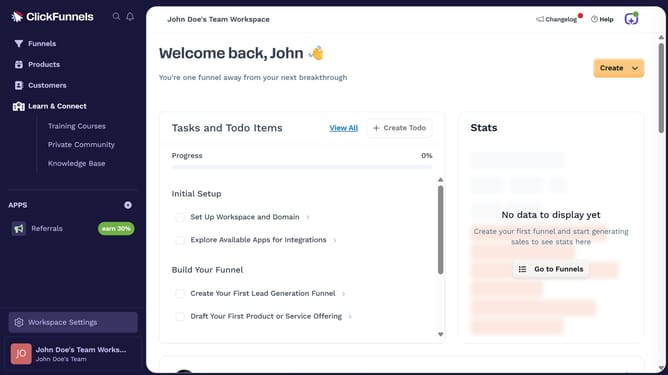
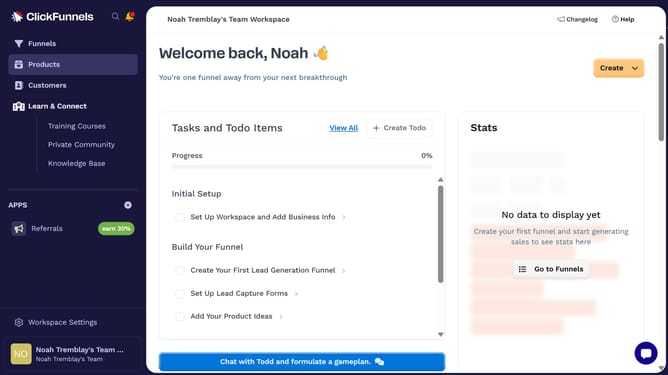
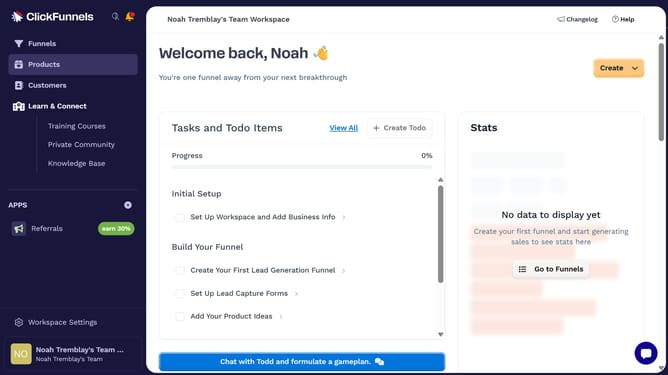
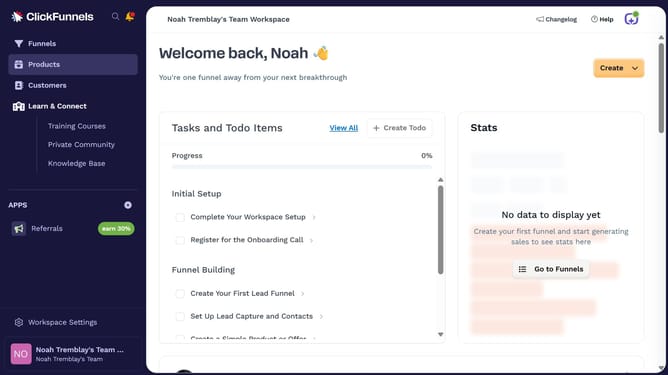
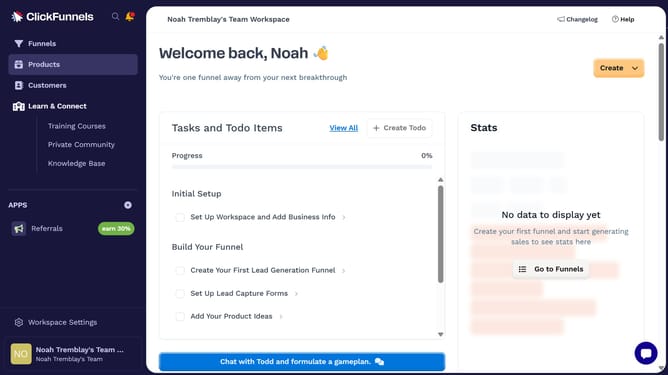
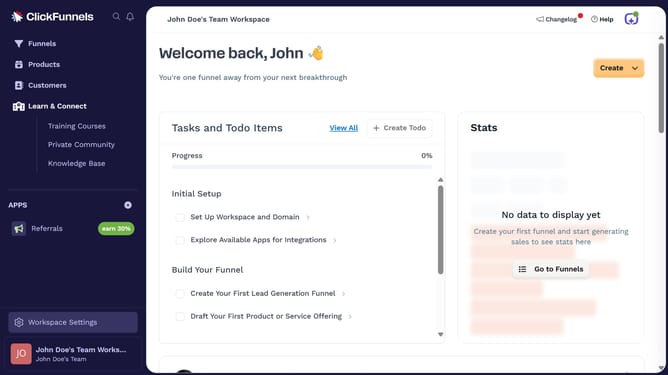
- First click on "Products" in the left sidebar menu
- Then click on "All Products" in the submenu under Products
- Next select the product you want to set the shipping weight for from the products list
- Then click the checkbox in the Shipping section to enable "Product is physical"
- Next enter the desired weight in the input field under Shipping settings
- Finally click on "Update Product" button in the top-right corner
Why should you set shipping weight for a product in ClickFunnels
ClickFunnels is a streamlined platform designed to effortlessly guide you in building effective sales funnels.
One of its convenient features is the ability to set the shipping weight for your products, which plays a crucial role in calculating accurate shipping costs.
Integrating this feature ensures that your logistics are right on point, improving cost-efficiency for both your business and your clients.
By setting a precise shipping weight, you enhance the customer shopping experience, providing transparency and reliability in delivery expectations.
Last update