How to disconnect Airtable from ClickFunnels
Here is how to disconnect airtable from clickfunnels
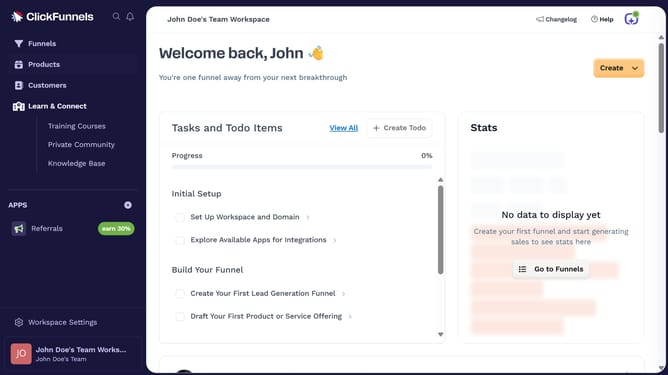
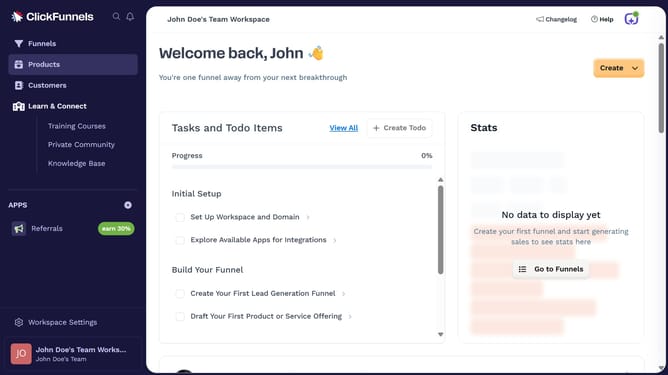
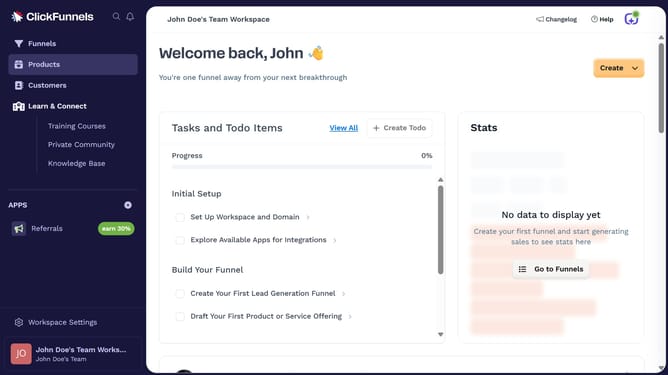
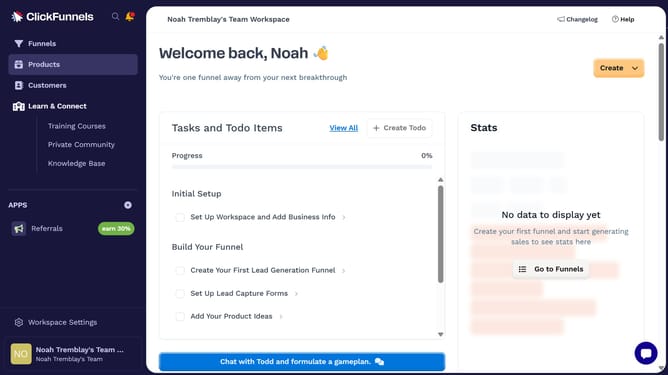
- First click on "Workspace Settings" link in the left sidebar
- Then click on "Integrations" menu item in the left sidebar under Workspace Settings
- Next click on the "Airtable" integration card to view its details
- Then click on the dropdown menu button next to the connected Airtable account
- Next click on the delete/disconnect icon button in the dropdown menu
- Finally click on the "Disconnect" button in the confirmation dialog to confirm disconnecting the account
Why should you disconnect Airtable from ClickFunnels
ClickFunnels is a powerful platform designed to simplify the process of creating effective sales funnels.
Disconnecting Airtable from ClickFunnels ensures your workflows remain streamlined and focused. This feature allows you to efficiently manage your data integrations without unnecessary complexities.
By separating Airtable from ClickFunnels when necessary, you gain the flexibility to pivot your strategy and focus on other essential tasks without disruption. This maintains the clarity and effectiveness of your marketing operations.
Last update