How to integrate ClickUp with ClickFunnels
Here is how to integrate clickup with clickfunnels
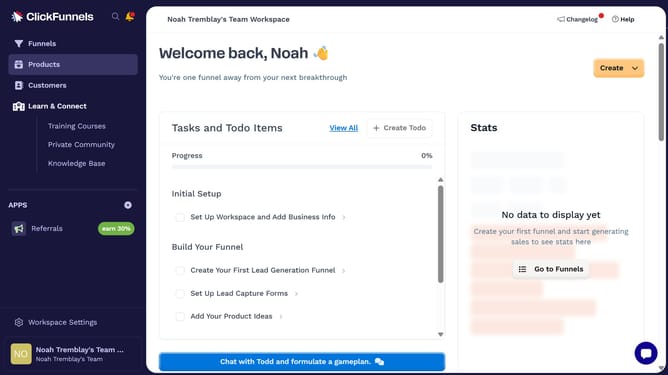
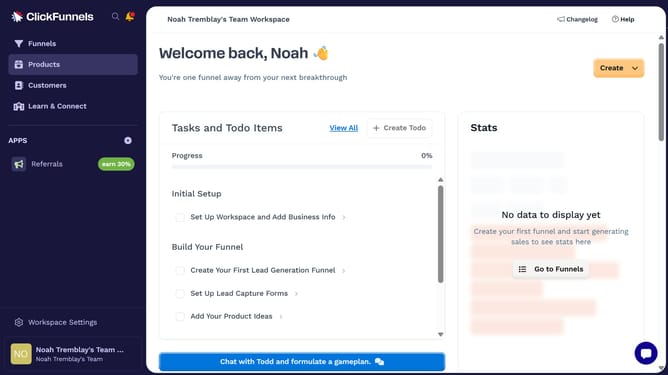
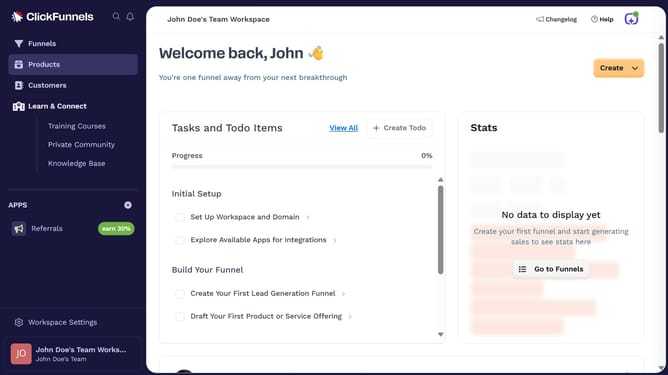
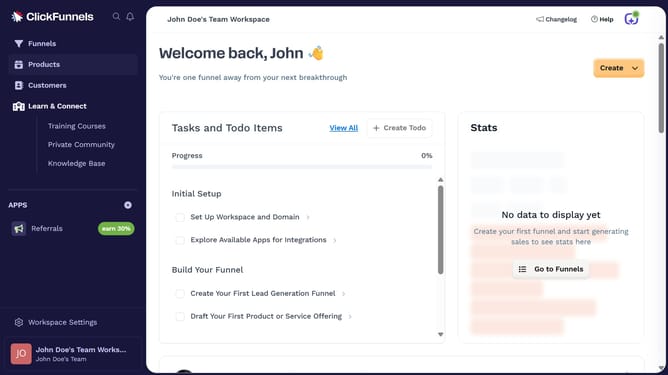
- First click on "Workspace Settings" button in the left sidebar
- Then click on "Integrations" menu item in the left sidebar
- Next click on "ClickUp" integration card in the main content area
- Finally sign in using your Google account, SSO, or work email with password in the connection form, then click "Proceed" to complete the integration
Why should you integrate ClickUp with ClickFunnels
ClickFunnels is a comprehensive platform designed to simplify the process of creating effective sales funnels.
Integrating ClickUp with ClickFunnels broadens your productivity by merging task management with sales flow efficiency.
This synergy aligns project management with marketing efforts, ensuring tasks are aligned with sales objectives.
Streamlining workflows between these platforms improves team collaboration, enhances visibility, and ultimately boosts your business results.
Last update