How to update a product in ClickFunnels
Here is how to update a product in clickfunnels
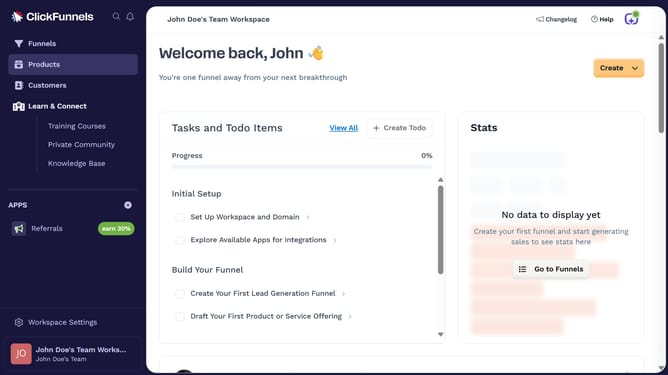
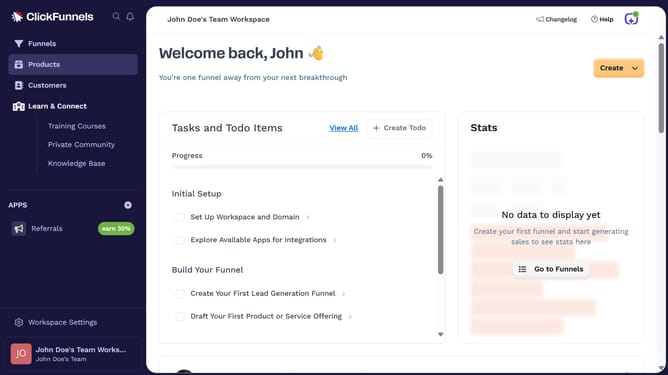
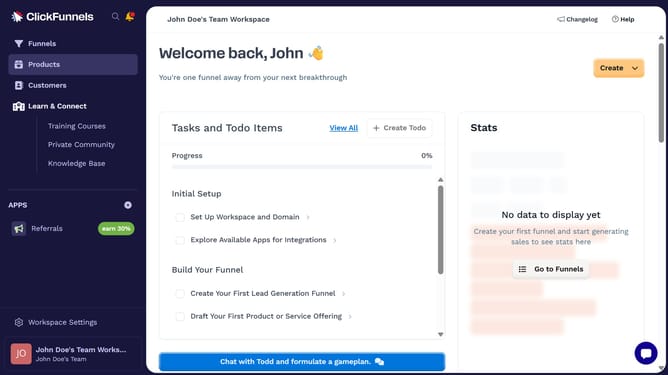
- First click on the "Products" option in the left sidebar navigation menu
- Then click on "All Products" in the products submenu
- Next select the product you want to update from the list
- Then make your desired changes in the product settings panel
- Finally click the "Update Product" button in the top-right corner to save the updates
Why should you update a product in ClickFunnels
ClickFunnels is a powerful platform designed to help businesses build and optimize their sales funnels effortlessly.
Updating a product in ClickFunnels is a breeze, ensuring your offerings are always current and appealing to potential customers.
This feature allows you to make real-time adjustments to product details, prices, and offers, which is crucial for maintaining a competitive edge.
By streamlining your product updates, ClickFunnels helps enhance customer experience and boost conversion rates.
Last update