How to bulk restore archived products in ClickFunnels
Here is how to bulk restore archived products in clickfunnels
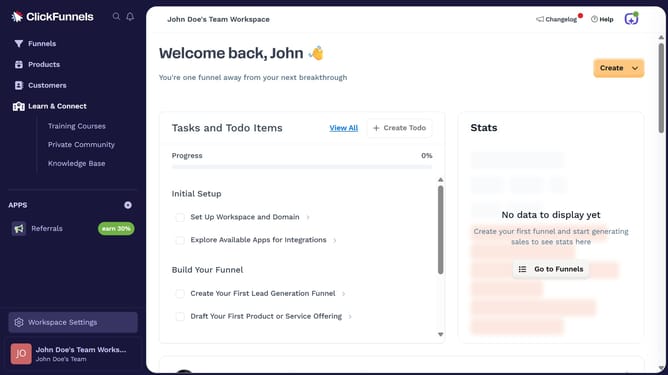
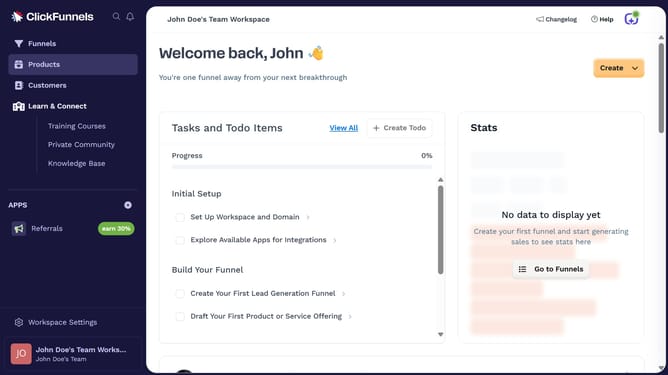
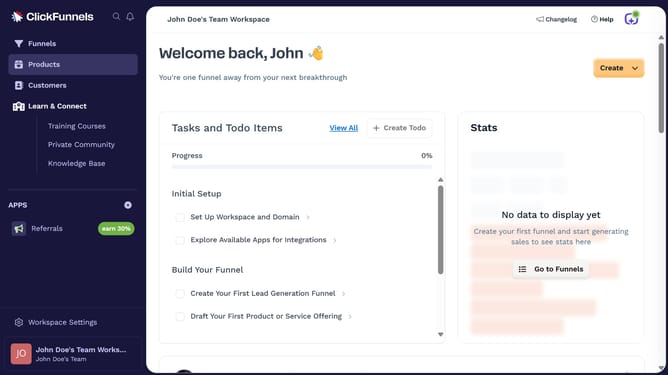
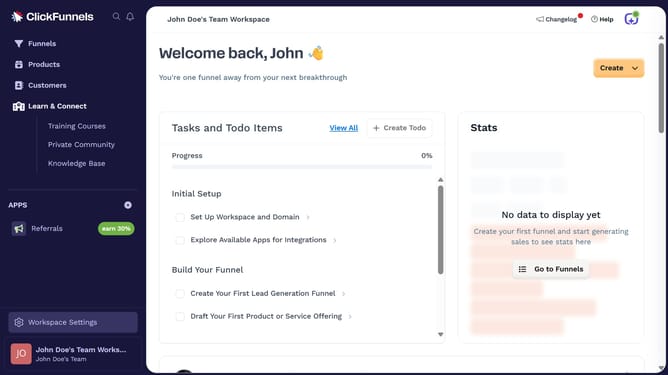
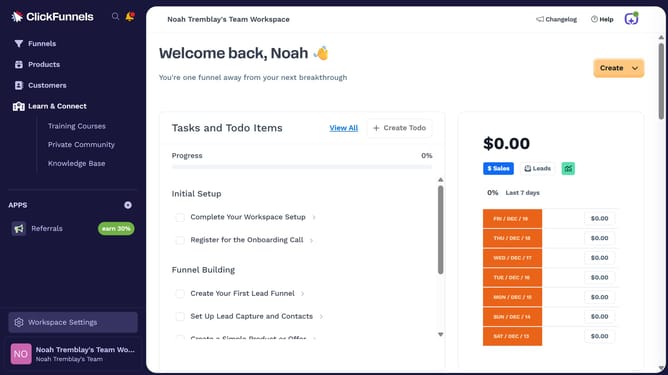
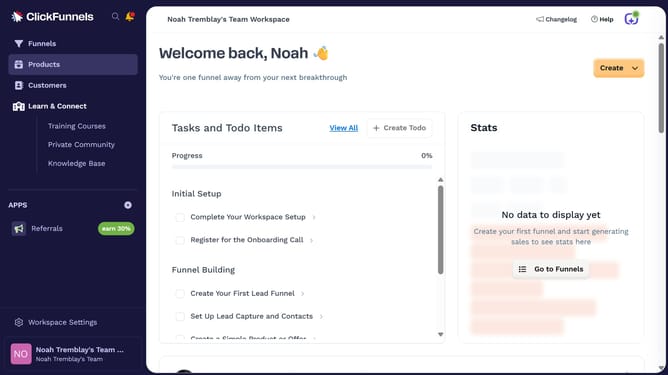
- First click on "Products" in the left sidebar to expand the products menu
- Then click on "All Products" submenu item in the left sidebar
- Then click on "Archived" tab to view archived products
- Then click on the checkbox next to the product to select it
- Then click on "Actions" dropdown button to view available actions
- Then click on "Restore Selected" option from the actions dropdown menu
- Finally click on "Confirm Restore" button in the confirmation modal to restore the product
Why should you bulk restore archived products in ClickFunnels
ClickFunnels is a powerful platform designed to streamline the sales funnel process for businesses of all sizes.
One of its useful features is the ability to bulk restore archived products efficiently. This tool provides users with the capability to manage product inventory swiftly without the hassle of manual restoration.
Utilizing this feature means saving valuable time, allowing you to focus on more strategic tasks. Restoring multiple products in bulk ensures that your sales process remains smooth and unhampered, maintaining optimal functionality of your sales funnels.
Last update