How to add tags to a product in ClickFunnels
Here is how to add tags to a product in clickfunnels
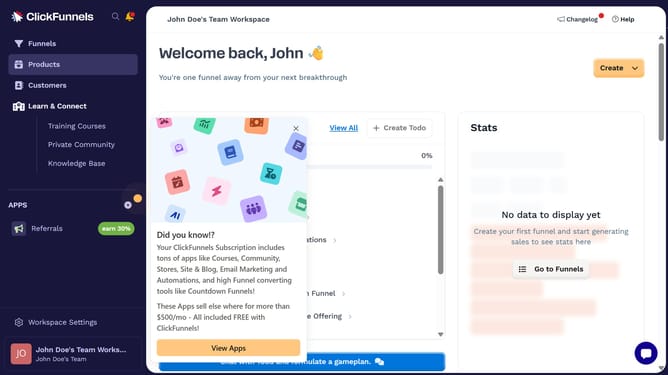
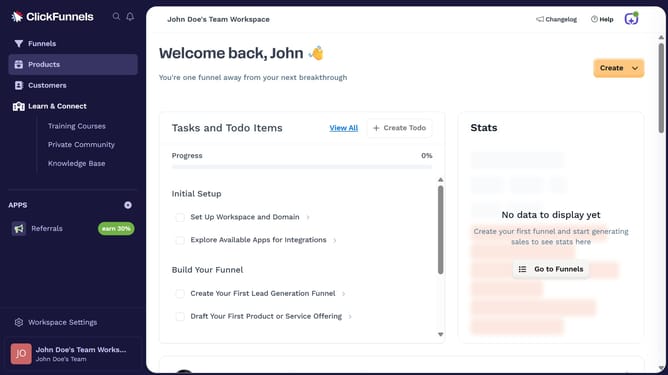
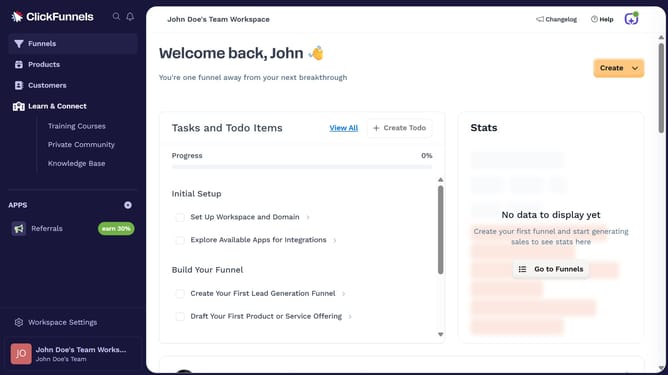
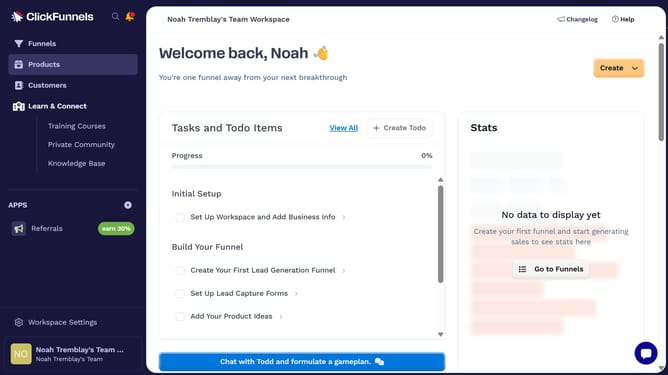
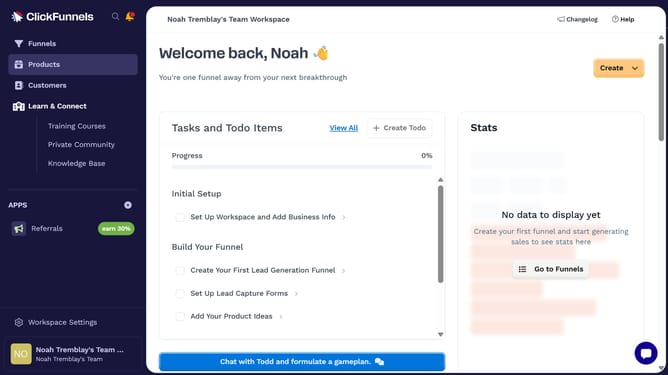
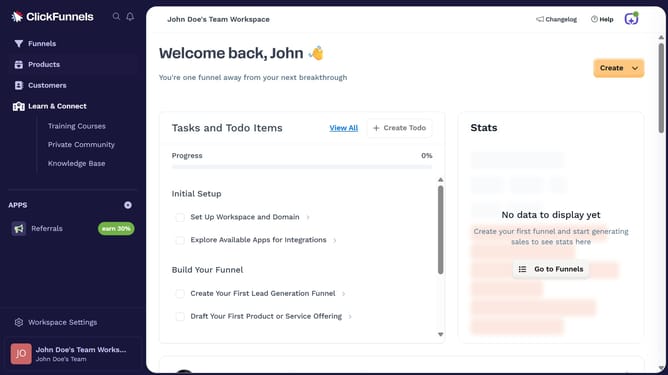
- First click on "Products" in the left sidebar menu
- Then click on "All Products" in the expanded Products submenu
- Next select the product you want to add tags to
- Then click on the "Tags" input field in the Organization section on the right panel
- Then enter the tags you want to add from the dropdown suggestions that appears
- Finally click on "Update Product" button in the top right corner
Why should you add tags to a product in ClickFunnels
ClickFunnels is a powerful tool designed to simplify the sales funnel creation process, helping businesses convert visitors into customers effortlessly.
One useful feature in ClickFunnels is the ability to add tags to products. This allows users to organize and categorize items efficiently, making management a breeze.
By utilizing product tags, businesses can enhance their marketing strategies through personalized promotions and targeted customer interactions, leading to increased sales and customer satisfaction.
Last update